132
Front Panel≫ Rear Panel≫ Remote≫
Contents
≫
Connections
≫
Playback
≫
Setup
≫
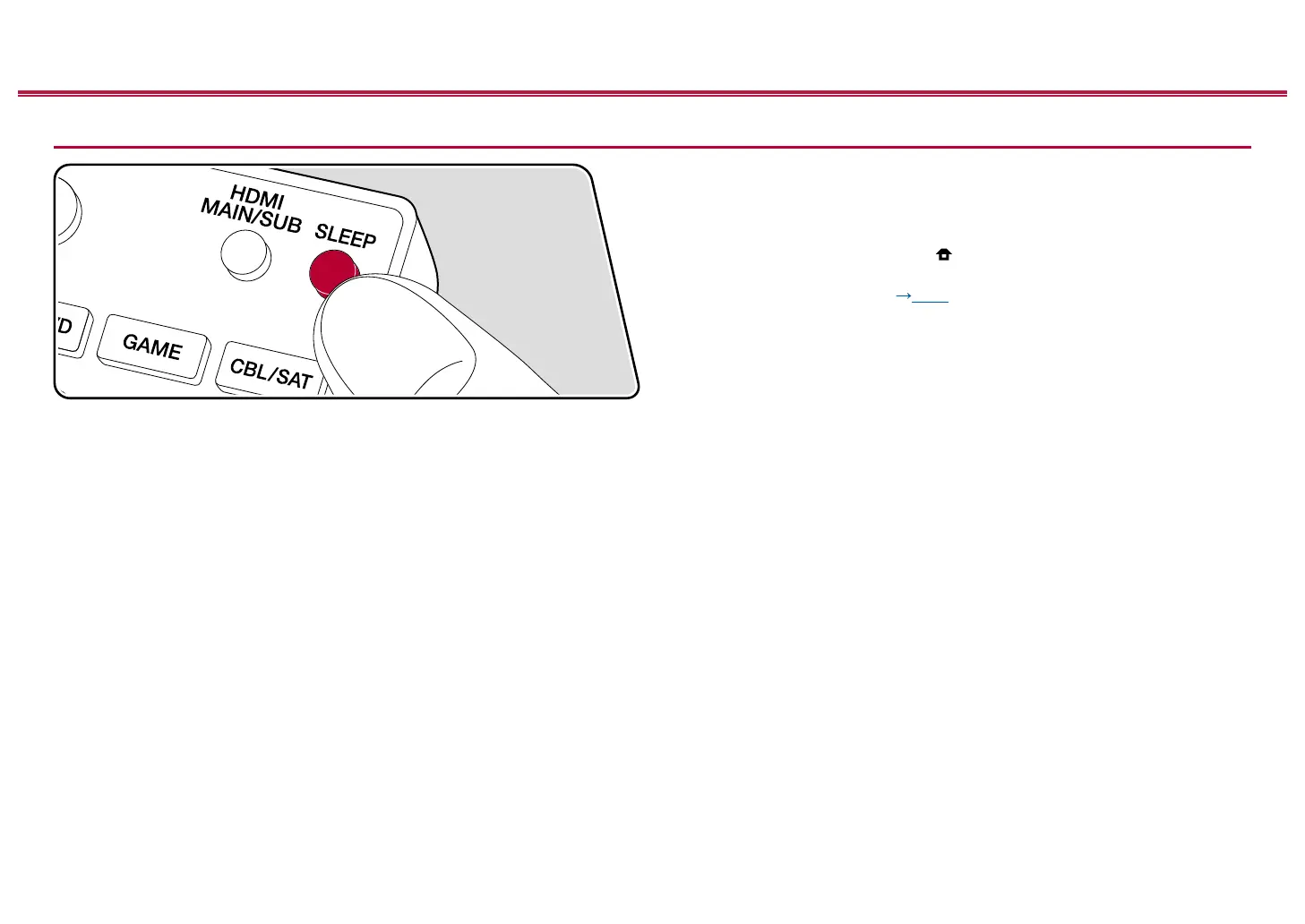
Sleep Timer
You can allow the unit to enter standby automatically when the specied time has
elapsed. Press SLEEP button on the remote controller to select the time from "30
min", "60 min" and "90 min".
"Off": The unit does not automatically enter standby mode.
You can also set this by pressing the button on the remote controller to
display the Home screen and selecting "System Setup" - "Hardware" - "Power
Management" - "Sleep Timer" ( p168).



 To Next Page
 Loading...










