User’s Manual of GS-5220-16S8C & GS-5220-16S8CR
103
: Click to refresh the Page immediately.
Auto-refresh
: Automatic refresh occurs every 3 seconds.
4.5.5 LACP Port Statistics
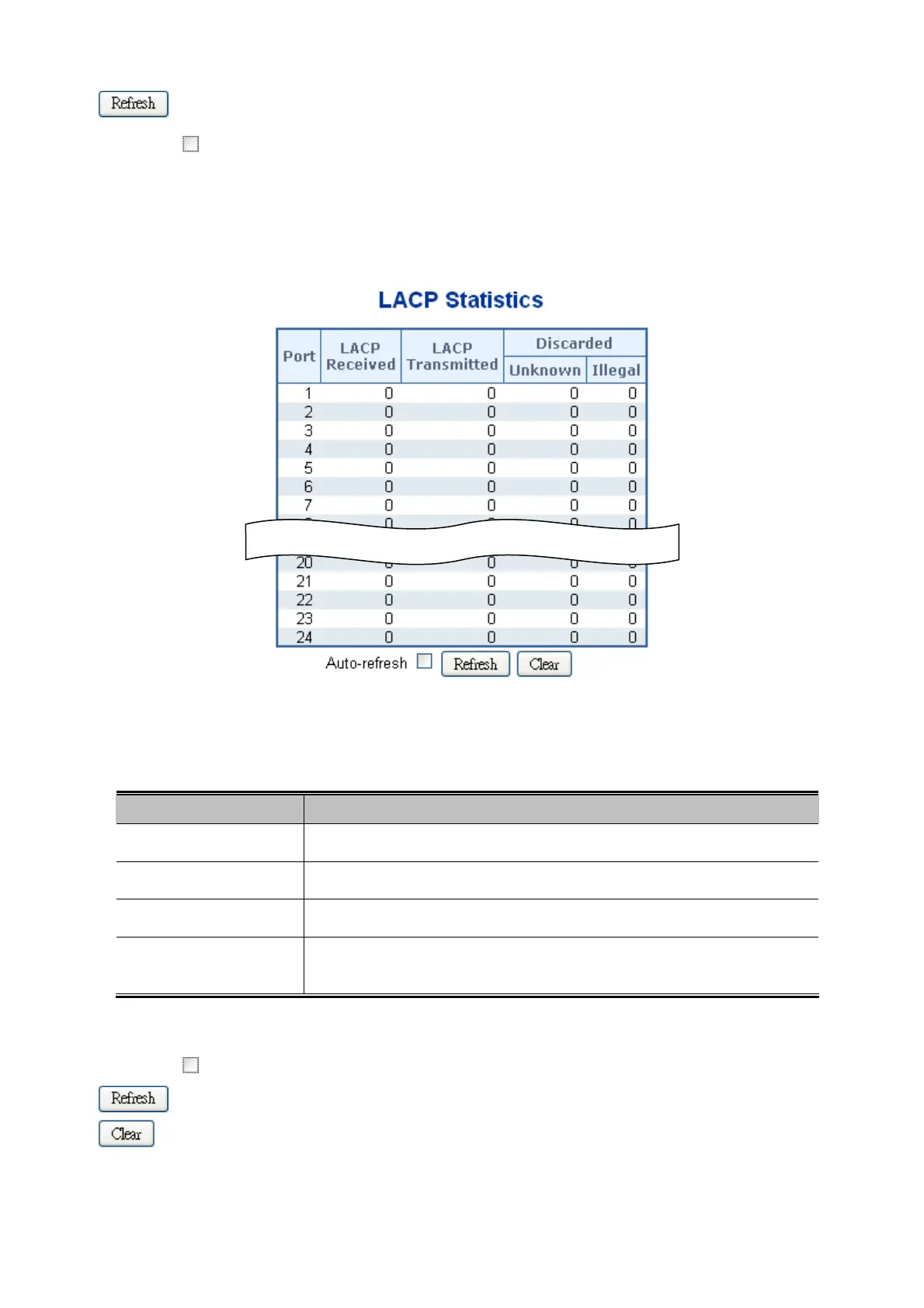
This Page provides an overview for LACP statistics for all ports. The LACP Port Statistics screen in Figure 4-5-7 appears.
Figure 4-5-7: LACP Statistics Page Screenshot
The Page includes the following fields:
Object Description
Port
The switch port number.
LACP Received
Shows how many LACP frames have been sent from each port.
LACP Transmitted
Shows how many LACP frames have been received at each port.
Discarded
Shows how many unknown or illegal LACP frames have been discarded at each
port.
Buttons
Auto-refresh : Automatic refresh occurs every 3 seconds.
: Click to refresh the Page immediately.
: Clears the counters for all ports.



 To Next Page
 Loading...












