User’s Manual of GS-5220-16S8C & GS-5220-16S8CR
4.11.4 Network Access Overview
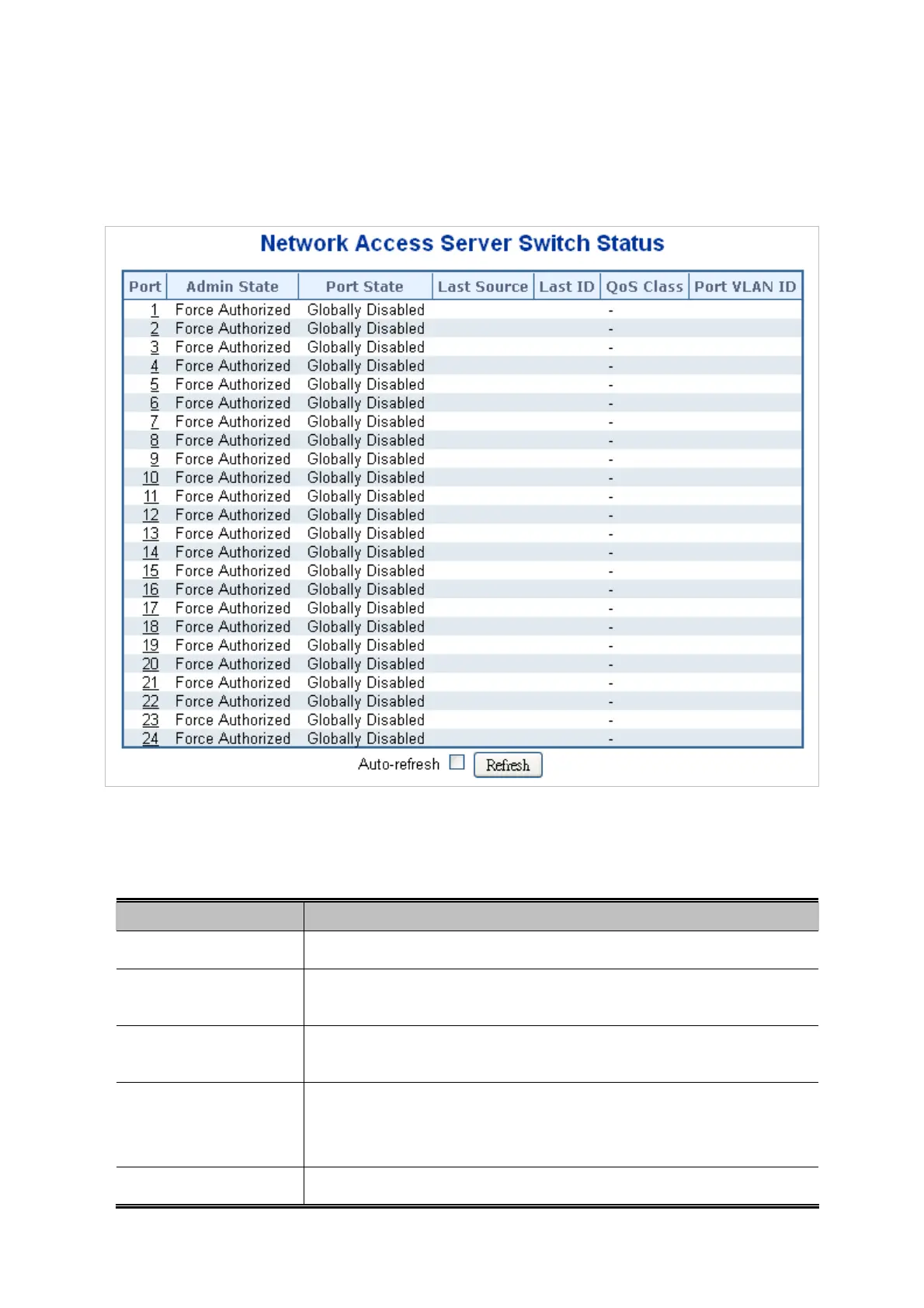
This Page provides an overview of the current NAS port states for the selected switch. The Network Access Overview screen in
Figure 4-11-5 appears.
Figure 4-11-5: Network Access Server Switch Status Page Screenshot
The Page includes the following fields:
Object Description
The s
witch port number. Click to navigate to detailed NAS statistics for this port.
Port
The port'
s current administrative state. Refer to NAS Admin State for a
descrip
tion of possible values.
Admin State
The current st
ate of the port. Refer to NAS Port State for a description of the
indivi
dual states.
Port State
The source MAC addr
ess carried in the most recently received EAPOL frame for
EAPOL-based authentication, and the most recently received frame from a new
client for MAC-based authentication.
Last Source
Last ID
The user name (supplicant identity) carried in the most recently received
241



 To Next Page
 Loading...












