User’s Manual of GS-5220-16S8C & GS-5220-16S8CR
: Click to apply changes
: Click to undo any changes made locally and revert to previously saved values.
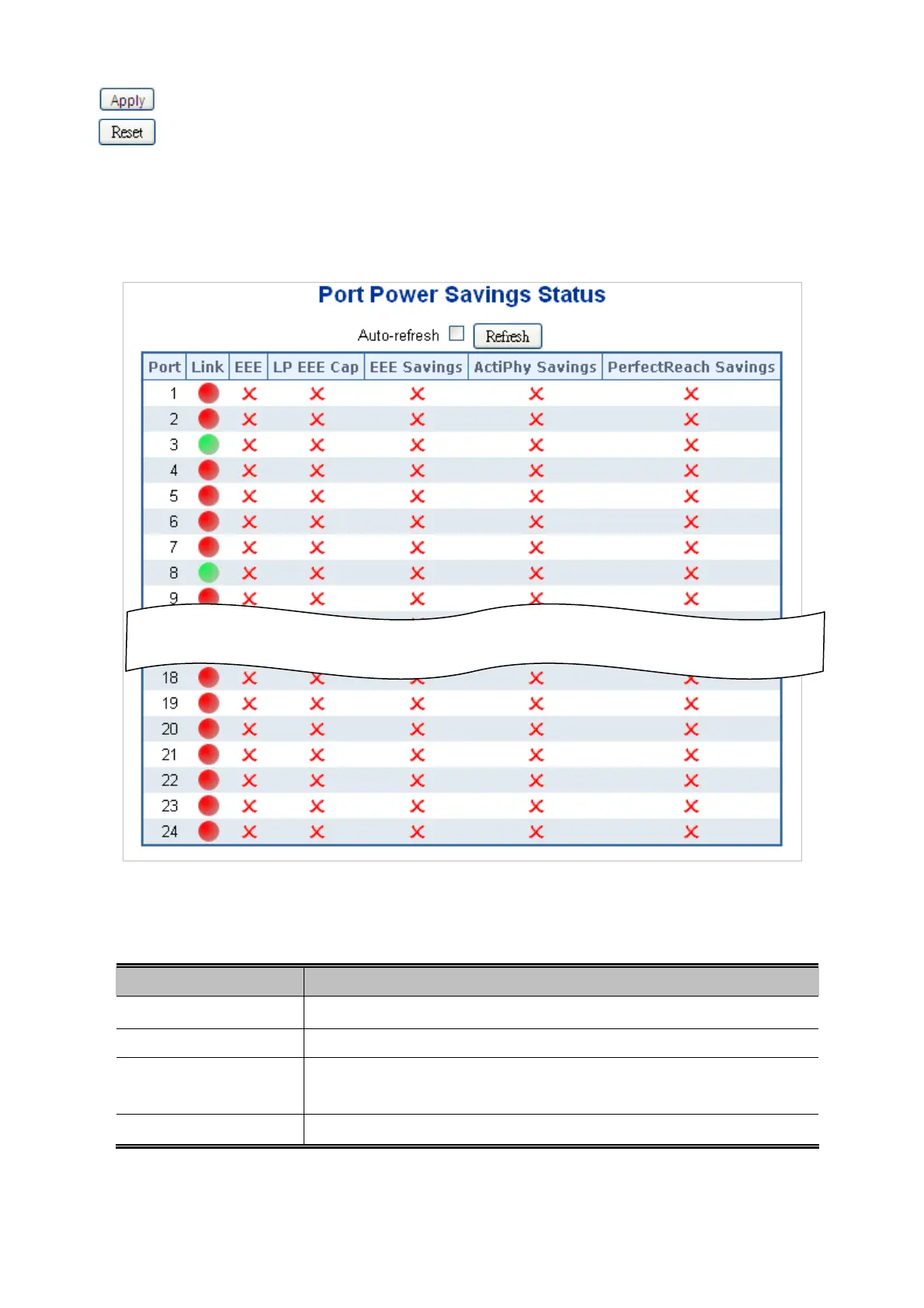
4.4.6 Port Power Saving Status
This page provides the current Port Power Saving Status.
Figure 4-4-6: Port Power Saving Status Page Screenshot
The Page includes the following fields:
Object Description
Port
This is the logical port number for this row.
Link
Shows if the link is up for the port (green = link up, red = link down).
EEE
Shows if EEE is enabled for the port (reflects the settings at the Port Power
Saving
s configuration page).
LP EEE Cap
Shows if the link partner is EEE capable.
92



 To Next Page
 Loading...












