7 SWITCHING X-RAY UNIT ON
12 Planmeca ProOne User’s Manual
7 SWITCHING X-RAY UNIT ON
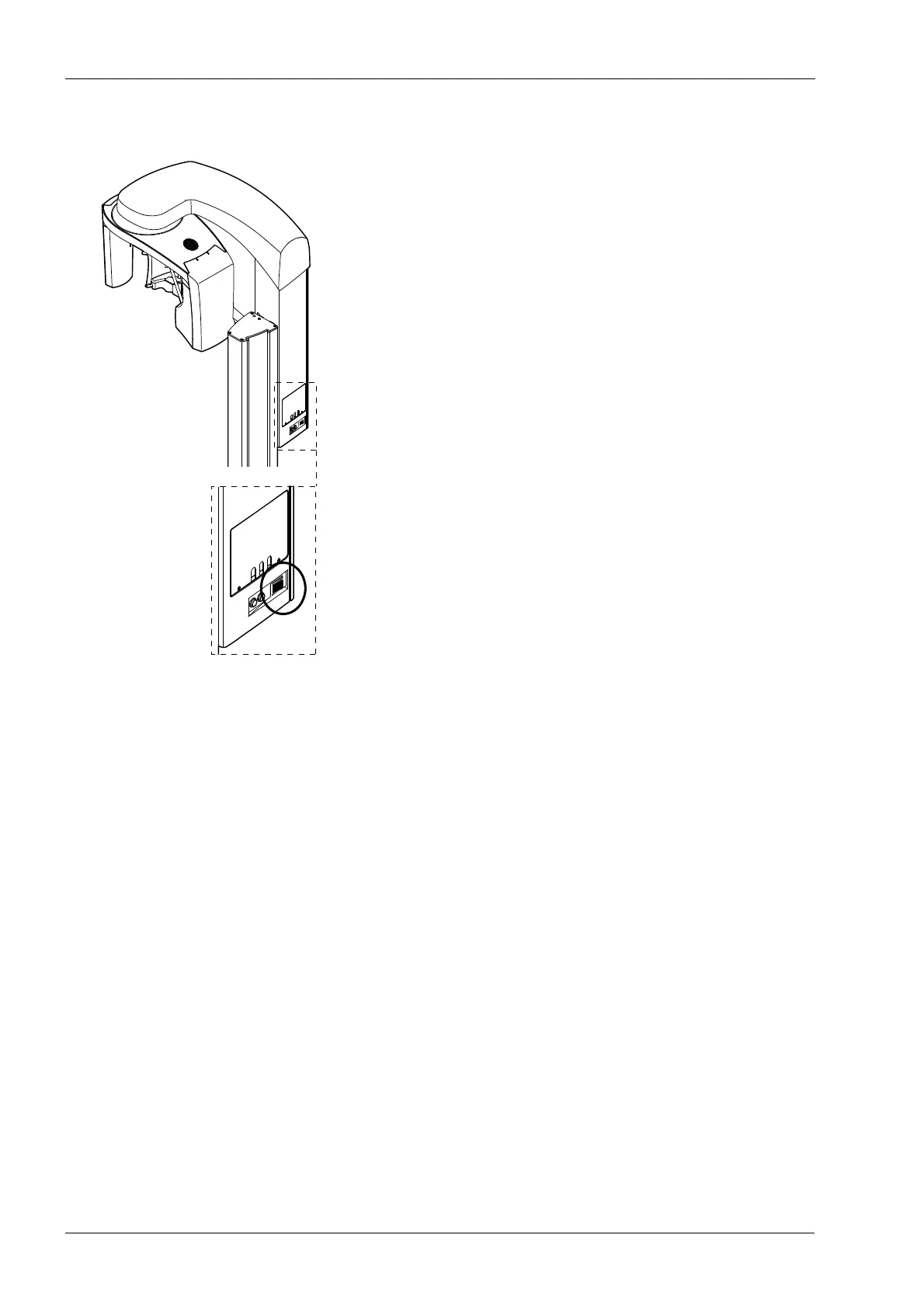
The on/off switch is located on the back of the moving
column. When you switch the X-ray unit on the main
display will be shown on the control panel and a blue light
will come on on the left side of the display. Additionally,
the X-ray unit will carry out a self-test which will last a few
seconds.
The X-ray unit is then ready for use.
To prolong the lifetime of the Planmeca ProOne X-ray unit,
always switch the X-ray unit off when it is not in active use.













 To Next Page