14 SETTINGS
72 Planmeca ProOne User’s Manual
14 SETTINGS
Some of the settings can be used to alter the
operation of the X-ray unit. Never use functions that
you are not familiar with.
The Planmeca ProOne X-ray unit has a number of
additional functions for special requirements. The
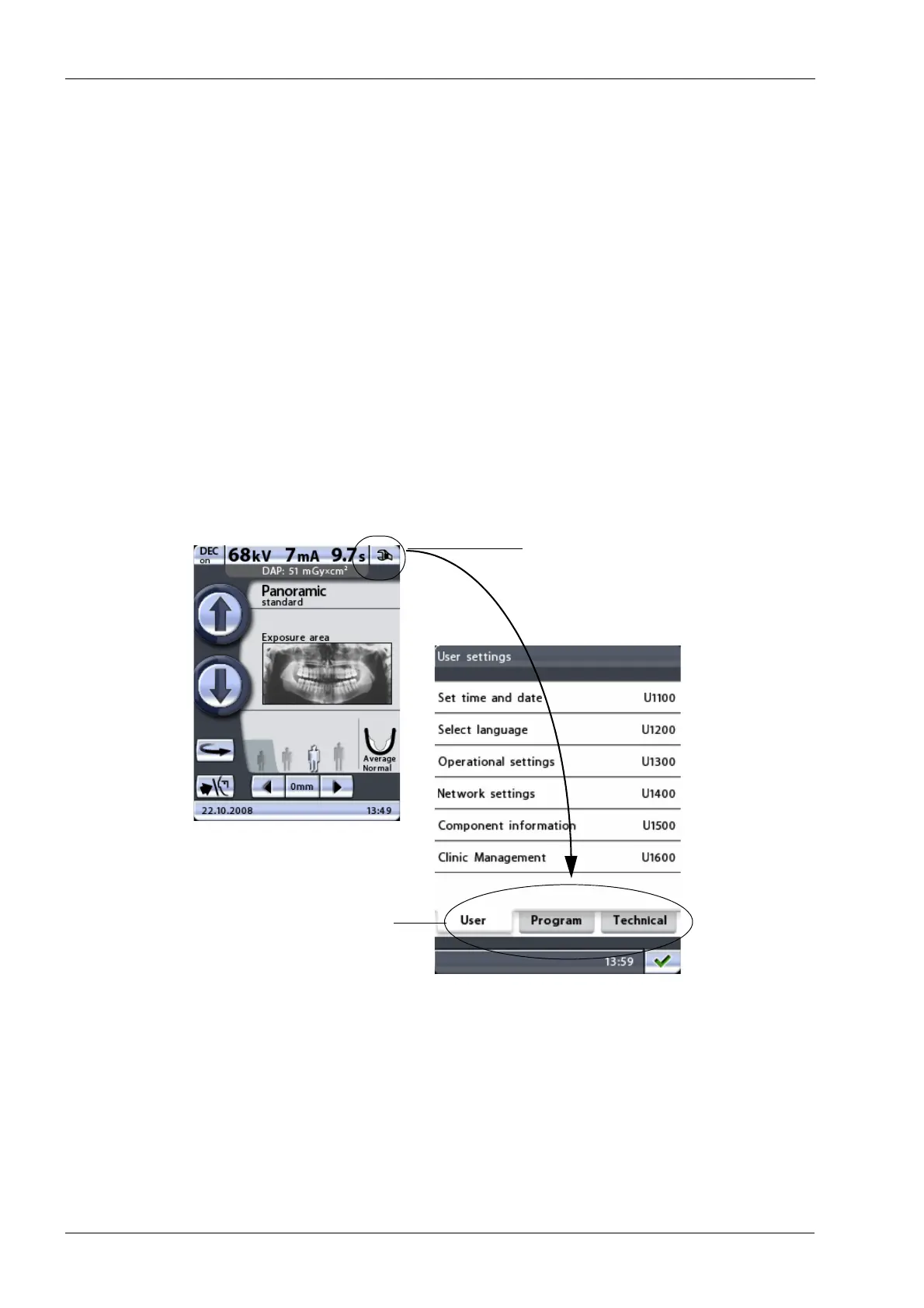
additional functions can be entered by touching the
service spanner icon on the main display.
The functions are divided into three groups: User settings
(
User
tab), Program settings
(Program
tab) and Technical
settings (
Technical
tab). The
User
and
Program
tabs can
be entered without a password.
The information and functions behind the
Technical
tab
are intended for service personnel only. Access to the
these settings requires a password.
To return to the main display, touch the green check mark
button in the bottom right corner of the display.
Service spanner
Function tabs













 To Next Page