9 CONTROL PANEL
36 Planmeca ProOne User’s Manual
9.8.1 Changing exposure values for quick buttons
The quick button exposure values have been preset at the
factory. If needed, the preset values can be changed by
the user.
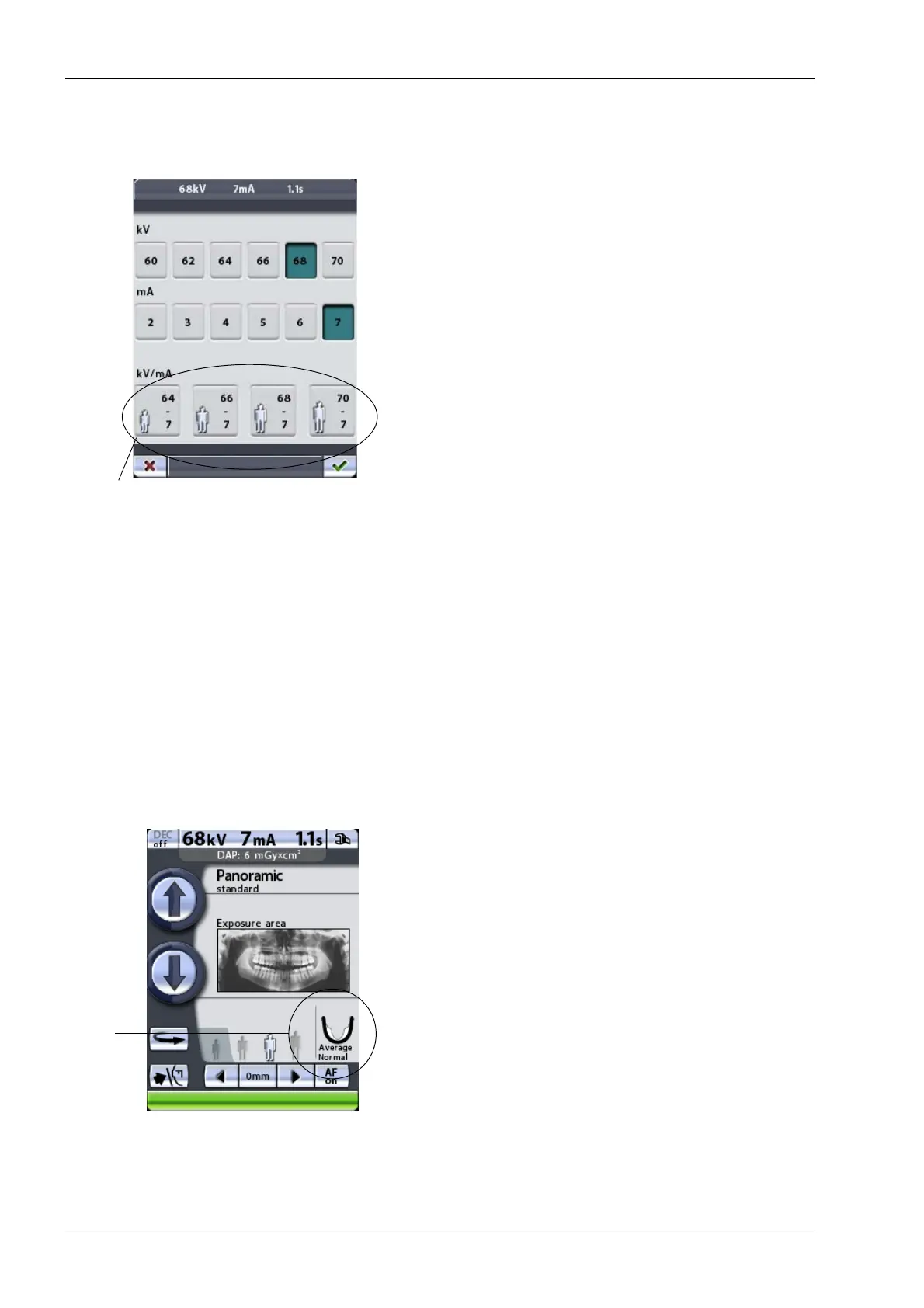
To change the preset values, first select the required kV
and mA values by touching the corresponding fields on
the parameter display and then touch and hold the
desired quick button until you hear a signal tone. The
quick button will now show the new exposure values.
To view the preset exposure values, refer to the tables in
sections 10 “PANORAMIC EXPOSURE” on page 40, 11
“TEMPOROMANDIBULAR JOINT EXPOSURE” on page
48, 12 “SINUS EXPOSURE” on page 59 and 13 “CROSS-
SECTIONAL EXPOSURE (OPTIONAL)” on page 64.
Accept the selections and return to the main display by
touching the green check mark button in the bottom right
corner of the display.
9.9 Selecting jaw size and shape
This function adjusts the form of the focal trough to
accommodate patients with different jaw sizes and
shapes.
The jaw size setting will automatically change according to
the selected patient size.
Jaw size and shape selection is not possible in sinus
programs.
Changing the patient size will automatically change the
setting for jaw size:
Selecting the smallest patient size will automatically
change the jaw size setting to “Small”. Additionally, the
image size and patient dose will be reduced.
Selecting either of the patient sizes in the middle will
automatically change the jaw size setting to “Average”.
Selecting the largest patient size will automatically
change the jaw size setting to “Large”.













 To Next Page