14 SETTINGS
82 Planmeca ProOne User’s Manual
14.2 Program settings
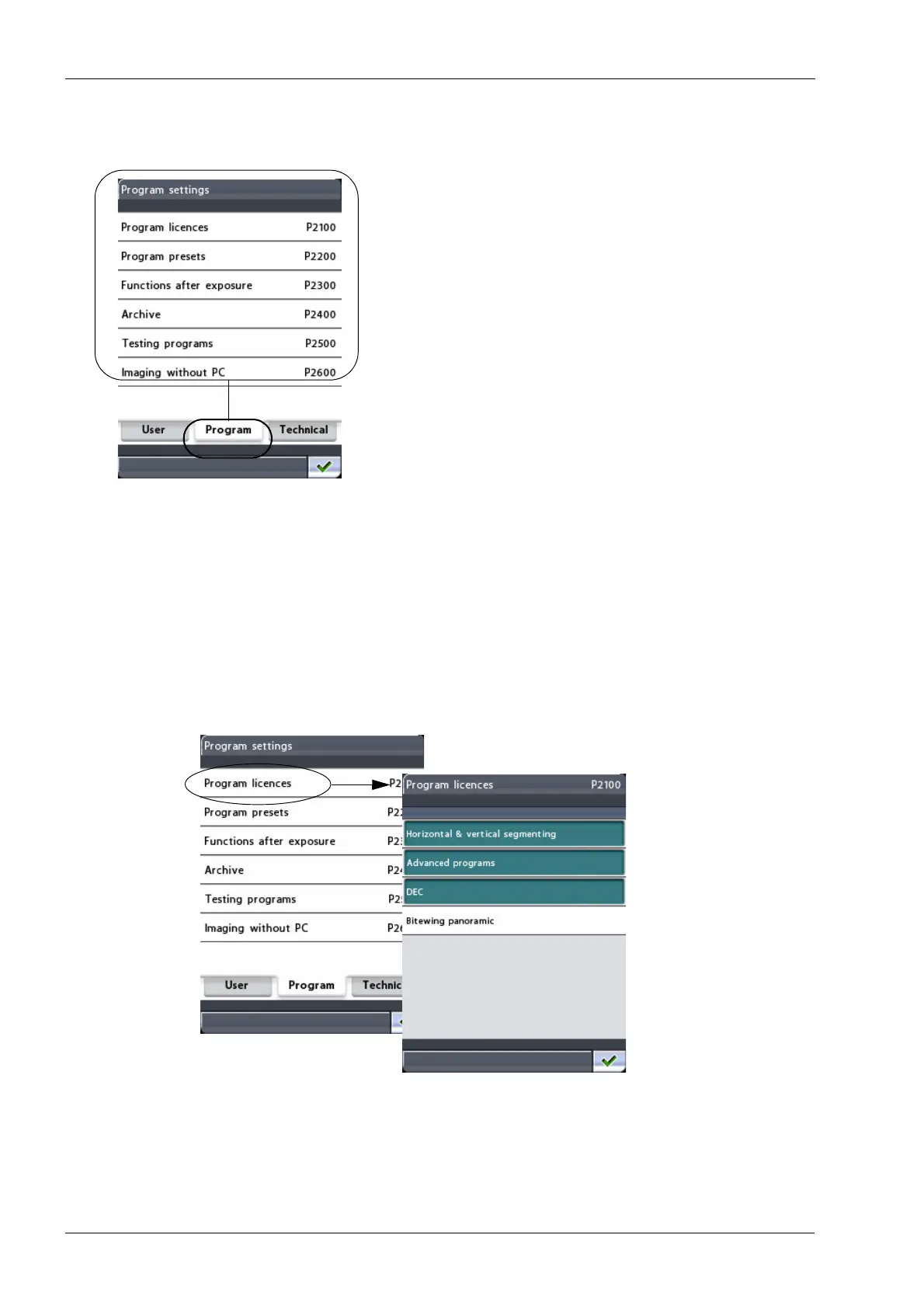
On the
Program settings
display you can activate new
program features and adjust default settings for exposure
programs. Here you can also specify how the X-ray unit
will function after an exposure has been taken.
The option
Imaging without PC
will be shown on the
display only if a USB memory stick is connected to the X-
ray unit.
The available options are described in detail on the
following pages.
Exit the
Program settings
display by touching the green
check mark button in the bottom right corner of the
display.
14.2.1 Program licences (P2100)
To activate program features, first select the option
Program licences (P2100)
on the
Program settings
display. The
Program licences (P2100)
display will
appear.













 To Next Page