14 SETTINGS
User’s Manual Planmeca ProOne 81
14.1.6 Clinic management (U1600)
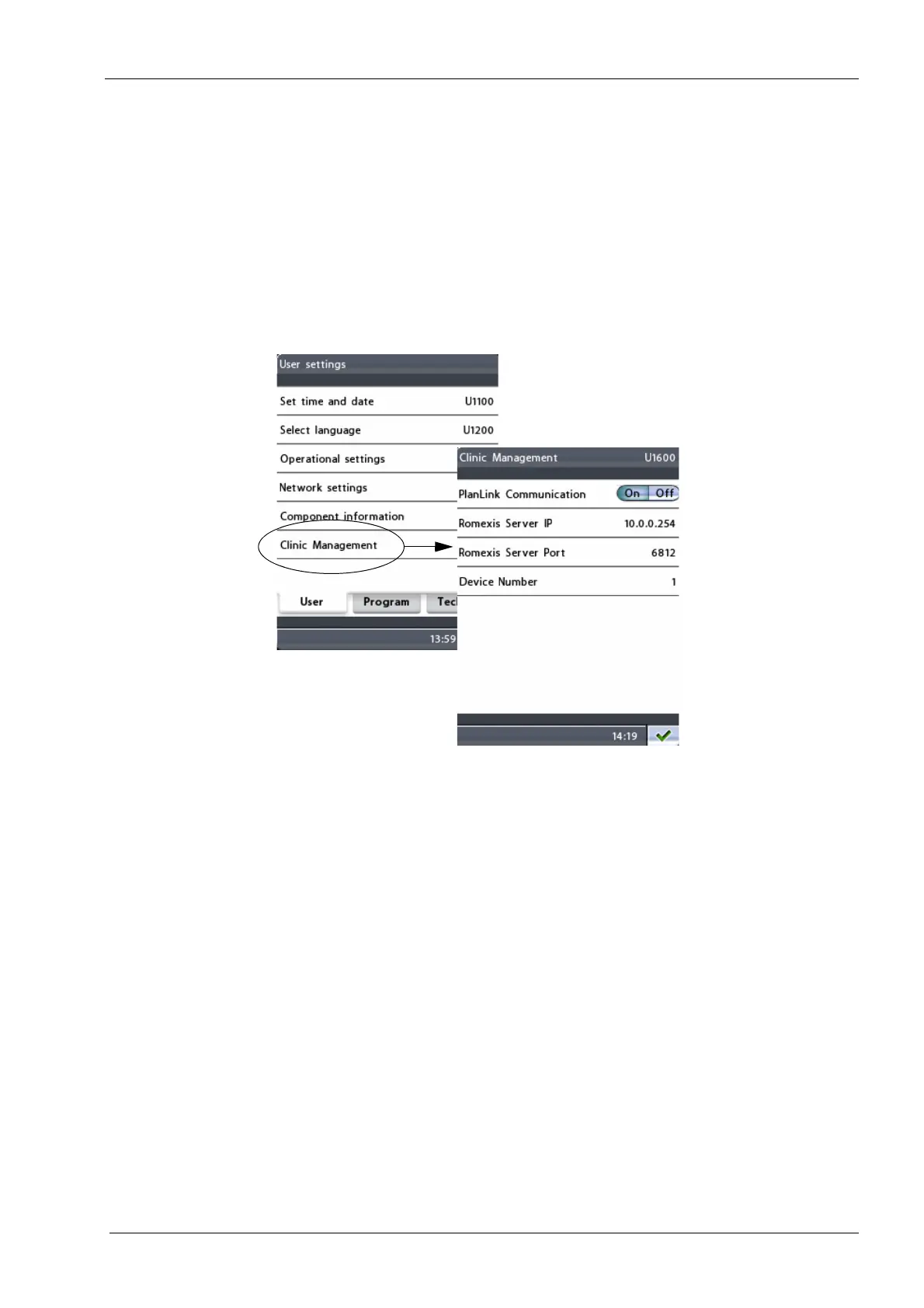
To view the network settings for the Planmeca Romexis
Clinic Management module, select the option
Clinic
management (U1600)
on the
User settings
display. The
Clinic management (U1600)
display will appear.
Only a service technician or local administrator may
change the settings.
Exit the display by touching the green check mark button
in the bottom right corner of the display.














 To Next Page