14 SETTINGS
80 Planmeca ProOne User’s Manual
14.1.5 Component information (U1500)
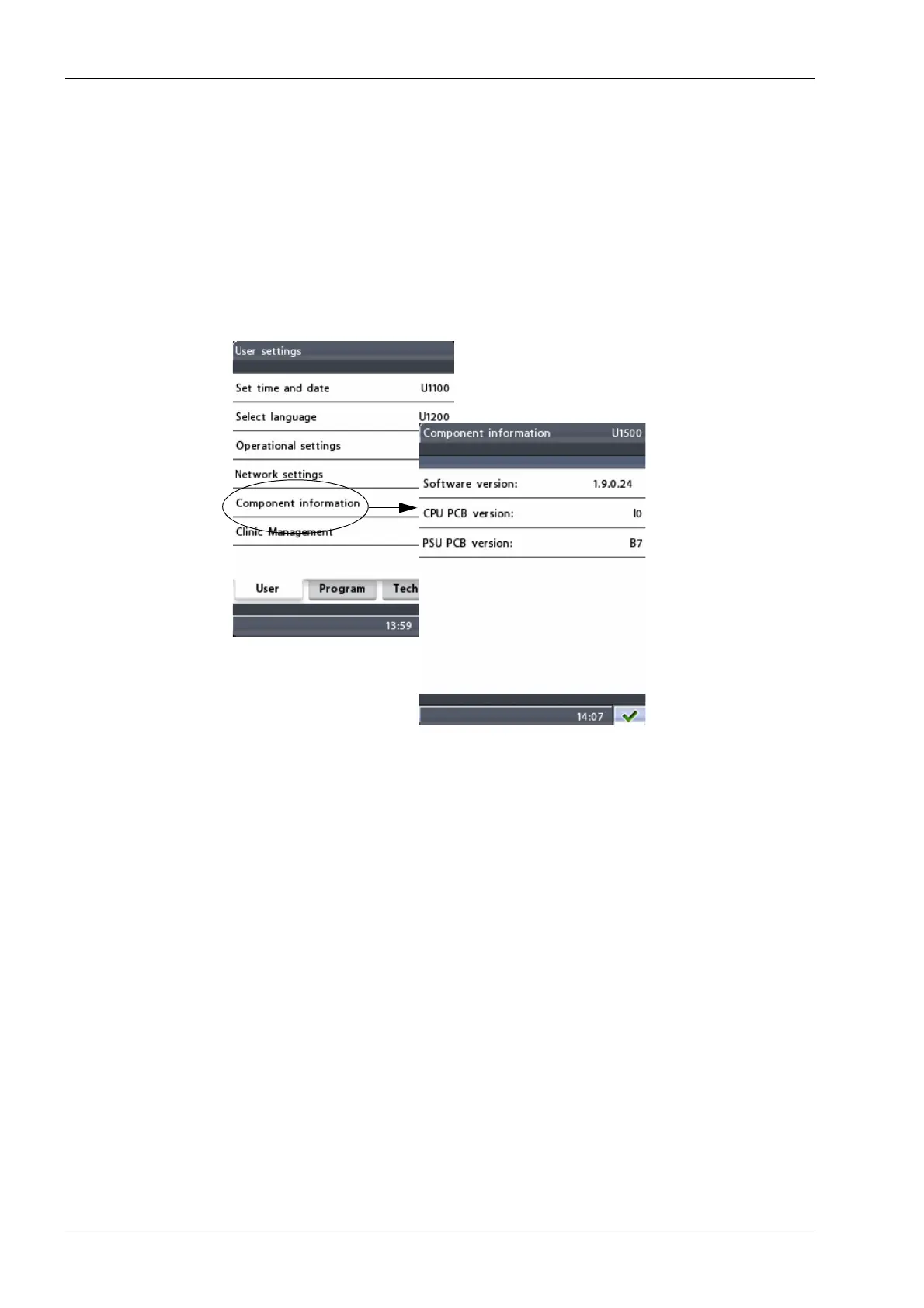
To view information about specified components of the X-
ray unit, first select the option
Component information
(U1500)
on the
User settings
display. The
Component
information (U1500)
display will appear.
The
Component information (U1500)
display shows the
current software version of the X-ray unit and specifies
which PCB (printed circuit board) versions have been
installed. The information is needed for service and
maintenance purposes.
Exit the display by touching the green check mark button
in the bottom right corner of the display.














 To Next Page