15 HELP MESSAGES
User’s Manual Planmeca ProOne 99
15 HELP MESSAGES
The X-ray unit incorporates a self-checking feature that
monitors the operation of the unit. If the system detects an
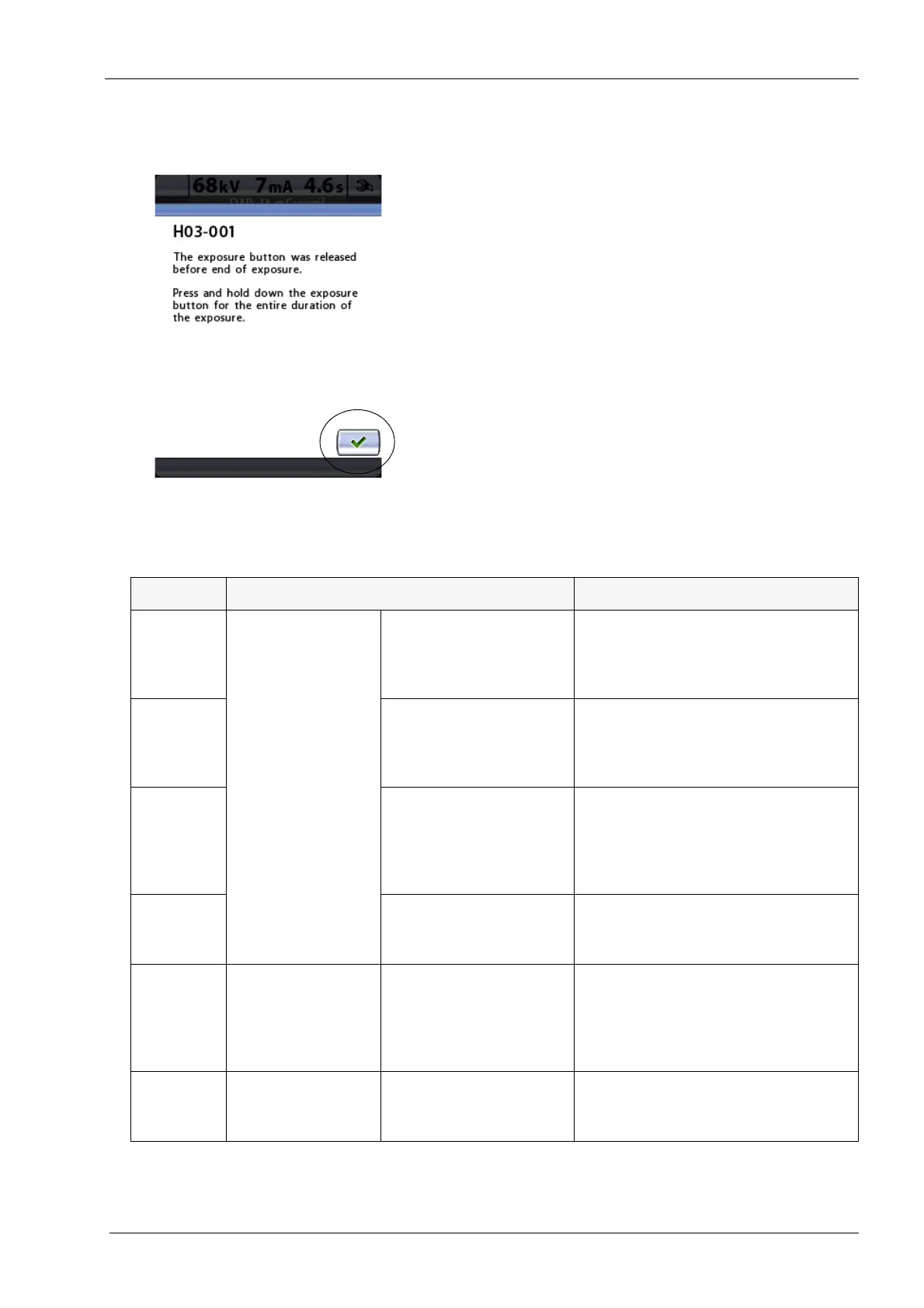
operating error a help message (e.g. H03-001, blue line at
top) will appear on the control panel.
The X-ray unit will not accept any commands from the
user until the help message is cleared from the display.
Touch the green check mark button to clear the message.
The following list shows, in numerical order, all the help
messages that can appear on the control panel.
Code Explanation Comments
H02-001 Lift motor Upper limit The X-ray unit cannot be moved any
higher.
Use the height adjusting buttons (down
arrow) to move the unit down.
H02-002 Lower limit The X-ray unit cannot be moved any
lower.
Use the height adjusting buttons (up
arrow) to move the unit up.
H02-003 Temperature The lift motor power supply temperature
has reached the upper limit or there is a
short circuit.
Wait for a few minutes for the lift motor
power supply to cool down.
H02-014 Duty cycle The lift motor is overheated.
Wait for a few minutes for the lift motor
to cool down.
H03-001 Exposure switch Button released too early The exposure button was released
before end of exposure.
Press and hold down the exposure
button for the entire duration of the
exposure.
H03-014 Control panel Control panel touched The control panel was touched during
operation.
Operation was interrupted.













 To Next Page