16 ERROR MESSAGES
102 Planmeca ProOne User’s Manual
16 ERROR MESSAGES
Contact your service technician for help if you receive an
error message.
The X-ray unit incorporates a self-checking feature that
monitors the operation of the unit. If the system detects a
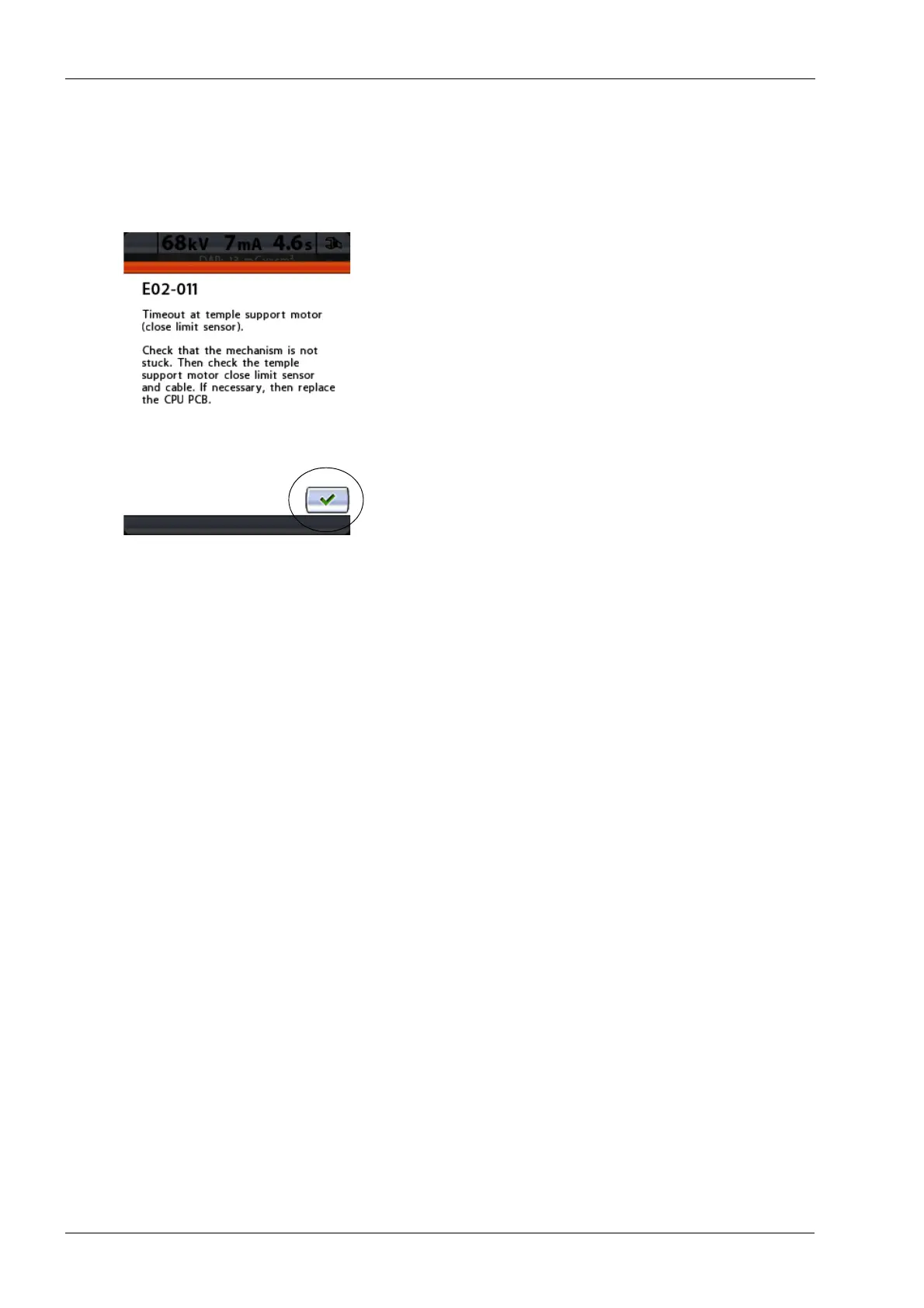
technical fault an error message (e.g. E02-011, red line at
top) will appear on the control panel.
An error message indicates that the X-ray unit has a
problem that needs to be solved before further exposures
can be taken. The error message gives instructions to the
service technician on what actions to take.
The X-ray unit will not accept any commands from the
user until the error message is cleared from the display.
Touch the green check mark button to clear the message.














 To Next Page