9 CONTROL PANEL
32 Planmeca ProOne User’s Manual
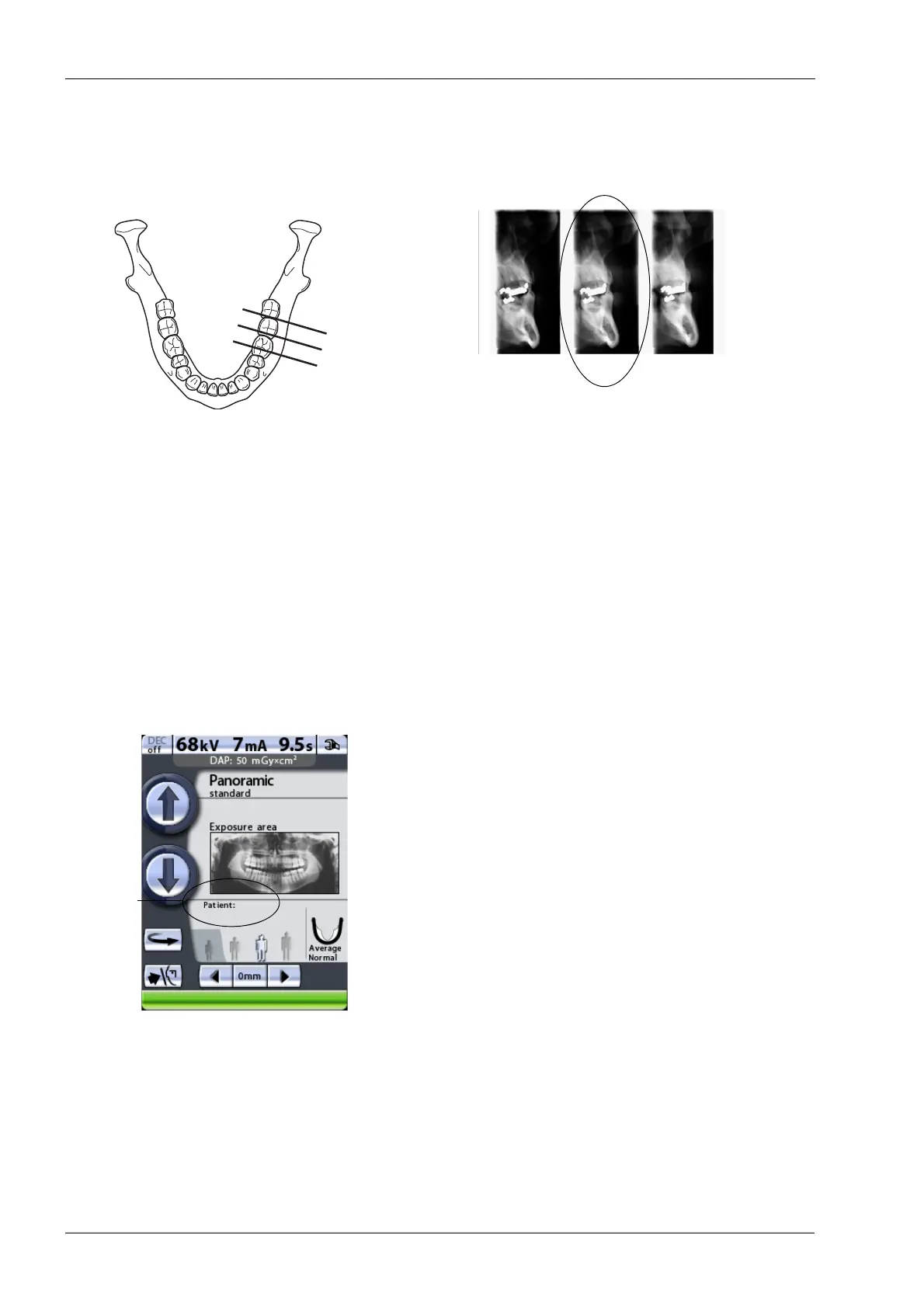
In the automatic program the selected target position is in
cross-section no. 2.
Accept the selections and return to the main display by
touching the green check mark button in the bottom right
corner of the display.
9.6 Entering patient name
This function is available only if a USB memory stick is
connected to the X-ray unit and the
Save images on USB
memory stick
function is switched on. Refer to
section14.2.6 “Imaging without PC (P2600)” on page 96
for more information.
To enter a patient name, touch the patient name field.
We recommend that you always enter the patient name
before you take an exposure. This will ensure that images
of different patients cannot be mixed up.
First exposure = Cross-section no. 1
Second exposure = Cross-section no. 2
Third exposure = Cross-section no. 3
Cross-sections automatic
1.
2.3.
Position selected by the user














 To Next Page