9 CONTROL PANEL
User’s Manual Planmeca ProOne 33
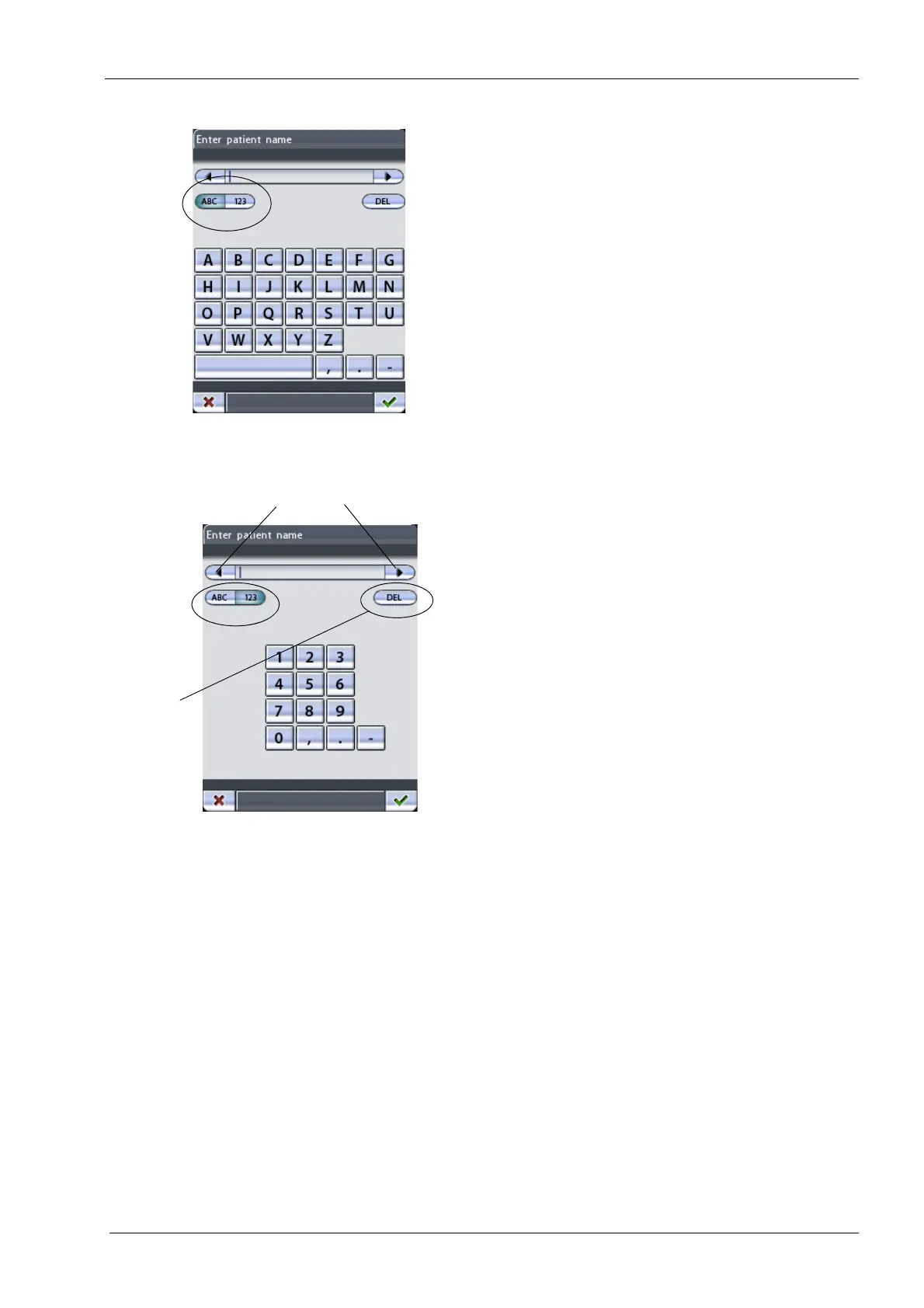
The
Enter patient name
display appears. The display will
show letters or numbers depending on which side of the
ABC/123 button is selected. The selected option will be
shown highlighted.
When the display shows letters, touching the ABC button
again will toggle between upper case and lower case
letters.
Enter the patient name/number by touching the letters/
numbers on the display. The first letter of a word will
always be capitalized.
To move the cursor to the left or right, touch the arrow
button on the left or right side of the patient name/number.
To delete a letter or a number, touch the
DEL
button.
Characters will be deleted one at a time and in reverse
order of entry.
Letters/
Move cursor to the left/right
Delete
numbers
letter/number














 To Next Page