9 CONTROL PANEL
User’s Manual Planmeca ProOne 35
9.8 Selecting kilovolt and milliampere values
The exposure values will automatically change according
to the selected patient size.
The exposure values have been preset at the factory for
each patient size. The preset exposure values are
average values and they are only meant to guide the user.
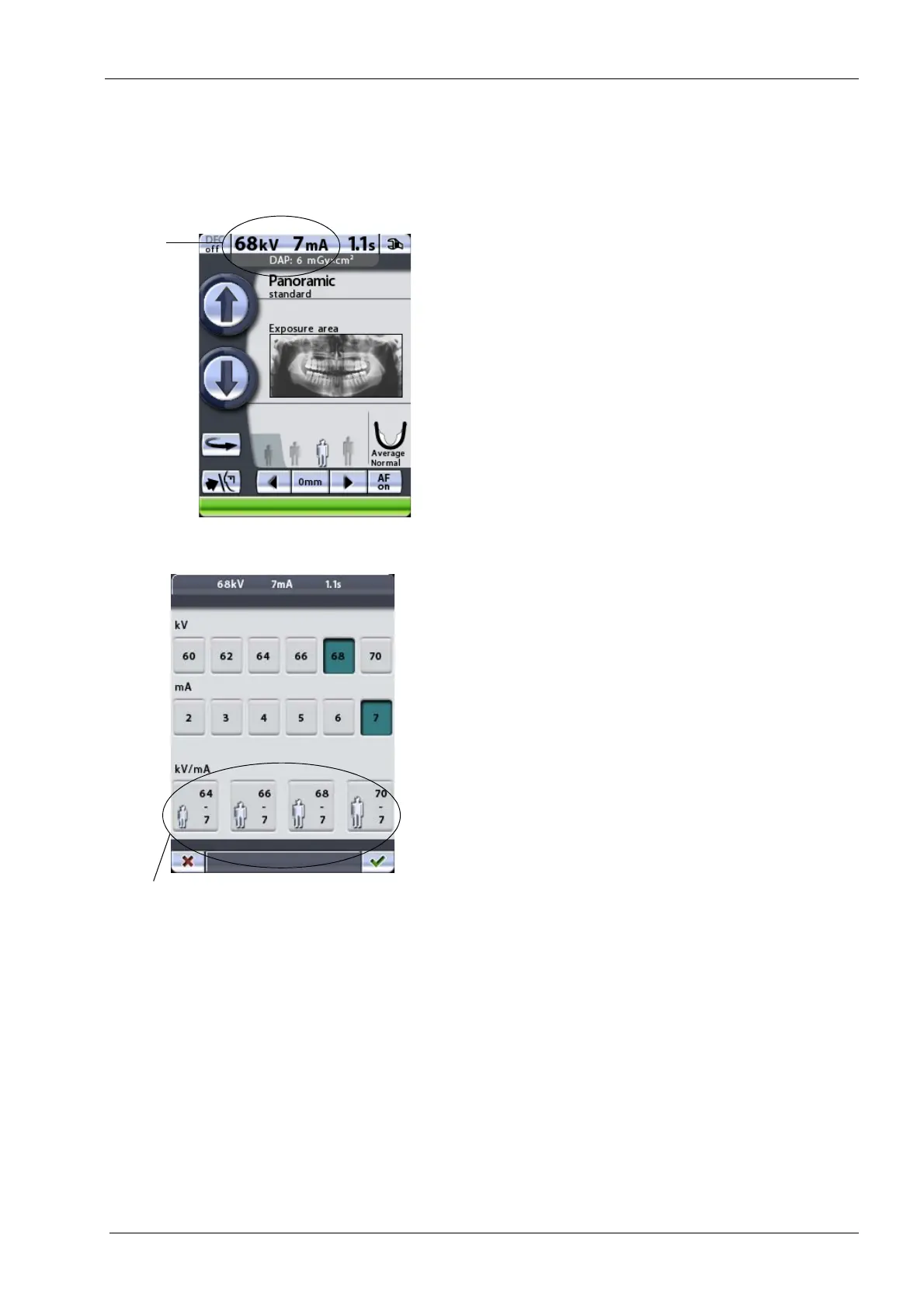
To change the preset exposure values, touch the kV/mA
field on the main display.
The exposure parameter display appears. Select the
required exposure values by touching the appropriate kV
and mA values. The selected values will be highlighted.
The preset exposure values for each patient size are
shown in the quick buttons at the bottom of the display.
Selecting kV and mA values manually will override the
automatic quick button setting.
Accept the selections and return to the main display by
touching the green check mark button in the bottom right
corner of the display.














 To Next Page