14 SETTINGS
98 Planmeca ProOne User’s Manual
• Send to PC
Make sure that you have selected the right patient and the
panoramic exposure mode in the Romexis program before
you send an image. Refer to the Romexis User’s Manual.
Touch the
Send to PC
button to send the selected image
to the Romexis program. A message confirming that the
image was sent will appear on the display. Remember to
accept the image in the Romexis program.
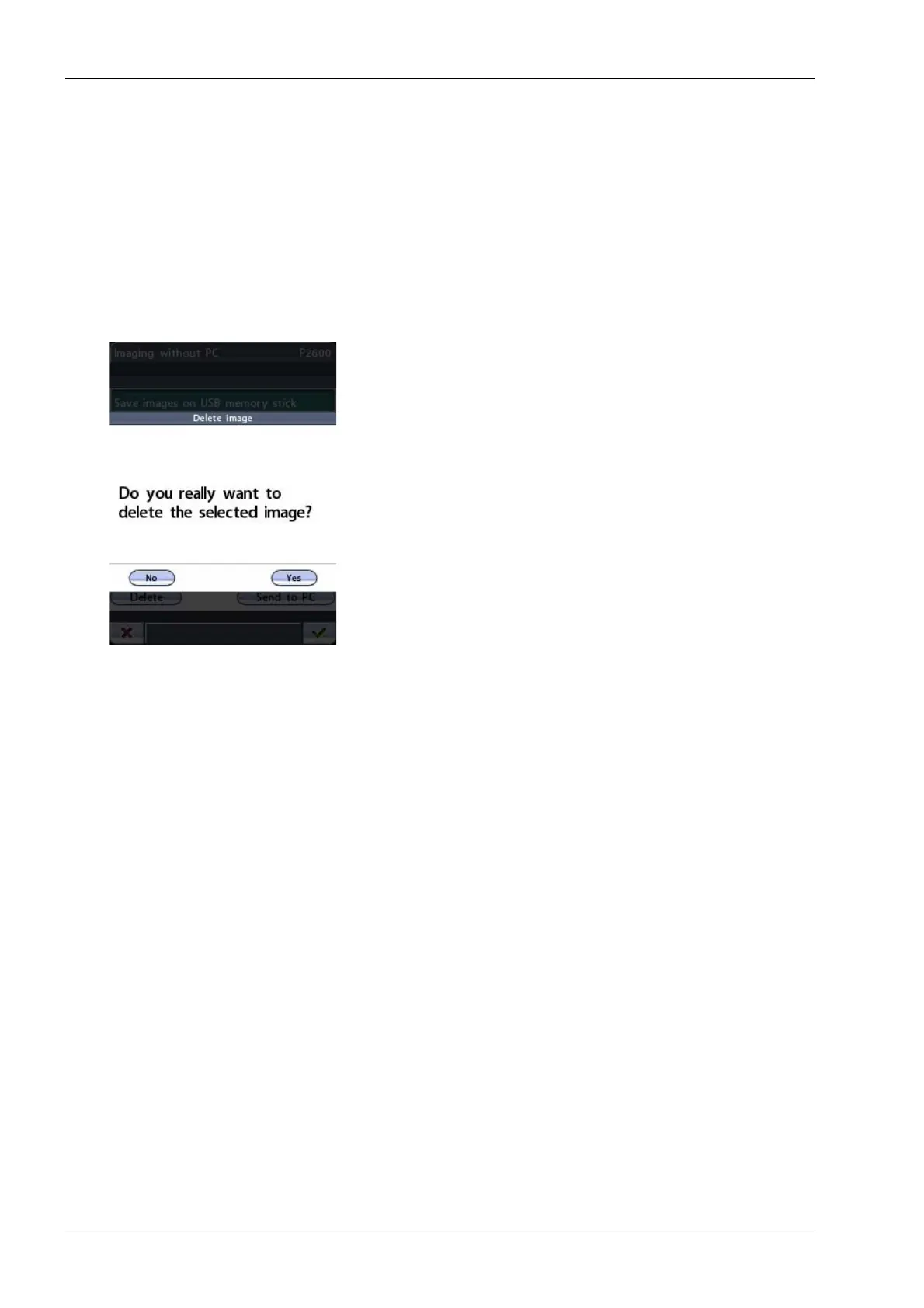
• Delete
Touch the
Delete
button if you want to delete the selected
image from the USB memory stick. A message asking
you to confirm the action will pop up. Touch the
No
button
to cancel the action, or select
Yes
to delete the image.
Ensure that you have sent the image to the PC before you
delete it. Deleted images cannot be recovered.














 To Next Page