9 CONTROL PANEL
16 Planmeca ProOne User’s Manual
The
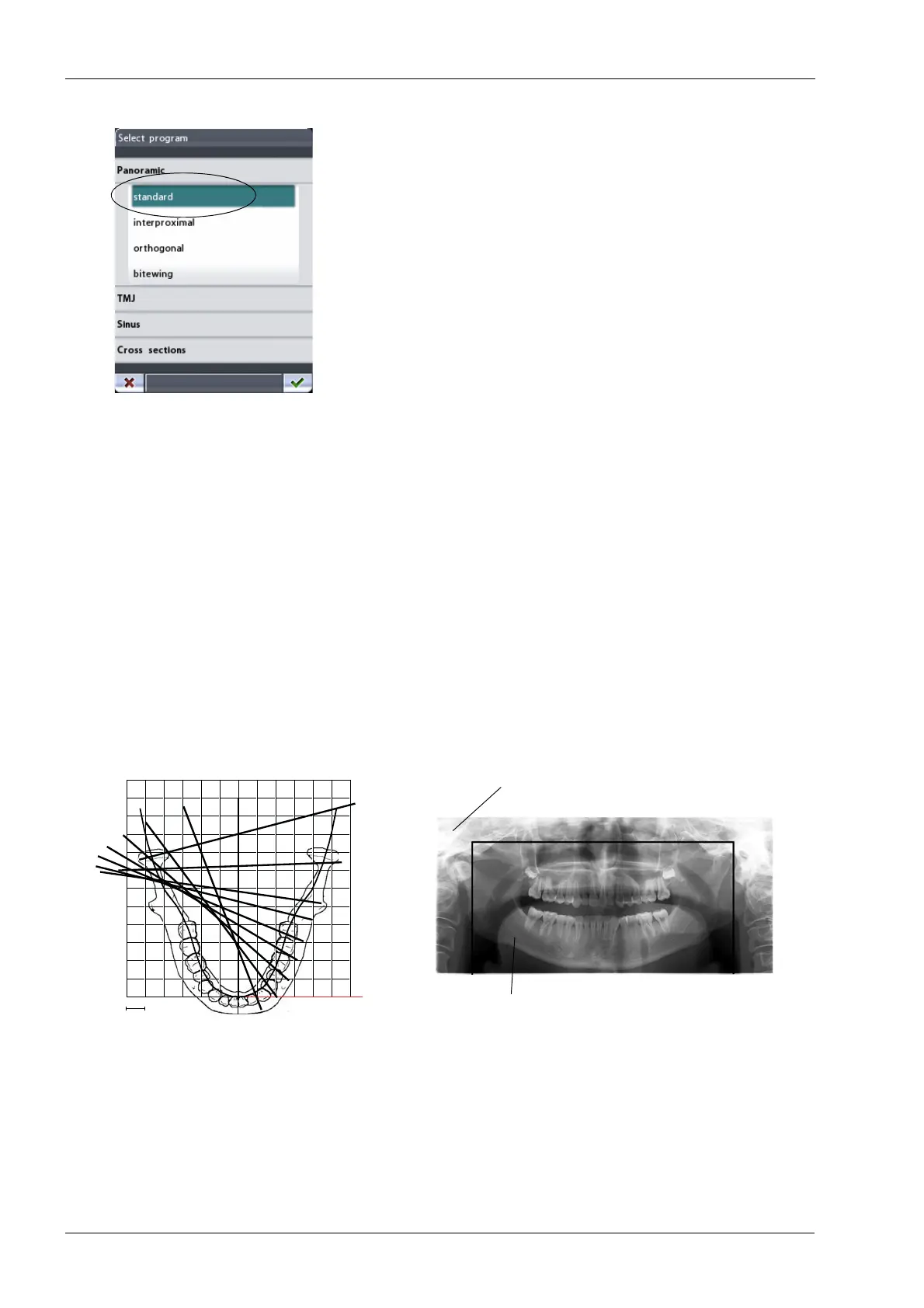
Select program
display appears. Select the required
panoramic exposure program by touching the appropriate
field on the display. The selected program will be
highlighted.
The patient positioning lights will be automatically
switched on when you select the exposure program.
There are four panoramic exposure programs: Standard,
Interproximal, Orthogonal and Bitewing.
The panoramic program “Standard” is included in the basic
program package. Other panoramic programs are
optional.
When the child setting (smallest patient size) is selected,
the image size and patient dose are automatically
reduced.
The Standard panoramic program has a traditional path
and angles of the beam.
Direction of beam
Standard panoramic program
layer laser beam
1 cm
Image size for child setting
Image size for adult setting














 To Next Page