3-18
3 First Steps
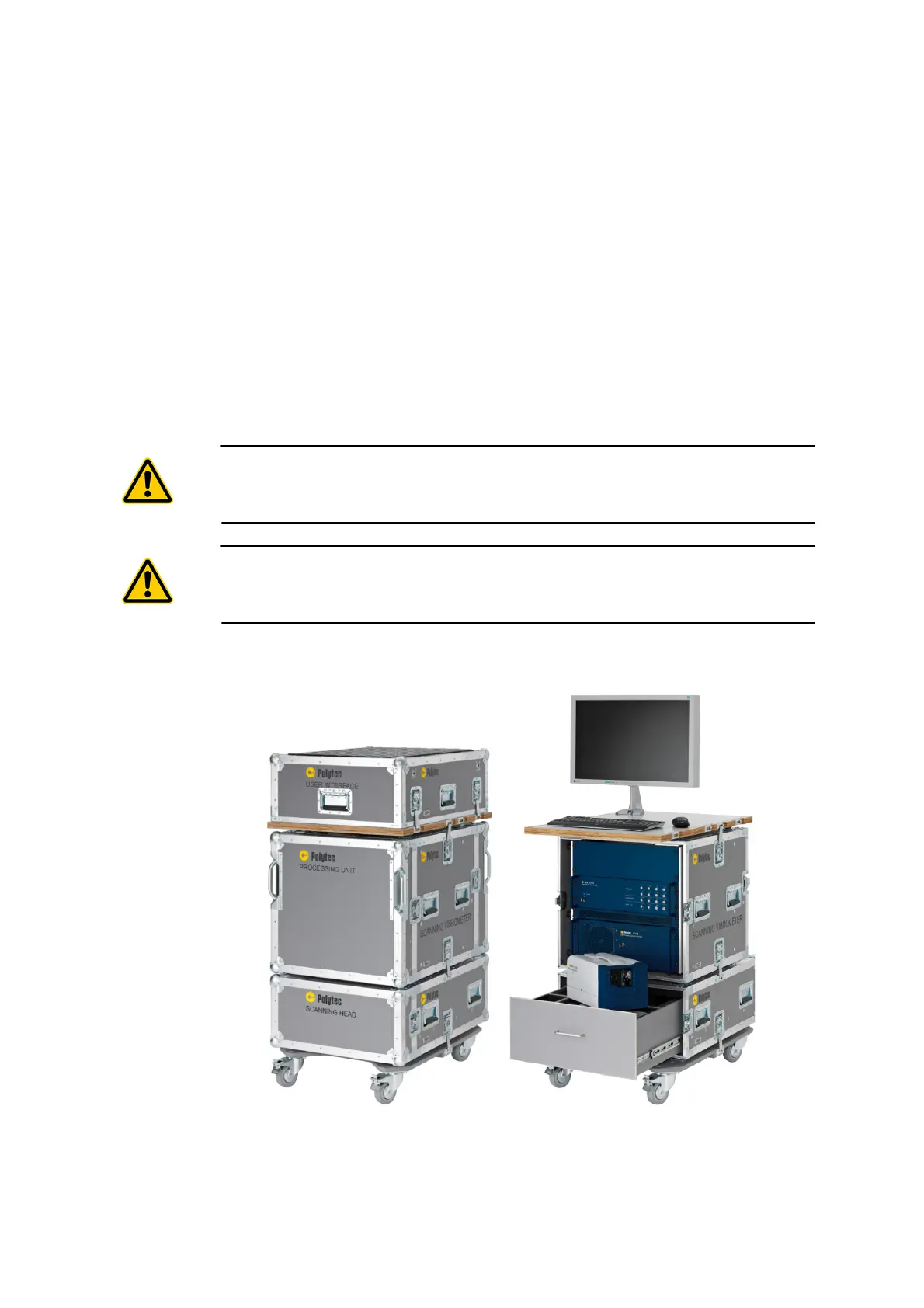
Build up the system cabinet. To do so, proceed as follows:
1. Carefully remove the cover of the system cabinet by loosening the wing
screws and releasing the locking hooks (refer to
FIGURE
3.13 on the left).
2. Fold out the screen and remove the foam material.
Store the foam material in the cover.
3. Carefully remove both front covers by loosening the wing screws and
releasing the locking hooks.
4. Remove the main cable (Umbilical) from the upper cover and the mouse
and keyboard from the lower cover.
5. Carefully remove the rear cover by loosening the wing screws and
releasing the locking hooks.
CAUTION!
Damage to the system caused by heat accumulation! Remove the covers of the system
cabinet before operating the instruments in the system cabinet.
CAUTION!
Damage to the instruments caused by crushed cables! Unplug all BNC cables from the
fronts before you close the system cabinet with the cover!
The position of the individual components in the system cabinet is
shown in the following figure on the right.
Figure 3.13: System cabinet closed (left) and opened (right)



 To Next Page