A-22
A Optional Accessories
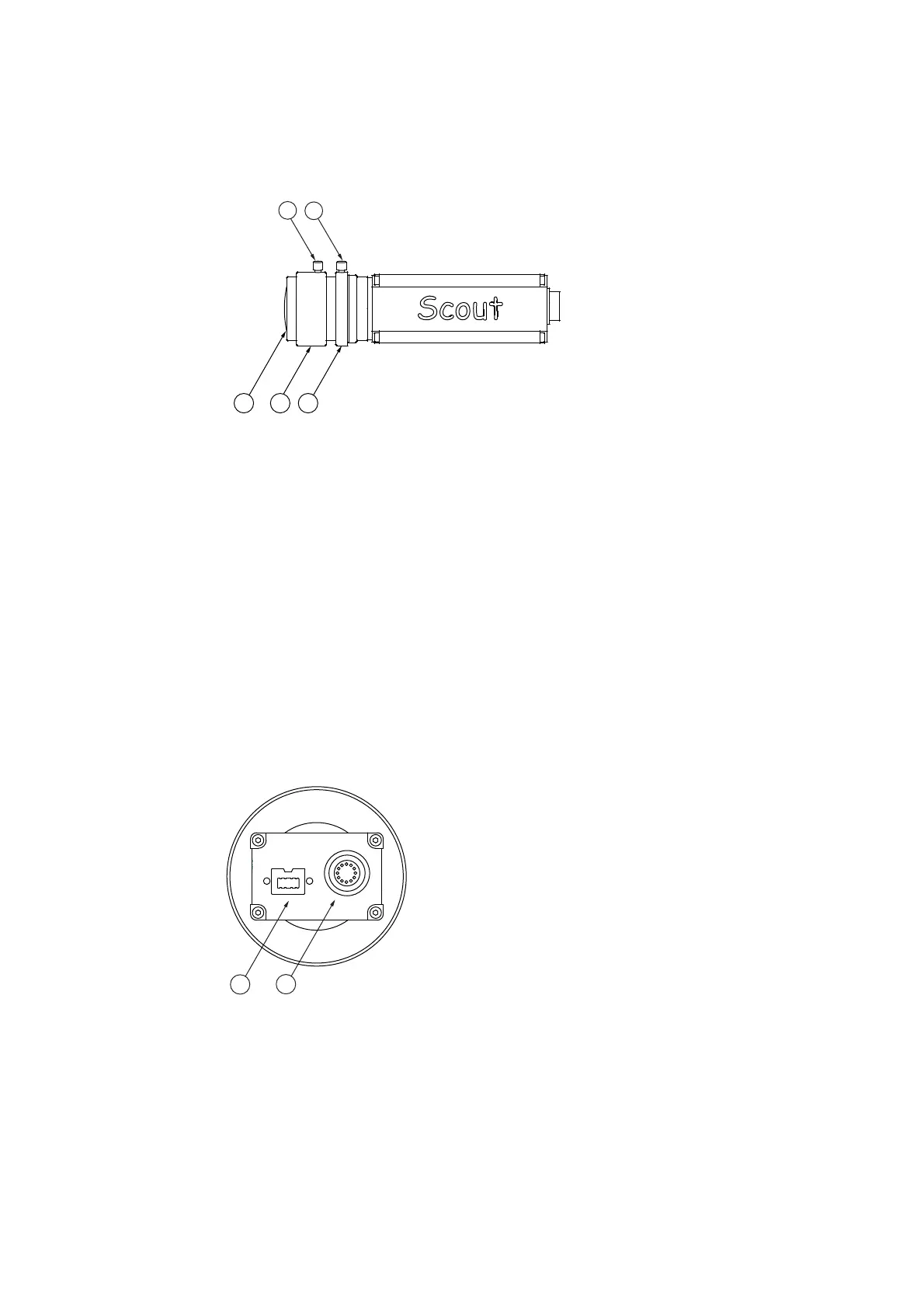
Side view
The side view of the video camera with standard lens is shown in the following
figure.
Figure A.15: Side view of the video camera
1
Locking screws
Screws to lock the required settings for focus and aperture
2
Aperture ring
Ring for manual setting of the aperture
3
Focusing ring
Ring for manual focusing
4
Front lens
A.6.3 Control Elements of the Video Camera with Zoom Lens
Back view
The back view of the video camera with zoom lens is shown in the following
figure.
Figure A.16: Back view of the video camera
1
IEEE interface
Connection for the IEEE-1394 cable (FireWire®) to the PC to transmit the video
signal, for mains supply and to control of the video camera.
2
I/ O port connection (12-pin circular jack)
This connection is not used!



 To Next Page