Edition: A03 September 6, 2018
17
Limited length: When turning on this function and modifying the text source the characters
length you have modified can’t be longer than its original content length. For example, when you
create a new text source which includes 12 characters and turn on the limited length, at the start
interface, the modified text source can only input ≤12 characters, inputting the 13
th
character will be
prohibited.
Note: Chinese and Chinese symbols lengths are 2, English and number lengths are 1.
Default Source name is text + number. Maximum of 30 characters, user can input Chinese,
English, numbers, symbols, and third-party language; Empty name and rename with added source
are not allowed.
Return to save text source automatically.
2) Datetime source
【Edit】
Format: default formats: 【DD/MM/YY】【DD/MMM/YYYY】【YYYY/MM/DD】
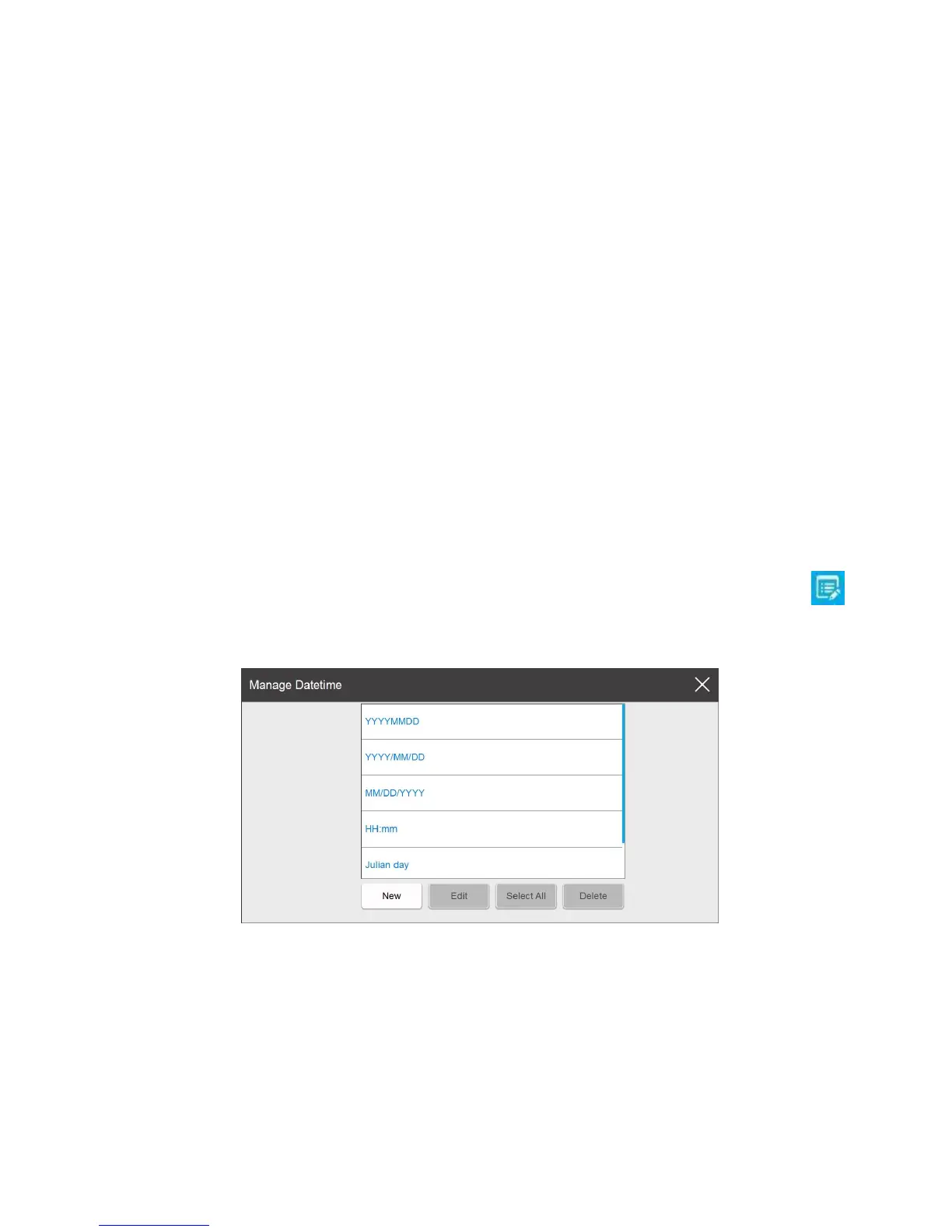
【HH:mm】 【Julian date】. If user wants to add a new format or modify an exist one, click ,
to pop-up date format management list.
Format List: Display the default formats and newly added formats. Maximum number
displayed is 50 (including the default formats)
New: Click the new pop-up the date format setting keyboard, can choose a custom date format.
Format name you must enter at least 1 character, however no more than 30 characters can be entered.
You cannot input symbols (" \ / : *? "< > |").



 To Next Page