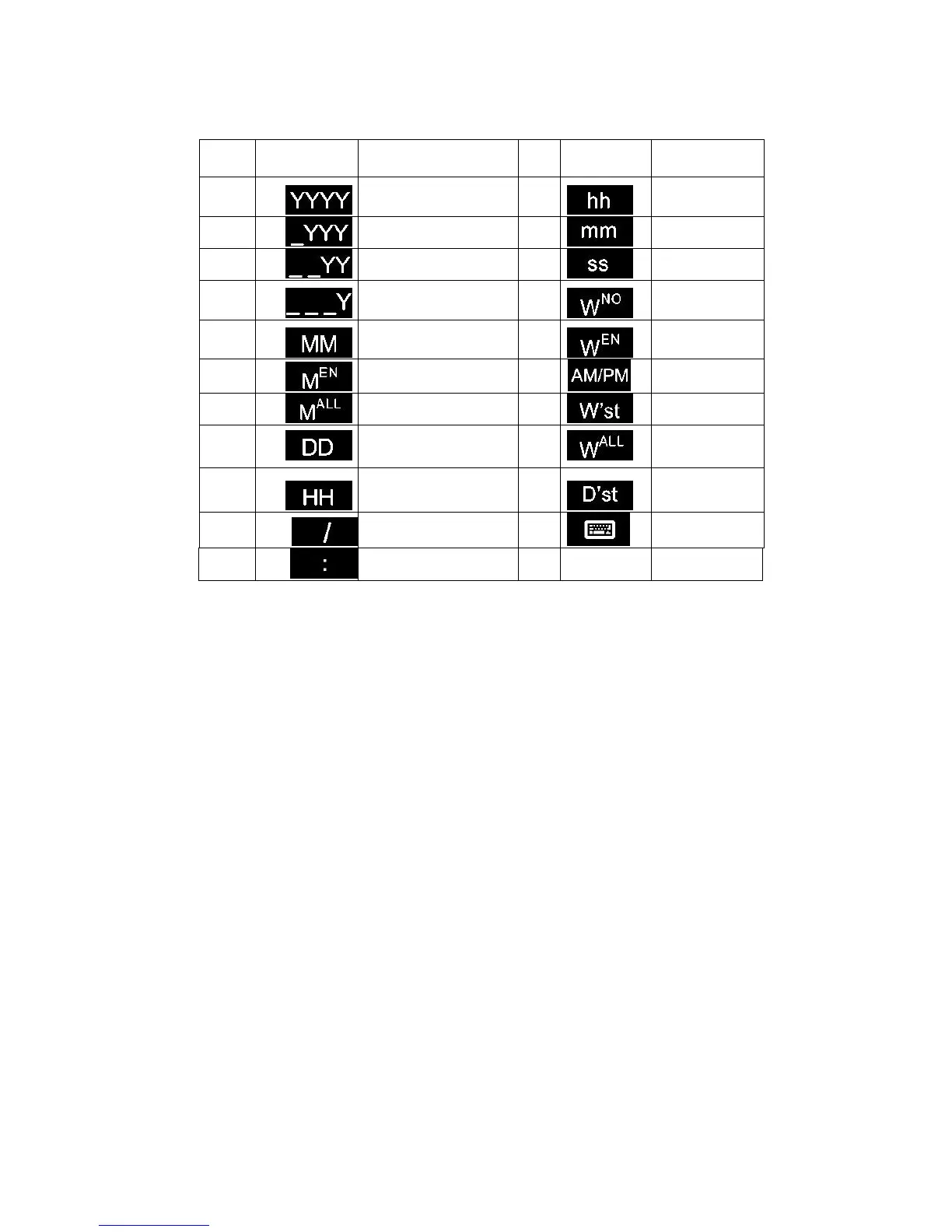
Edit: Choose date from the format list and click "edit" to popup the settings interface which
you can then modify and save. The default format cannot be modified!
Select all: All formats in the list were chosen; Click the switch again change to all don't choose,
all not to choose.
Delete: Select the data format can be deleted. The default format cannot be deleted
Closing date format management: Click on close to exit out of date format management
interface and save the existing format.
Expiry date: If you want to add a production date, user may need to set the expiry day to 0;
expiry time can be switched from day, week, month, year, value within 0-999.
Calendar type: Gregorian/ Hirji
Pre-zero: 4 choices: 2015/01/01, 2015/_1/_1, 2015/1_/1_, 2015/1/1
【Others】
Zero Setting: Default is closed. Click the switch to turn on and enter the time. Please refer to
Appendix 1 for further information.
Summer time: Default is closed. User can select OFF, Europe or America.
Name: You must enter at least 1 character, however no more than 30 characters can be entered.
You cannot input symbols (" \ / : *? "< > |").



 To Next Page