Edition: A03 September 6, 2018
24
Search: Input key words and click “search”, the content will display in field list.
Input page: it can jump to inputted field list, also can click up/down icon to search message.
【Advance】
Current value: Set current printed line, the range is between the begin value and end value.
Repeat value: The print times for each value. Input 0-9999 (set 0 to cancel repeat print).
Index: Set the Nth of current repeat times. You can only set index when repeat value is not
0. Index range is 0-repeat value.
Alarm: ON/OFF. ON: when finish printing all selected values, the system will warn and stop
printing.
Name: You must enter at least 1 character, however no more than 30 characters can be entered.
You cannot input symbols (" \ / : *? "< > |").
Note: 1. CSV only supports ANSI and UTF-8 code.
2. The message will turn red when pull out the USB.
3.1.3.4 Edit Source
Select the source that you want to modify in the【Built Source List】 popup corresponding
source setting interface. Refresh to save the modification.
3.1.3.5 Object List/Source list
1) Object list
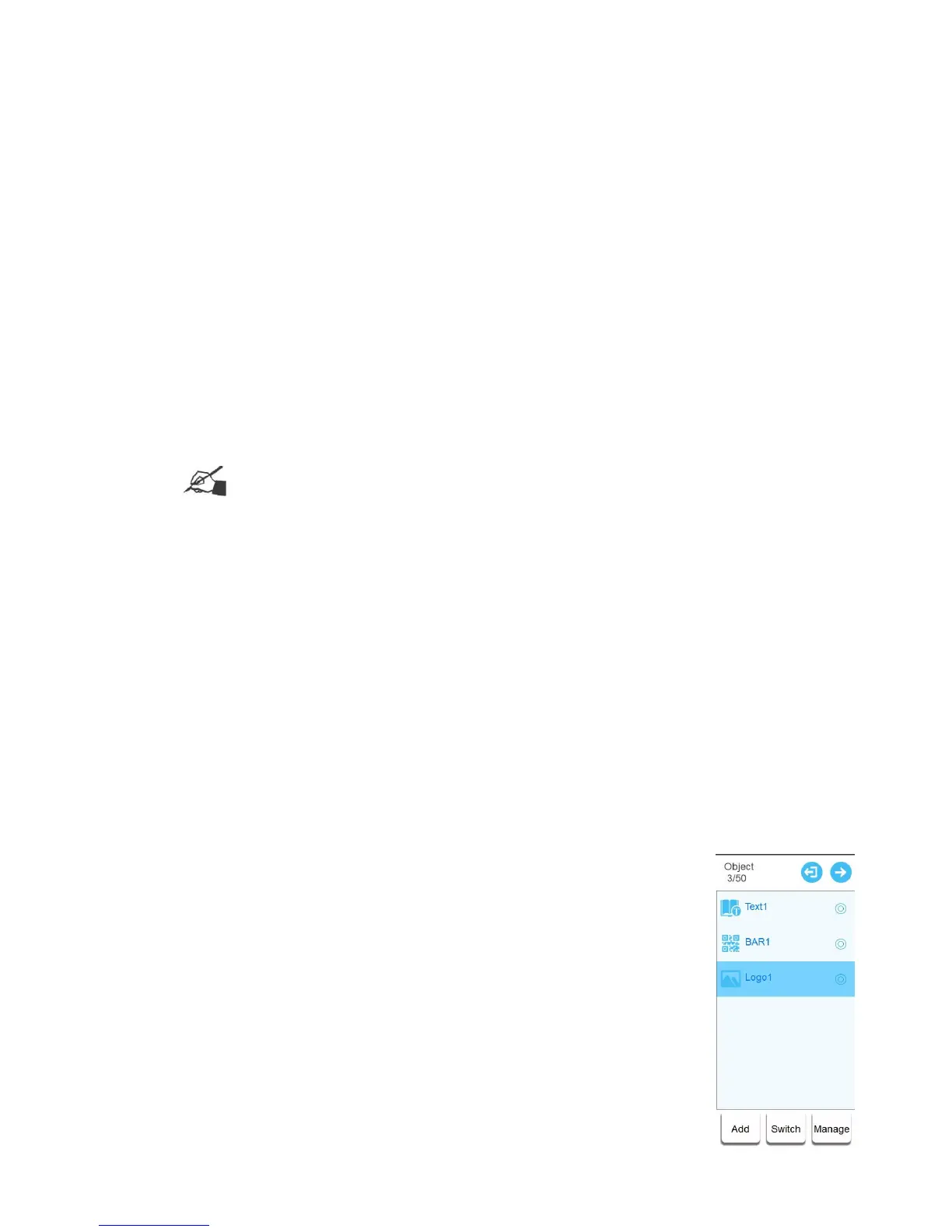
【New Message】【/ Edit Message】, messages list changes to object list, display all objects
of this message.
In separate mode,P1 and P2 object lists display separately corresponding to G1 and G2
canvas.
Switch: Click【Switch】to switch source list, click again to return to object
list.
Add: Click 【Add】, you can choose built objects (text, barcode, image)
to enter corresponding interface.



 To Next Page