PDR-7000 Operation Manual
20. Print list: Yes, No
Factory setting: Yes
When the setting is Yes, the data list is displayed automatically when is pressed.
Confirm that all necessary tests have been performed and press again to print the
data.
When any test is omitted, press [X] button on the screen and return to the measurement screen.
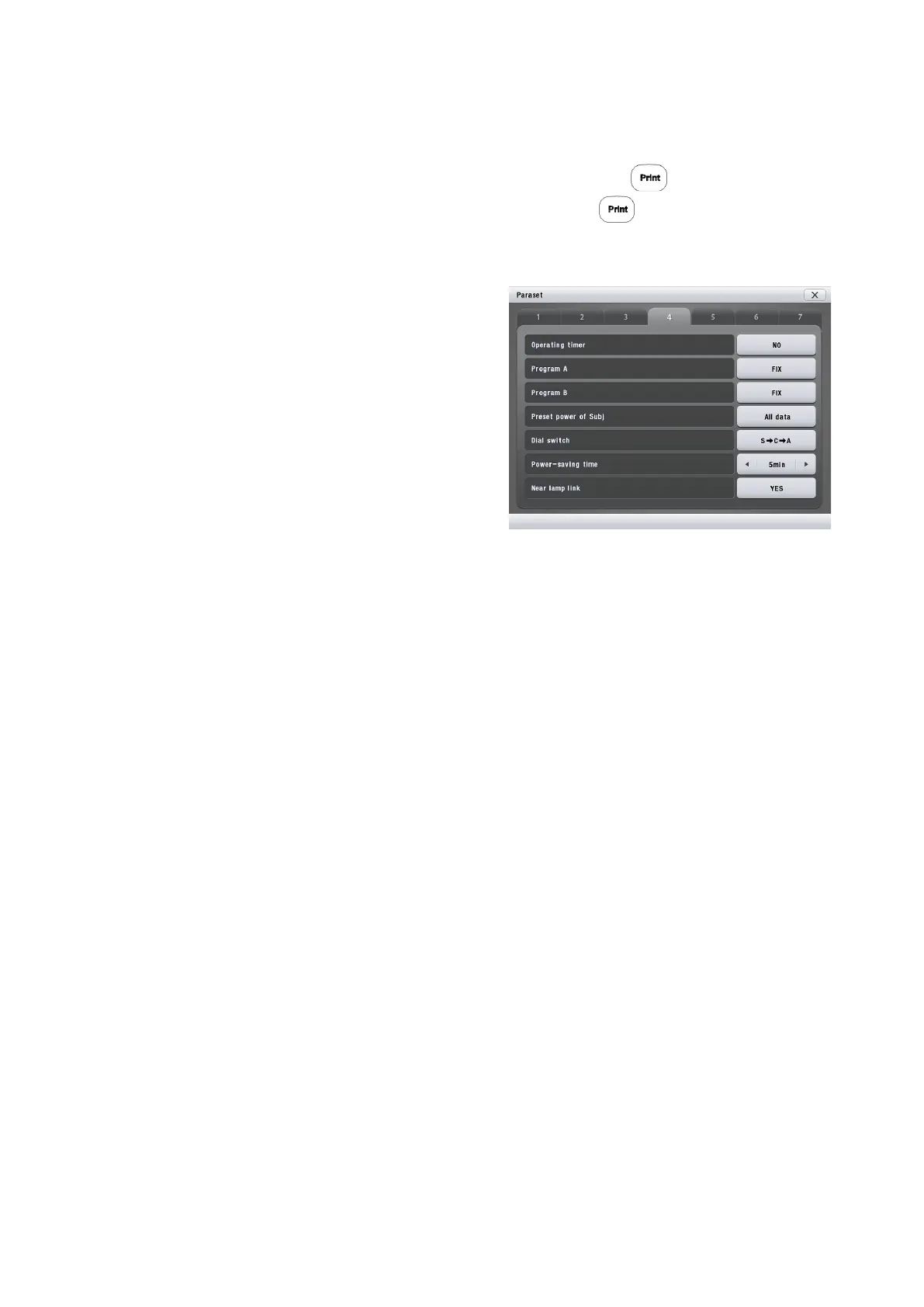
21. Operating timer: Yes, No
Factory setting: Yes
Selection of whether or not to display and print
the elapsed time from data entry start in the
subjective field. when the setting is Yes, it is
displayed instead of the time in the upper-right of
the screen.
In addition, the elapsed time is displayed as test
time on the Recall Data screen.
22. Program A: Fix, User
Factory setting: Fix
Selection of whether to use the default Program A or user-programmed one. Set the parameter to
User when Program A is reprogrammed. It is possible to use the default Program A by resetting to
Fix.
23. Program B: Fix, User
Factory setting: Fix
Selection of whether to use the default Program B or user-programmed one. Set the parameter to
User when Program B is reprogrammed. It is possible to use the default Program B by resetting to
Fix.
24. Preset power of Subj : All data, CYL=0, Clear
Factory setting: All data
Selection of whether or not to use the data entered in the Preset power of Subj 1 parameter without
being corrected.
All data Uses all data without being corrected.⇒
CYL=0 Uses only sphere data. (The cylindrical and axis values become 0.)⇒
Clear Enters 0 in all data fields.⇒
This function is not available for the data entered with the dial.
25. Dial switch: S→C→A, S→C→A→VA, S→A→C, S→A→C→VA
Factory setting: S→C→A
Setting of the function with the dial switch.
Each time it is pressed, the modes change in the selected order.
26. Power-saving time : Off, 5 min, 15 min, 30 min, 60 min
Factory setting: 5 min
- 54 -



 To Next Page