PDR-7000 Operation Manual
27. Near lamp link : Yes, No, Other than grid
Factory setting: Yes
Setting of near lamp link.
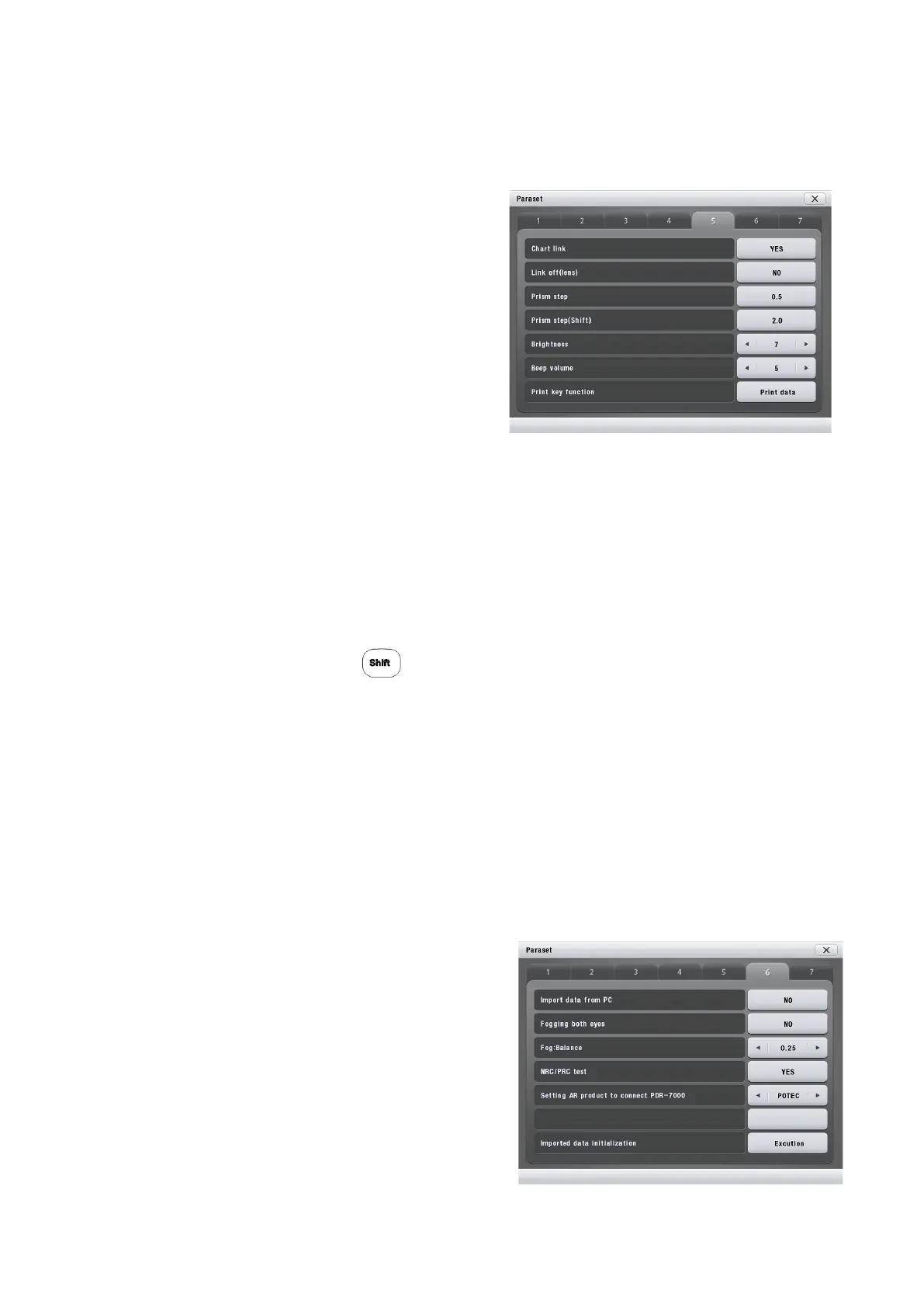
28. Chart link: Yes, No
Factory setting: Yes
Selection of whether or not to use the chart
presenting device other than POTEC.
Select No to use the chart presenting device
other than POTEC.
29. Link off(Lens): Yes, No
Factory setting: No
Setting of the connection about automatic
switching between lenses or measure modes (S/C/A/ADD/VA/ PX/PY) according to the selection of
a chart.
(If setting Yes, not allowing lenses or modes to be switched automatically.)
30. Prism Step : 0.1, 0.2, 0.5
Factory setting: 0.5
Setting of the increment value for the prism step.
31. Prism Step(SHIFT) : 0.5, 1.0, 2.0
Factory setting: 2.0
Setting up the prism step with
32. Brightness : 1~9
Factory setting: 6
Setting up the brightness of the back light in CB.
33. Beep volume : 1~7
Factory setting: 2
Setting up the beep and error sound volume in Control box(CB).
34. Print key function: Print Data, Send Data to PC
Factory setting: Print Data
Setting up the print key option, when pressing PRINT KEY on keypad.
35. Import data from PC : Yes, No
Factory setting: No
Setting up whether or not exporting data to the
PC.
36. Fogging both eyes : Yes, No
Factory setting: No
Setting up whether or not using fogging function
for both eyes.
37. Fog : Balance : 0.00D ~ 1.00D
Factory setting: 0.00D
Setting up the amount of the Fog.
- 56 -



 To Next Page