955725_4
12
Home Screen Overview
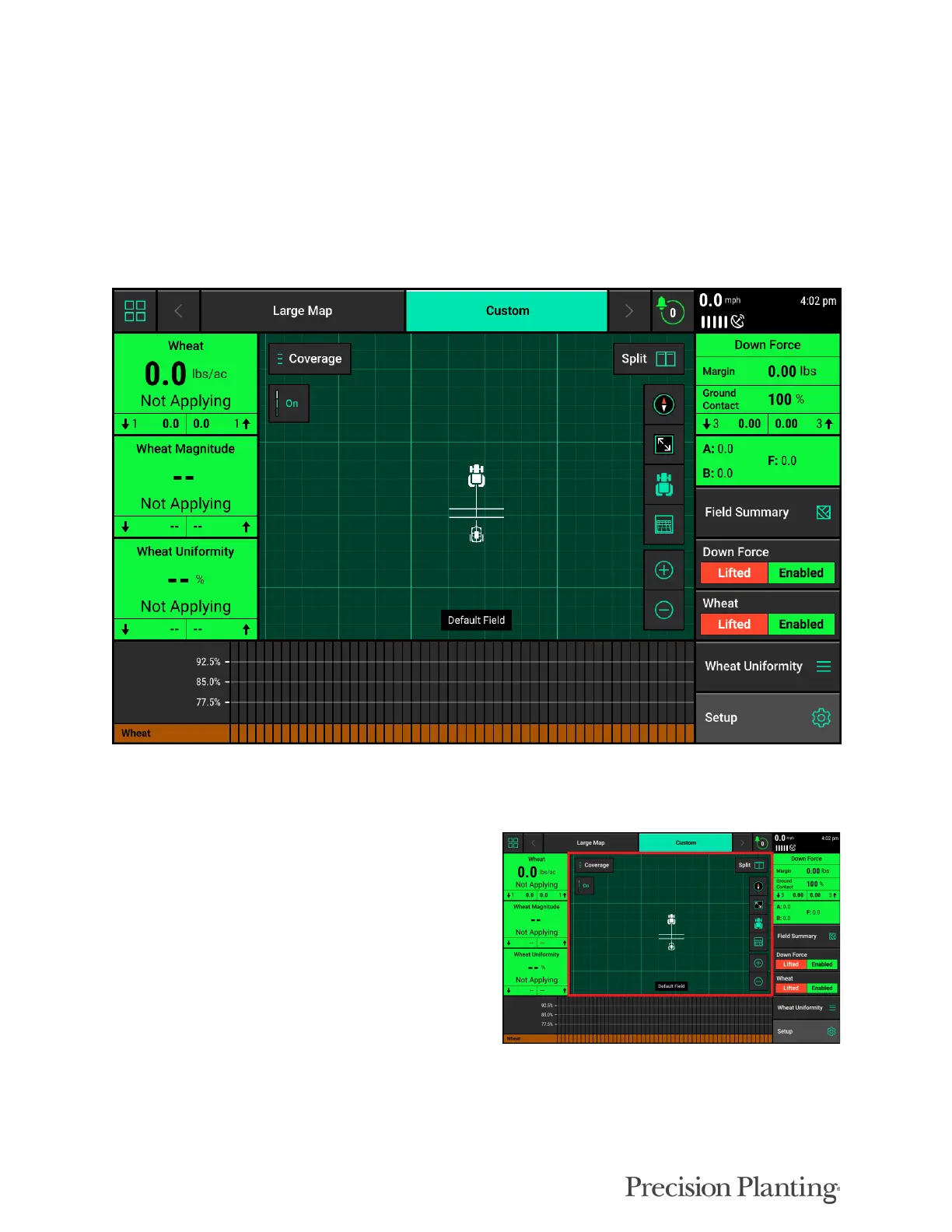
The Home Screen displays seeding information in an easy to read, easy to navigate format. This
information is presented as both metrics and high definition maps. There are three different home
screen configurations that can be quickly selected to change the layout of the home screen. All
three screens can be customized with different types of measurements, button sizes, map sizes,
control buttons, and minichart. When upgrading from 2019.1.4 software, the only default screen
setup will be the Large Map.
Maps
The 20|20 displays high definition maps while
operating. Different map types can be selected
and viewed during the planting process.



 To Next Page