955725_4
67
the display that the USB is connected to will export the Display Config. Each display will have
its own config.
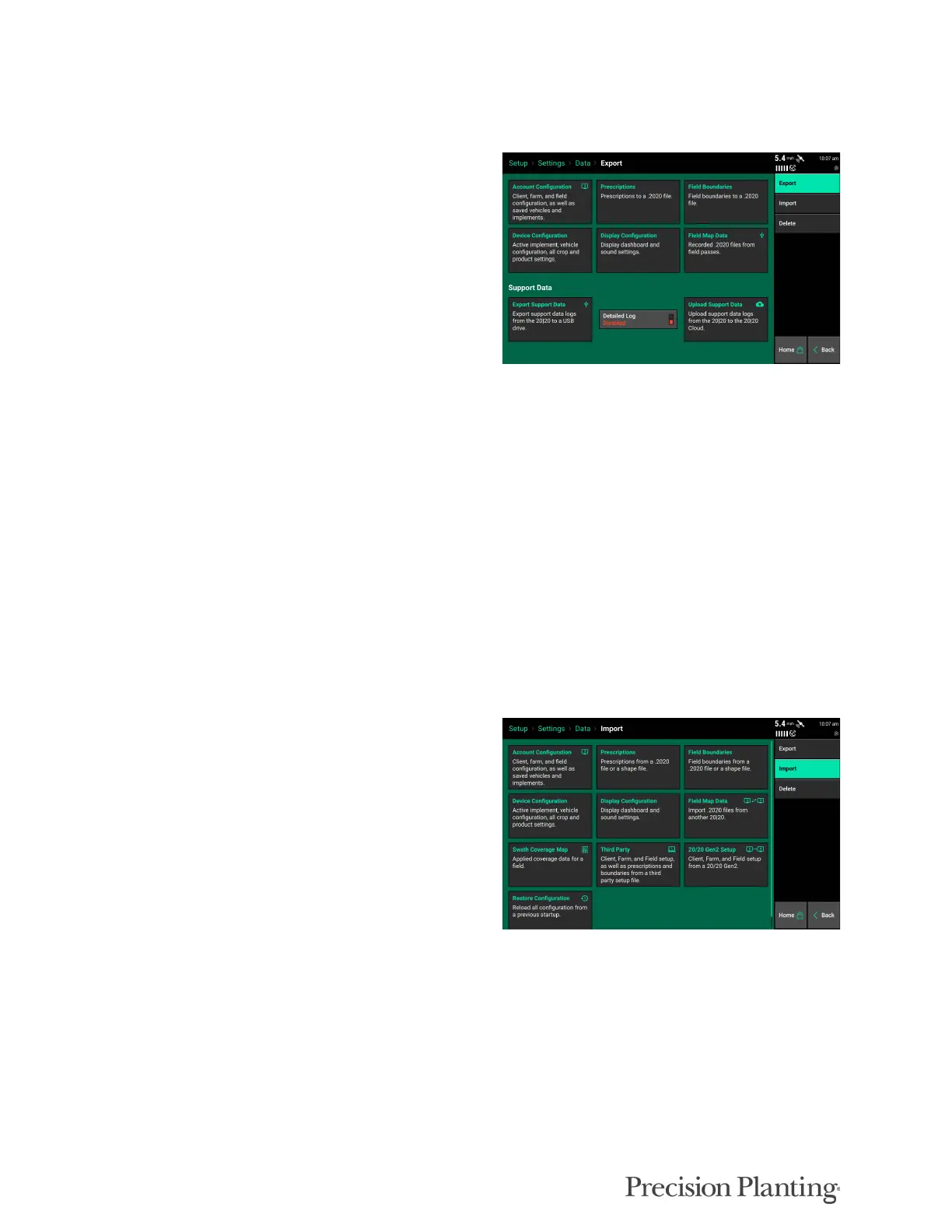
Field Map Data – Displays a list of all data for
all implement types. Data is organized by Name,
Data Size, Acres, Season, and Pass. Only fields
that have data will be displayed. Select the
column header to reorganize the list. Use the
“Search Fields” button on the navigation pane to
search for a specific field name.
Data can be filtered by Season or by the type of
field pass at the top of the screen.
Note: Swath coverage is now exported as a part of the Field Map Data. This data can then be imported
into another display so that the second implement swaths off to the original implement’s coverage map.
The “Transfer All Fields” will export all data for all fields to a USB drive. To export specific
fields, select the field(s) to export by pressing on them (selected fields will be highlighted) and
then press the “Transfer Selected Fields” button.
Support Data – Export and Upload Support Data allows diagnostic logs to be sent to Precision
Planting Product Support for diagnostic purposes.
Note: Upload Support Data requires WiFi connectivity prior to uploading.
Import Data
Select the Import button on the Data page to
import files onto the display. Files to import into
a display must either in a folder that was exported
directly from another display or placed directly
onto the root directory on the USB drive.
Account Configuration – Import Client, Farm, and Field names as well as saved vehicles and
implements.
Prescription – Imports prescription files from a USB Drive. Files must be in the form of Shape
Files and include the .shp, .shx, and .dbf file extensions or a .2020 file.
Field Boundary – Imports boundary files from a USB Drive. Files must be in the form of Shape
Files and include the .shp, .shx, and .dbf file extensions or a .2020 file.



 To Next Page