955725_4
40
Air Seeder Equipment Setup
From the Equipment Setup page, press the “Edit Air Seeder” button to configure the monitor
according to your air seeder. Setup > Equipment > Edit Air Seeder
AIR SEEDER DETAILS (Tab 1)
The first screen will be Air Seeder Details, or the general settings for the Air Seeder.
These settings include
• Make
• Model
• Frame Type — Number of Ranks
• Row Unit Type — currently only option is John Deere Pro Series
• Hitch Type — Drawn, 2–Point Pivot, or 3–Point
• GPS Mounted — Select Yes if GPS globe is mounted on the AirSeeder
Note: Air Seeders with fertilizer ranks will have both Seeding Ranks and Fertilizer Ranks on the
Equipment menu and will need to set up the equipment configuration and measurements on both.
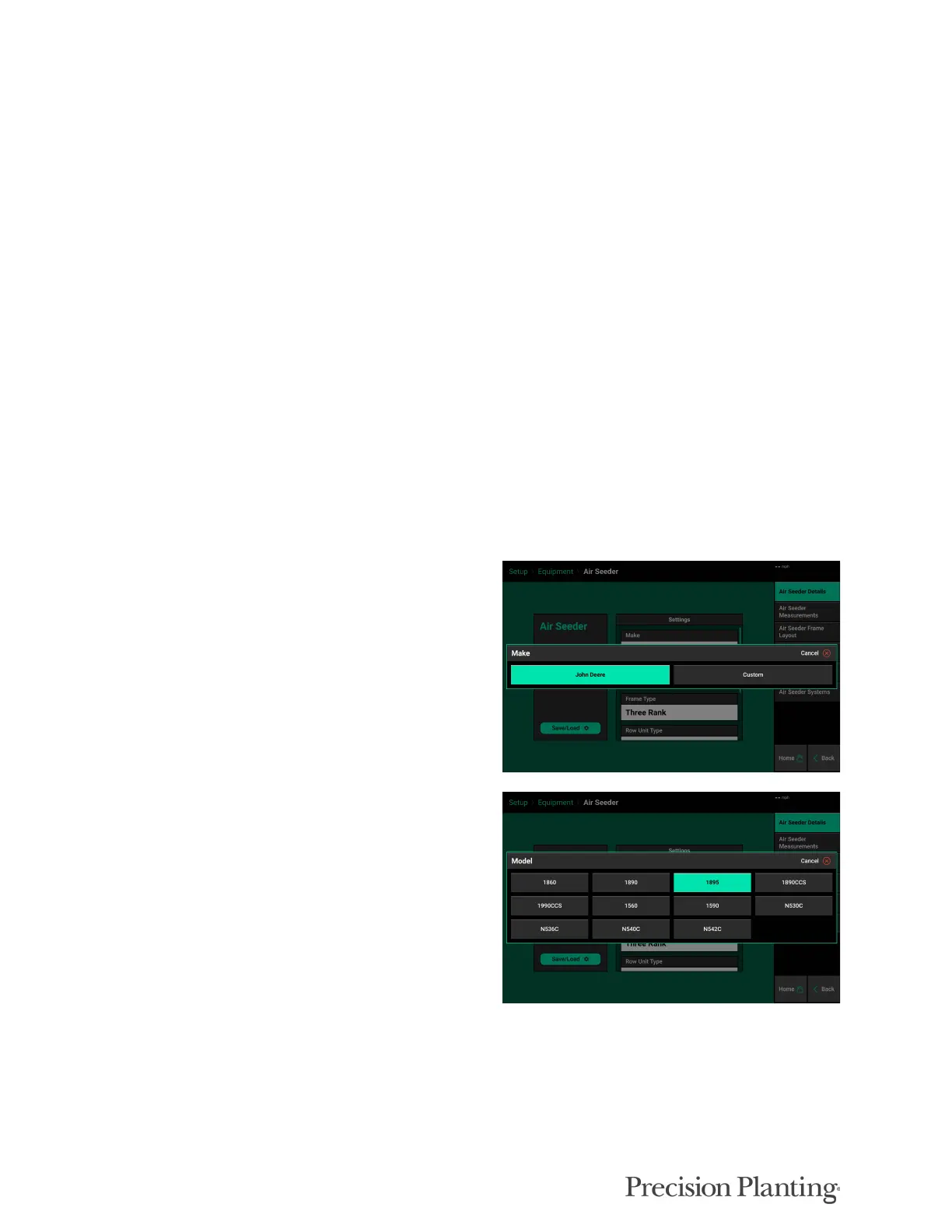
Select the appropriate make of the Air Seeder.
Select the appropriate model of Air Seeder.
Choosing the Air Seeder Model will define some
of the choices available in later sections.



 To Next Page