955725_4
37
Tractor Equipment Setup
Tractor Information and Measurements are
entered under the Tractor Profile Page.
From the home screen select Systems –
Equipment – Edit Tractor.
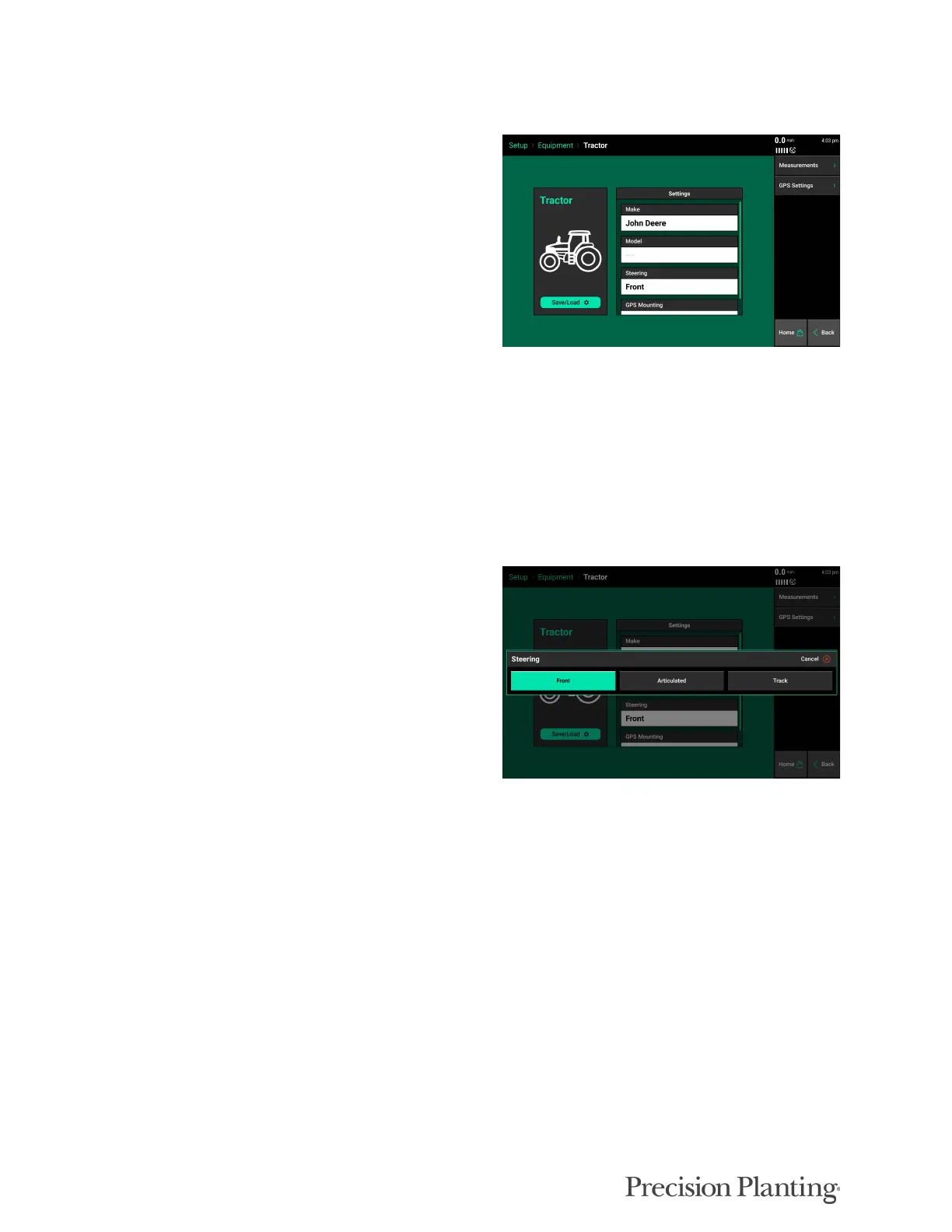
The first page shows general tractor settings,
including:
• Make
• Model
• Steering — Front, Articulated, or Track.
• GPS Mounting — Select “Yes” if GPS globe
is mounted on the Tractor
The options for Tractor Make and Tractor Model provide useful troubleshooting information, but
are not necessary information to enter. The rest of the setup options must be correct for accurate
modeling and control of the system.
A “Steering” type must be selected. There are
three steering options: Front, Track, and
Articulated. Each steering has different GPS
measurements that must be entered.
MEASUREMENTS
Select the Measurements Tab to enter the Tractor GPS Measurements. These must be setup prior
to planting in order for accurate modeling and control of the system.
Note: Some GPS systems do not output the location of the actual GPS globe. Verify the GPS output
location with the GPS manufacturer.



 To Next Page