955725_4
8
Cab Installation
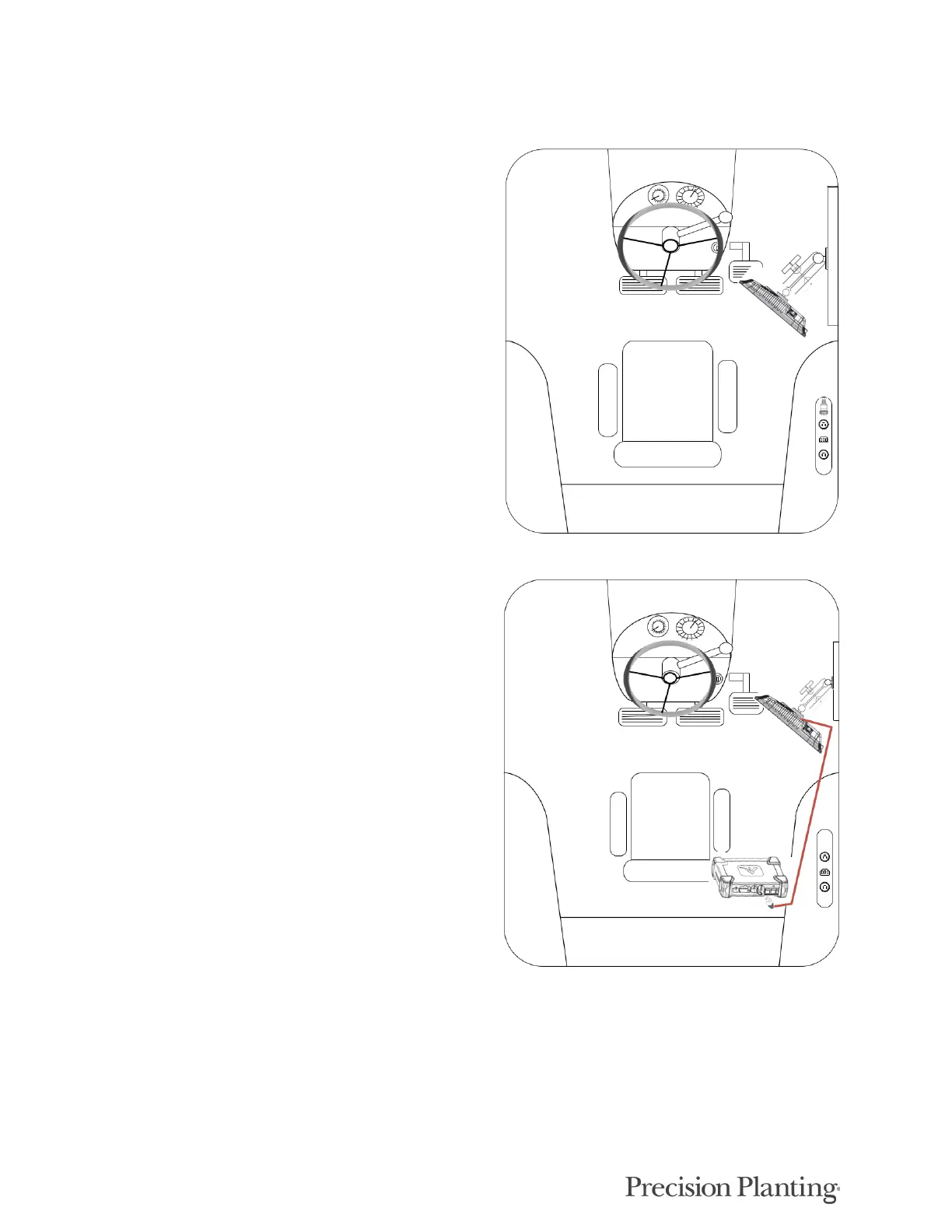
Step 1:
Mounting locations will vary from tractor to tractor.
Mount the display or both displays for optimal
visibility and interaction for the operator. There are
several mounting options offered by Precision
Planting available for the display. The diagram
depicts the display with a RAM mount.
Step 2:
The Display Base Module [DBM] can be located in
any convenient area of the cab. Ensure the DBM will
not move around when operating the tractor. Plug one
end of the provided Ethernet cord into either port on
the front of the DBM and the other end into the back
of the display. If using two displays connect the
second display with the provided Ethernet cable to the
other open port on the DBM.



 To Next Page