955725_4
33
Products (Crops)
To configure monitor settings for individual crop
types, select the “Products” menu button from the
navigation pane.
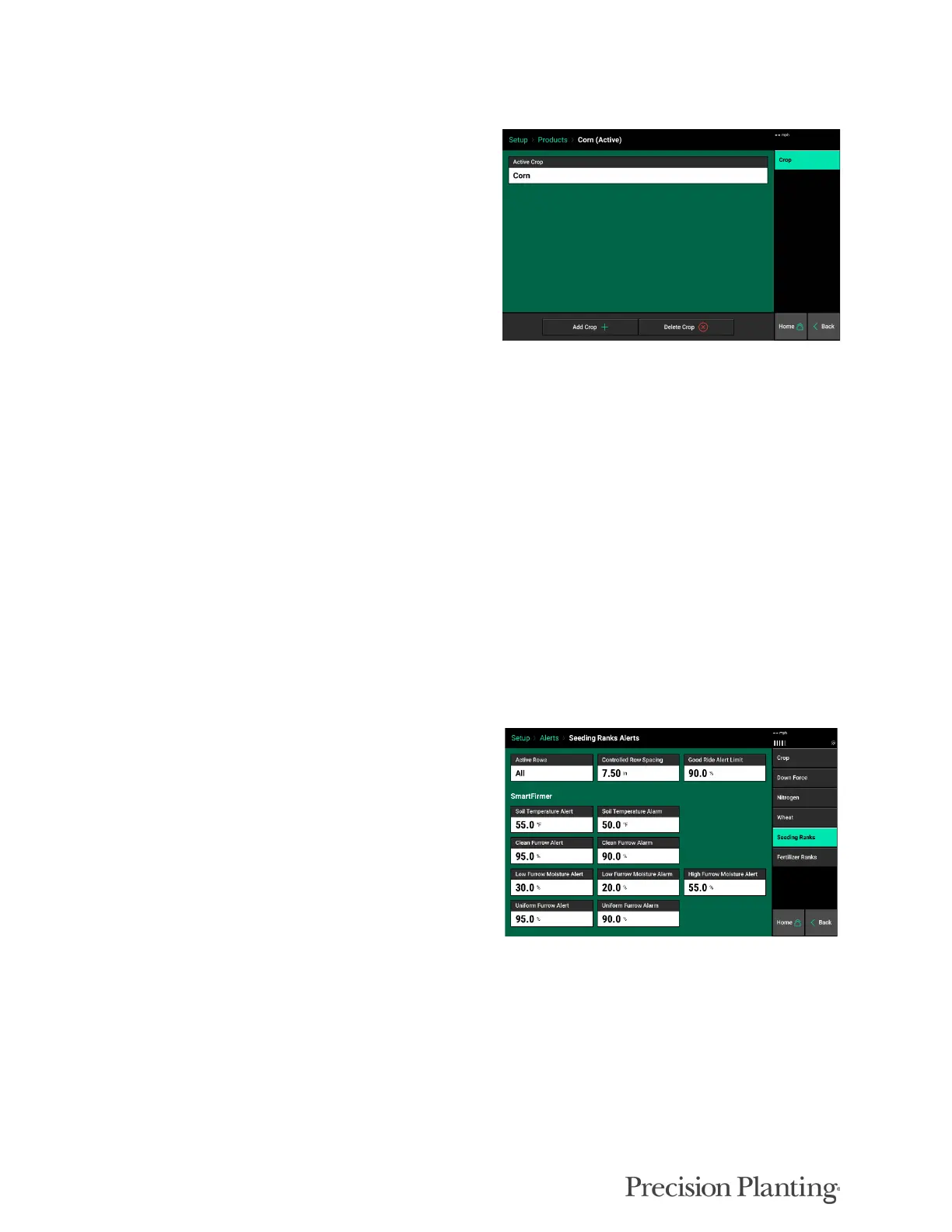
To change the active crop type, select the “Active
Crop” button at the top of the page. If the desired
crop type is not available, select the “Add Crop”
button at the bottom of the main Crops page to
view a list of all crop types that can be added to
the list.
Alert and Alarm settings for the active crop are found under the Alerts tab under the respective
granular system, not under the Products tab
Alerts
The Alerts menu is the navigation pane used for product and system specific configurations such
as Alerts and Alarms.
AIRSEEDER ALERTS
The Air Seeder Alerts (or Seeding and Fertilizer Ranks if applicable) screen allows for a number
of user inputs:
Active Rows - User defines which rows are
active.
Controlled Row Spacing - Automatically
calculated based on row width and active rows;
however, user can change this value if required.
Good Ride Alert Limit - This will set the point
at which the Good Ride metric will turn yellow.
SmartFirmer Alerts and Alarms are also adjustable by the user. Please see SmartFirmer Operators
Guide for more information.
DOWNFORCE ALERTS
The DownForce screen allow for the user to define the length of time, percentage, and action of
DownForce alerts.



 To Next Page