955725_4
26
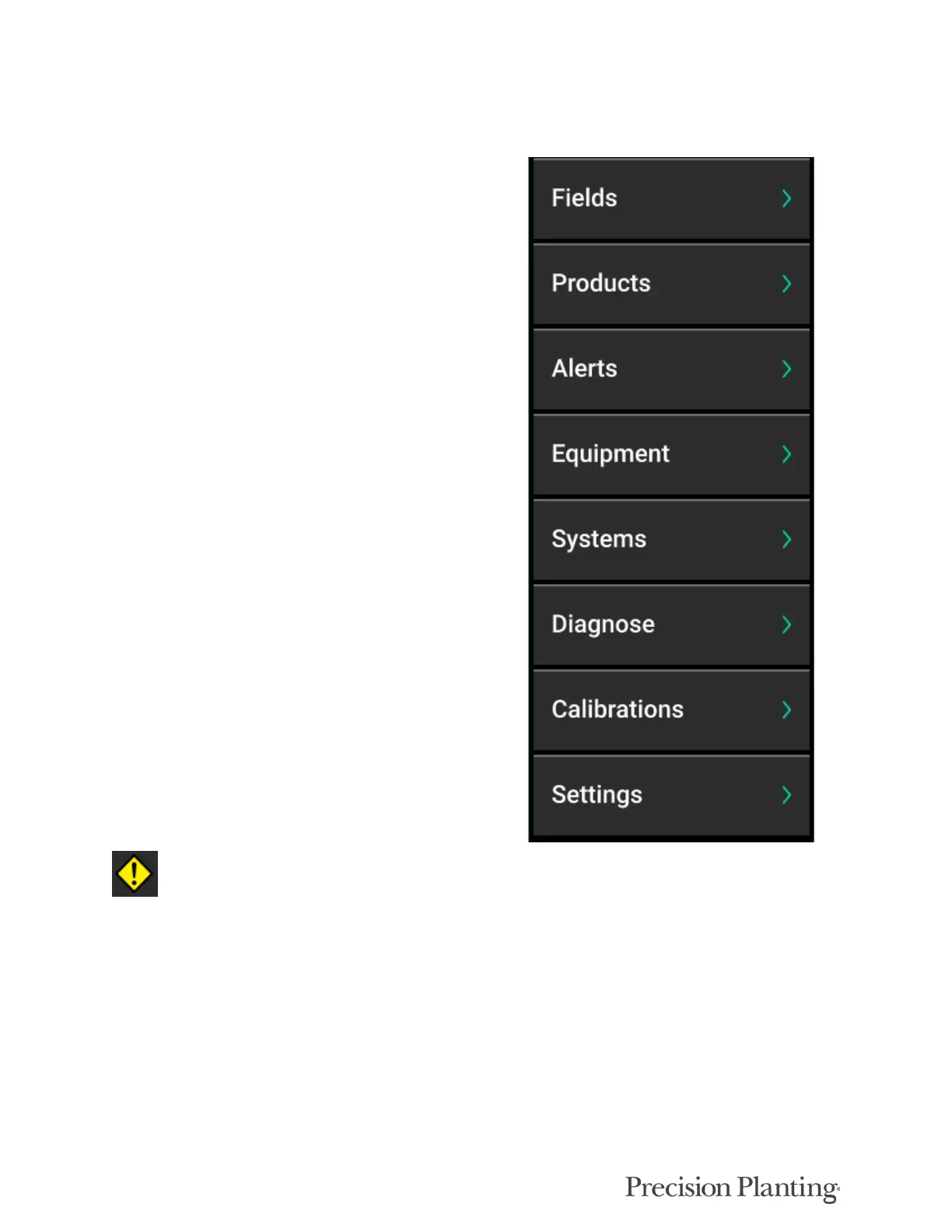
Basic Overview of the Main Navigation Menu
Fields: Change the active field name, assign
prescription/boundary to a field, and create or
edit Client, Farm, & Field names.
Products: Assign active crop.
Alerts: Configure limits and settings for control
and monitoring for each crop or implement wide.
Equipment: Configure the implement profile,
implement measurements, and tractor
measurements.
Systems: Setup and configure all products
installed on the implement as well as the monitor.
Diagnose: The primary location for
troubleshooting issues related to the operation of
the display and products being controlled/
monitored on the implement.
Calibrations: Run manual tests and granular
calibrations.
Settings: Access data for management, software
updates, and change user preferences associated
with the monitor.
Note: More information for each of these menus
can be found in the following pages.
If a button on the Navigation Pane has a warning
icon on it, the system has recognized an issue
with the setup and configuration that must be
addressed.



 To Next Page