H - I - J PROGRAMMER’S MANUAL V8.94.11-
- 16 -
0. Quick menu
This menu permits the parameters frequently modified by the user to be set at the same place. The parameters here
can be set in their own menus, too!
Following parameters can be set here (in basic state):
• regulation rising time
• regulation fall time
• nominal motor current
• maximum frequency
• minimum frequency
• staring voltage
• selecting the active menu
The number of parameters can be maximum 15! This has two reasons:
• Limitation of the number of parameters in the quick menu to avoid retaining the really quick setting.
• The operating terminal (2x16 character display + 4 direction buttons) cannot replace the programming terminal
(4x16 character display + 11 buttons), but permits this number of parameters to be programmed still comfortably.
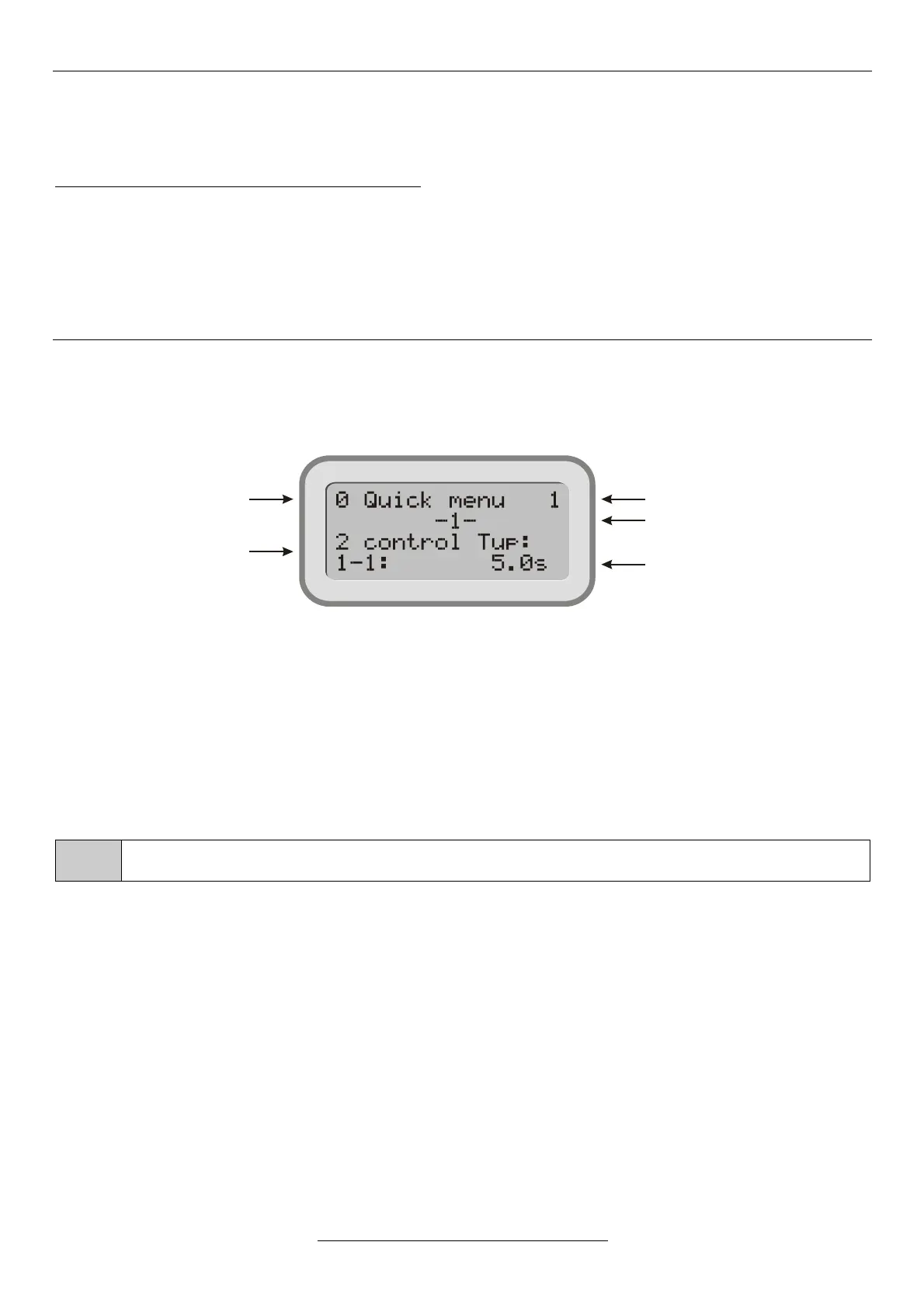
The display permits the parameters of the quick menu to be identified through displaying them along with their menu
item numbers:
2-1-1 control Tup: 2 Starts
1 rise time
1 control Tup: 5.0 s
Adopting parameters in the quick menu
In programming mode, each parameter can be adopted in the quick menu with button . This is indicated by a “+” sign
after the number of the main menu. Those parameters being already parts of the quick menu are indicated in this way.
One parameter can be included in the quick menu once only. If the sign “+" does not appear, the quick menu is filled.
Adopting and omitting parameters applies to the quick menu, if in menu 11-4-2 change the quick menu is
set (this is the default state).
Removing parameters from the quick menu
In programming mode, each parameter which is part of the quick menu, that is, following its main menu item number a
”+” sign appears, can be removed from the quick menu with button .
This operation can be made in both the menu of the actual parameter and the quick menu. For removing parameters in
the quick menu, with the button pressed, the „Enter” button needs to be pushed.
After removing a parameter the quick menu will be renumbered automatically.


 To Next Page