H - I - J PROGRAMMER’S MANUAL V8.94.11-
- 74 -
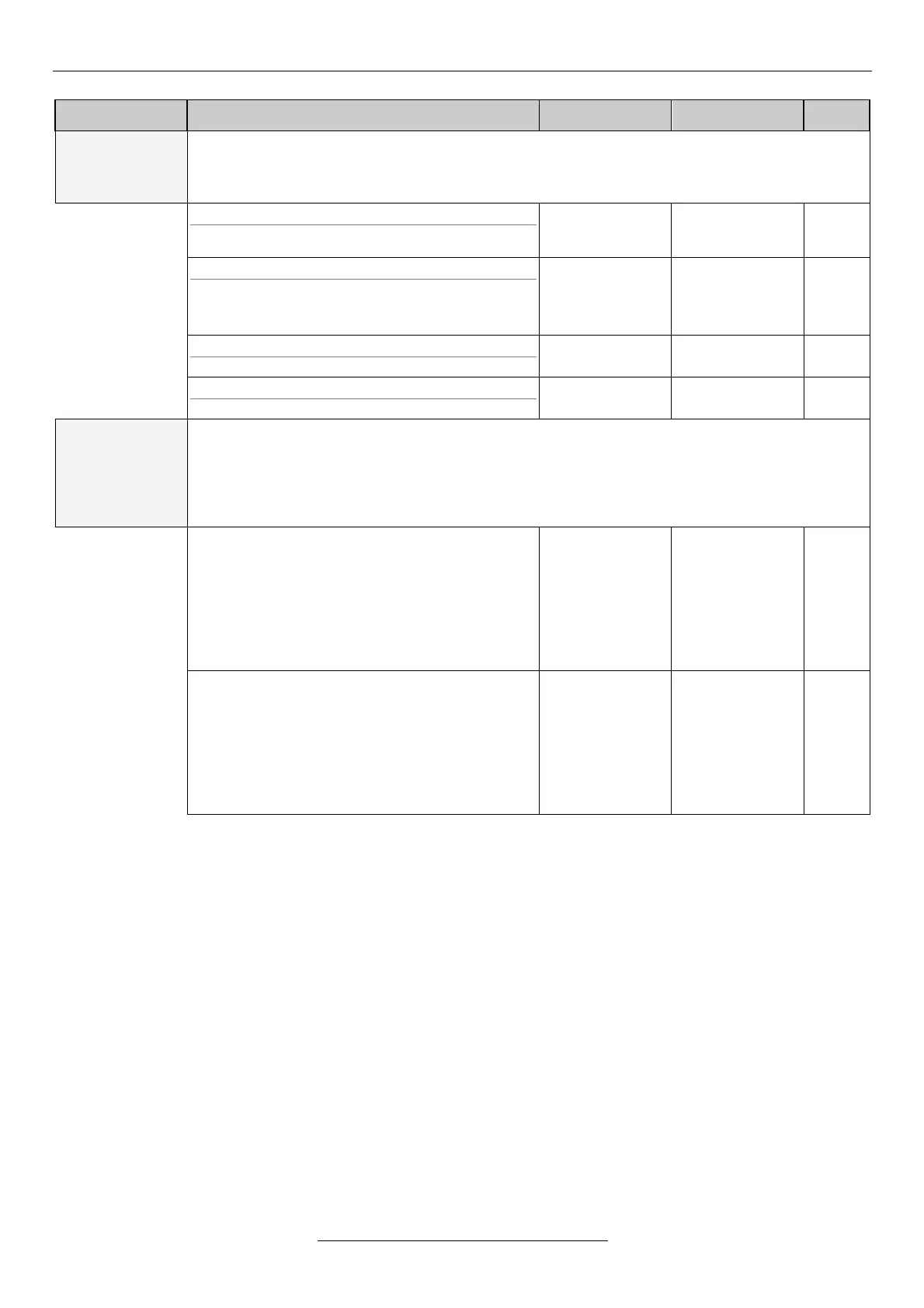
Explanation, further submenus
Passwords can be entered here for setting password parameters and different priority levels. The
installer has a higher priority than the user, so the installer password permits also the change of
those parameters protected with user password. (The highest priority has the manufacturer
password)
11-25-1 select password
Selects the type of password to be set (priority)
11-25-2 code
Setting the password.
After having been set, the password will be
displayed for 5 minutes.
11-25-3 change
Selecting the password to be changed
11-25-4 new password
Entering of the changed password
11-27
menus with
password
With the menu with password, passwords can be assigned to menu items in the macros. If change
of a parameter is not desirable, it can be protected with password. Password can be assigned here
to two priority levels, the user level and the installer level. The installer password permits of course
also access to the parameters protected with user password.
Assignment of a password and termination of the assignment can be performed after the successful
setting of the password only.
none
all
minimum
ctrl.an.
ctrl.ENC
master/slave
user.1
user.2
none
all
minimum
ctrl.an.
ctrl.ENC
master/slave
user.1
user.2
Remarks to the system parameters
• Changing the switching frequency is activated only in stop state!
• Parameter load (factory, memory1-3, terminal1-4) can only be made in stop state.
• After parameter loading, the equipment will restart automatically. (when loaded from the terminal, the progress
of the load in % format will be displayed in row 4 of the display.)
• When changing the parameter table completely, all parameters will be transcribed in the current table except for
the read-only parameters. (e.g. serial number, software version number).
• The type-dependent parameters will be transcribed only when the equipment and the setting to be loaded are
reconciled


 To Next Page