H - I - J PROGRAMMER’S MANUAL V8.94.11-
- 7 -
Programming terminal
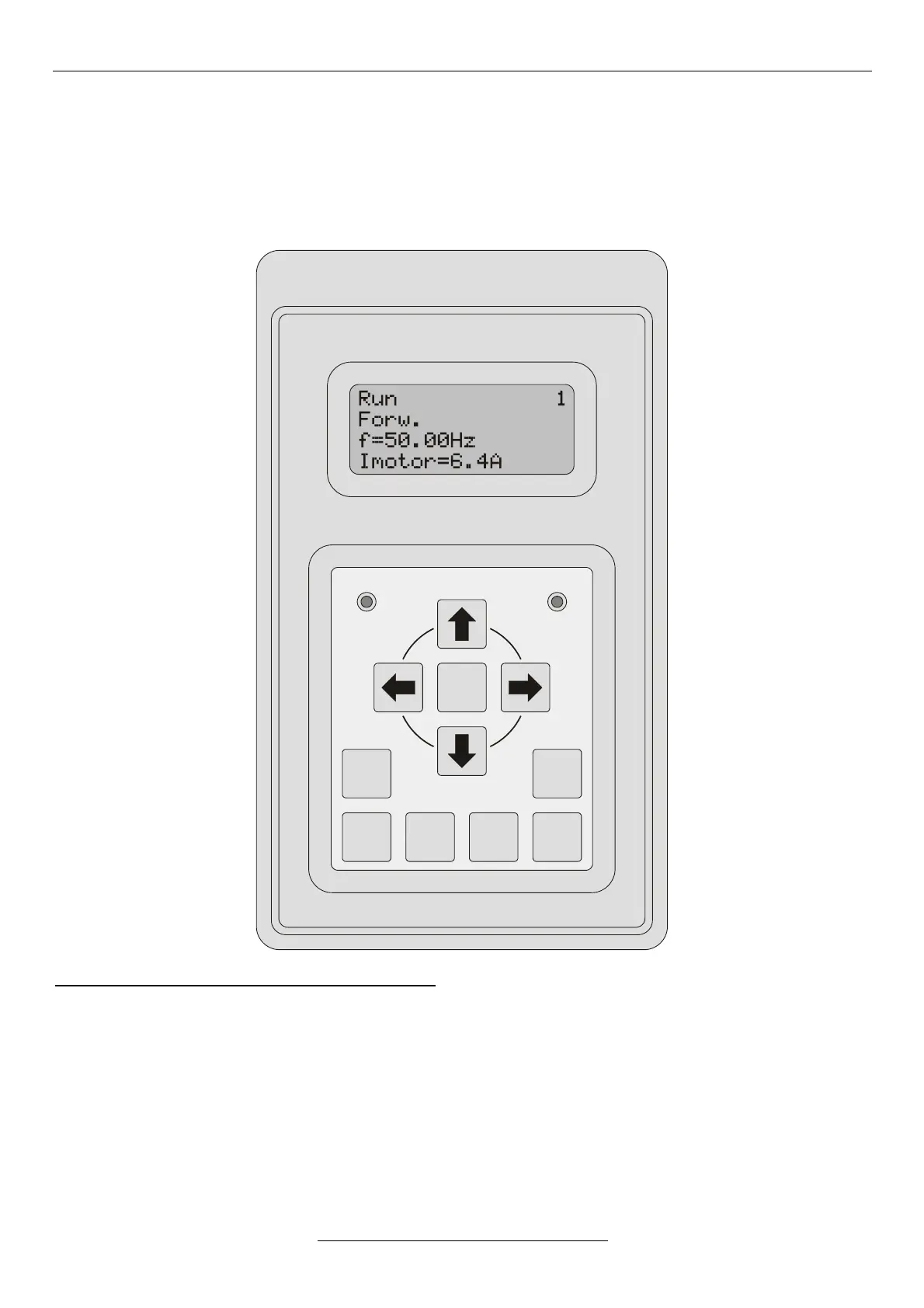
Using the programming terminal, setting, inspection and display can be made through the serial line.
The programming terminal is equipped with a 4x16-character display, 11 push buttons as well as error and operating
state signalling.
It can be used as a built-in unit or in casing as a standalone unit.
The pane of the push buttons is arranged in two groups:
• Upper group: , , , , DISPLAY, ESCAPE, ENTER,
• Lower group: JOG, DIRECTION, START, STOP.


 To Next Page