H - I - J PROGRAMMER’S MANUAL V8.94.11-
- 69 -
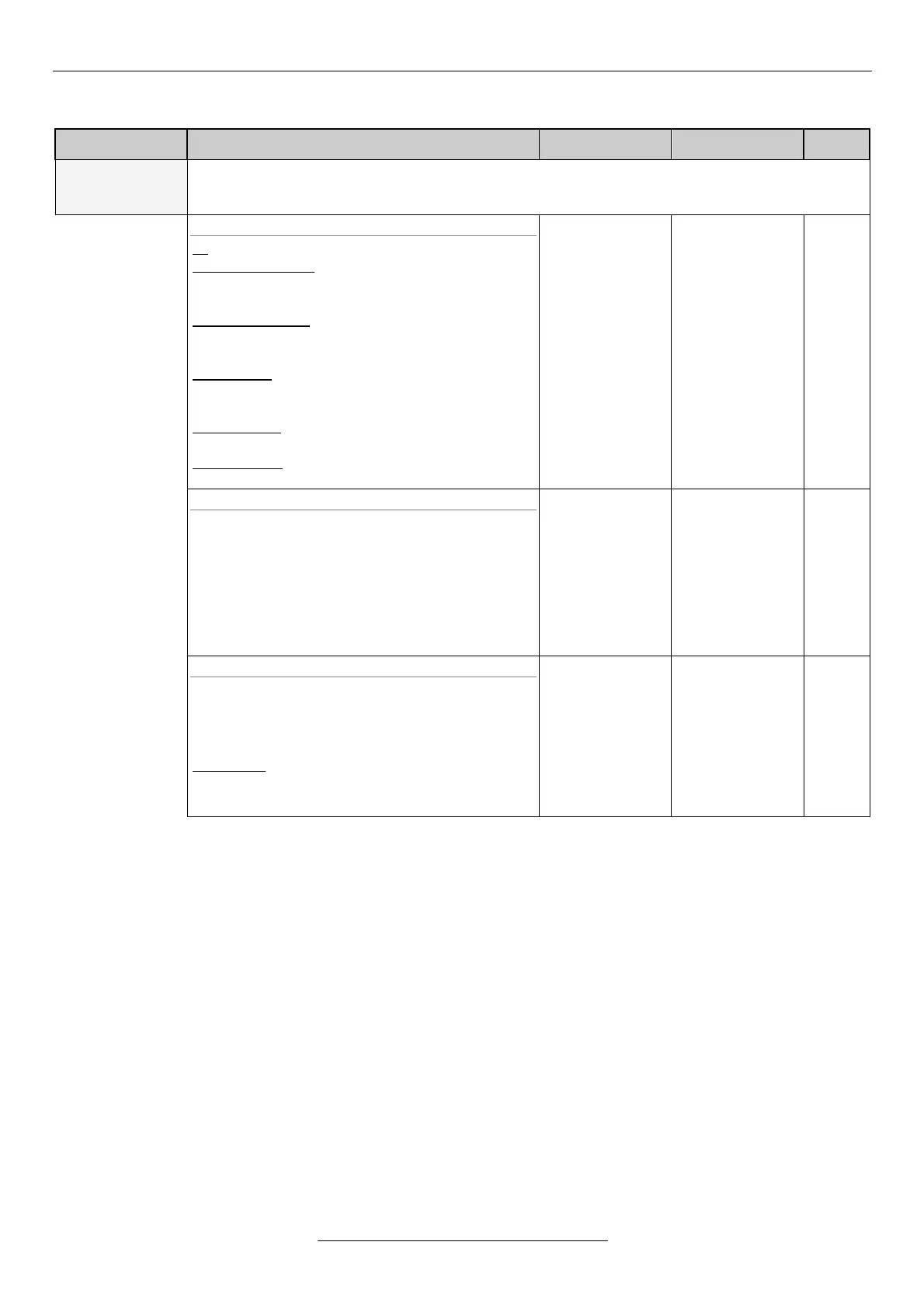
Macros
Explanation, further submenus
This serves the limitation of the parameters displayed in the menu system.
Some parameters can always be seen. Such are the 11-4-1 macro select, the 11-25-1 select
password, and the 11-25-2 give password.
11-4-1 select
all: The whole menu structure is displayed.
regulation base: The parameters of the
regulation with base setting are
displayed.
control analogue: The parameters of control by
analogue feedback signal are displayed
(e.g. pressure control).
control IRE: The parameters of control by IRE
feedback signal are displayed (e.g.
position control).
master/slave: The parameters of equipments
connected in a system are displayed.
user 1 and 2: The menu items available for the
user are displayed.
all
minimum
ctrl.an.
ctrl.ENC
master/slave
user.1
user.2
11-4-2 change
For editing the quick menu or the user macro, the
macro (quick menu) to be edited can be selected
here. With the programming terminal, stepping in
the menu by the right and left arrows, parameters
can be added to or removed from the quick menu
or the user macro.
At each switch-on, the equipment goes in the
editing quick menu mode!
quick menu
user 1.
user 2.
11-4-3 copy
This copies one macro into the user macro set in
menu 11-4-2 change. Thus a user macro only
slightly differing from a setting can easily be
created.
menu item: Copies the parameters belonging
under the menu item given in 11-1-1-3
menu item.
empty
menu
all
minimum
ctrl.an.
ctrl.ENC
master/slave
user.1
user.2
Using macros
The macro serves the easier overview of the huge amount of parameters in the menu system. By its use, only certain
parameters will be displayed, permitting an easier overview. E.g. in case of a regulation task, select the regulation base
setting in menu 11-4-1 load, thus only the parameters connected with the regulation will be displayed.
Also own macros can be edited by selecting user macro 1 or user macro 2 in menu item 11-4-2 change.
Those menu items will be displayed in the menu system that are listed in the macro. At stepping in the menu by the right
and left arrows, parameters can be added to or removed from the user macro.
As a further possibility, also password can be assigned to the parameters in the macro, using 11-27 Password menu,
thus preventing unauthorized parameter changes.


 To Next Page