H - I - J PROGRAMMER’S MANUAL V8.94.11-
- 62 -
10. Displays menu
In this menu settings connected with the appearance of the display can be made.
Followings can be set here:
• the values to be displayed by row,
• productivity matchings,
• individual dimensions,
• display with large characters,
• consumption meter,
• active menu setting
Explanation, further submenus
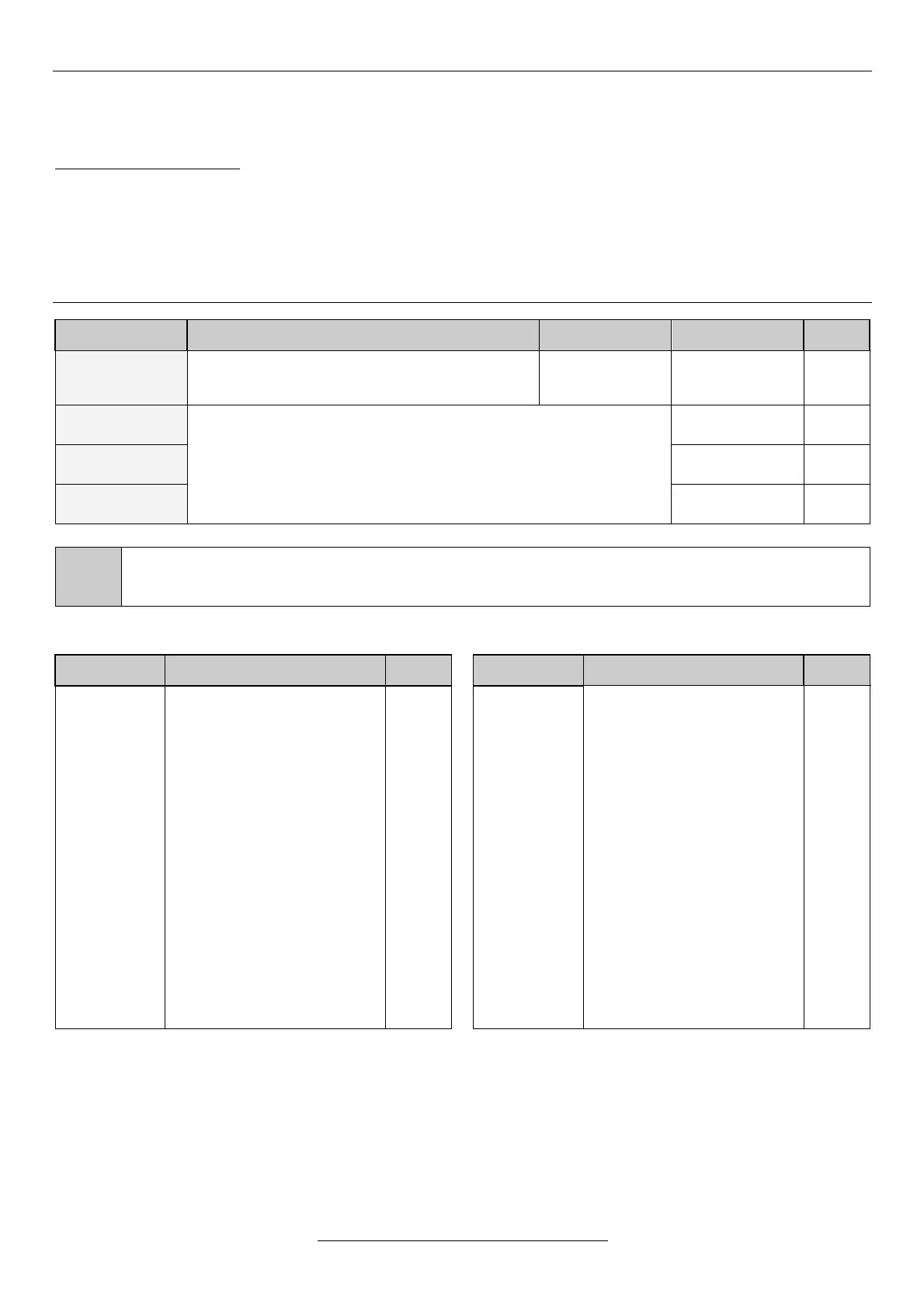
Here, the parameter to be displayed in row 1 in
DISPLAY mode can be selected
values which can
be displayed
(see below)
The setting is the same as that of item 10-1 row 1.
The 11-5-1 remote control identifier appearing on the last one or two characters of the first row has
priority over the displayed value. At selecting it, it has to be assured that the text to be written in this row will
be not too long.
status
mode
prod.1
prod.2
(–)
prod.3
(–)
prod.4
(–)
f
Imotor
Umotor
Udc
Unet
Pinp.
c. ref.
m. c. ref.
(–)
reg. ref.
mod. ref.
(–)
feedback
err.sig.
an. IN1
an. IN2
an. IN3
(–)
an. IN4
(–)
status feedback
mode feedback
productivity 1
productivity 2
productivity 3
productivity 4
frequency (actual)
motor current
motor terminal voltage
Intermediate circuit dc voltage
power line voltage (calculated)
power consumption
control reference signal
modified control ref. signal
regulation reference signal
modified regulation ref. signal
regulation feedback signal
error signal
analogue IN1 input
analogue IN2 input
analogue IN3 input
analogue IN4 input
-
-
-individ.-
-individ.-
-individ.-
-individ.-
Hz
A
V
V
V
kW
Hz
Hz
%
%
%
%
-individ.-
-individ.-
-individ.-
-individ.-
an. IN1-2
(–)
an. IN3-4
(–)
counter 1
(–)
counter 2
(–)
counter 3
(–)
run time 1
run time 2
heatsink
n
n ENC
(–)
torque
P br. ave.
(–)
P br. curr.
(–)
dig. IN
dig. OUT
mod.mpot
(–)
clock
Econs.a.
(–)
En.cons.
(–)
empty row
(–)
difference of analogue IN 1-2
difference of analogue IN 3-4
counter 1 actual state
counter 2 actual state
counter 3 actual state
total service hour counter
“Run” service hour counter
heat sink temperature
motor rot. speed (calculated)
rotation speed (measured)
calculated torque
average resistor brake load
momentary resistor brake load
state of digital inputs
state of digital outputs
modified mot. potentiometer
date and time
total energy consumption
energy consumpt. (resettable)
-individ.-
-individ.-
-
-
-
hour
hour
C
rpm
revol.
Nm
%
%
-
-
%
-
kWh
kWh
-
Editing paged values
In row 4, the items paged with knobs in the display can be edited.
Any item can be removed from the items paged in the display, using the push button. This is marked with “-“ in the
beginning of the row 4.
These items can be replaced among the paged items using the push button.
In the factory default setting some items are removed from the paged items. These items are marked with (-) in the
displayable items table.


 To Next Page