PROLiNK® PRC3801 Wireless AC1200 MU-MIMO Dual-Band Gigabit Router
• uPnP: Enable or disable Universal Plug an d Play (uPnP). uPnP provides compatibility with
networking equipment, software and peripherals.
• IGMP Proxy: IGMP (Internet Group Management Protocol) is used to manage multicasting on
TCP/IP networks. Some ISPs use IGMP to perform remote configuration for client devices,
such as the modem router. The default value is enabled, and if you are not sure, please contact
your ISP or just leave it.
• IGMP Proxy On Physical Interface: Check the box will enable IGMP Proxy on Physical
Interface.
• Allow Ping on WAN: Enable or Disable to Allow Ping on WAN. The default setting is uncheck
the box. If the box is check, the ping packet from the Internet can access the router.
• Allow Telnet on WAN: Check the box to enable Telnet access through WAN port.
• Remote Access on WAN: Check the box to enable remote access from outside of LAN to
access the PRC3801 through WAN connection.
• IPSec pass through: Check the box to allowing IPSEC packets to pass through a NAT router.
• PPTP pass through: Check the box to allowing VPN connections to traverse a NAT.
• L2TP pass through: Check the box to allowing L2TP packets to pass through a NAT router.
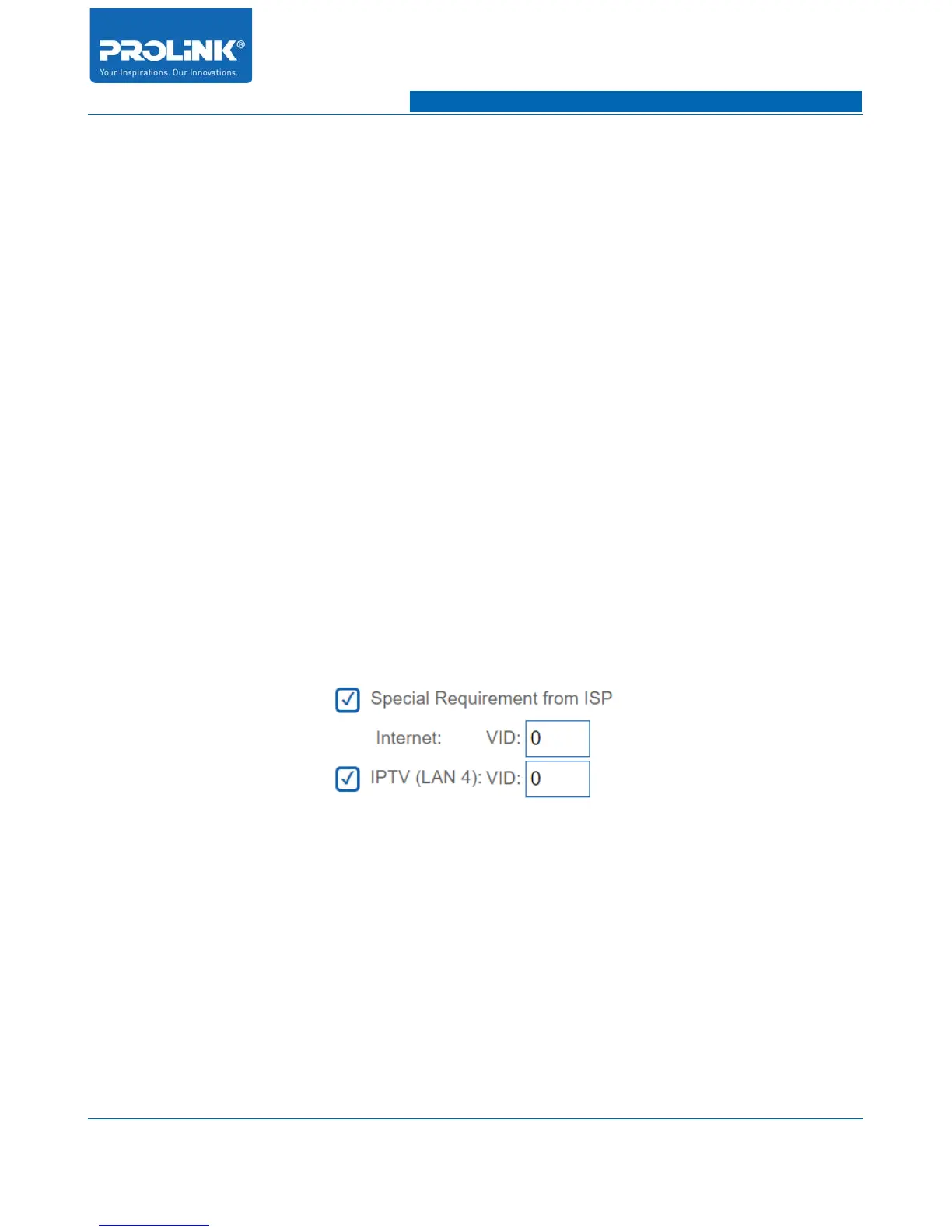
• Special Requirement: Set your VLAN ID for Internet.
• IPTV (LAN 4): VID: Set your VLAN ID for IPTV.
44



 To Next Page