PROLiNK® PRC3801 Wireless AC1200 MU-MIMO Dual-Band Gigabit Router
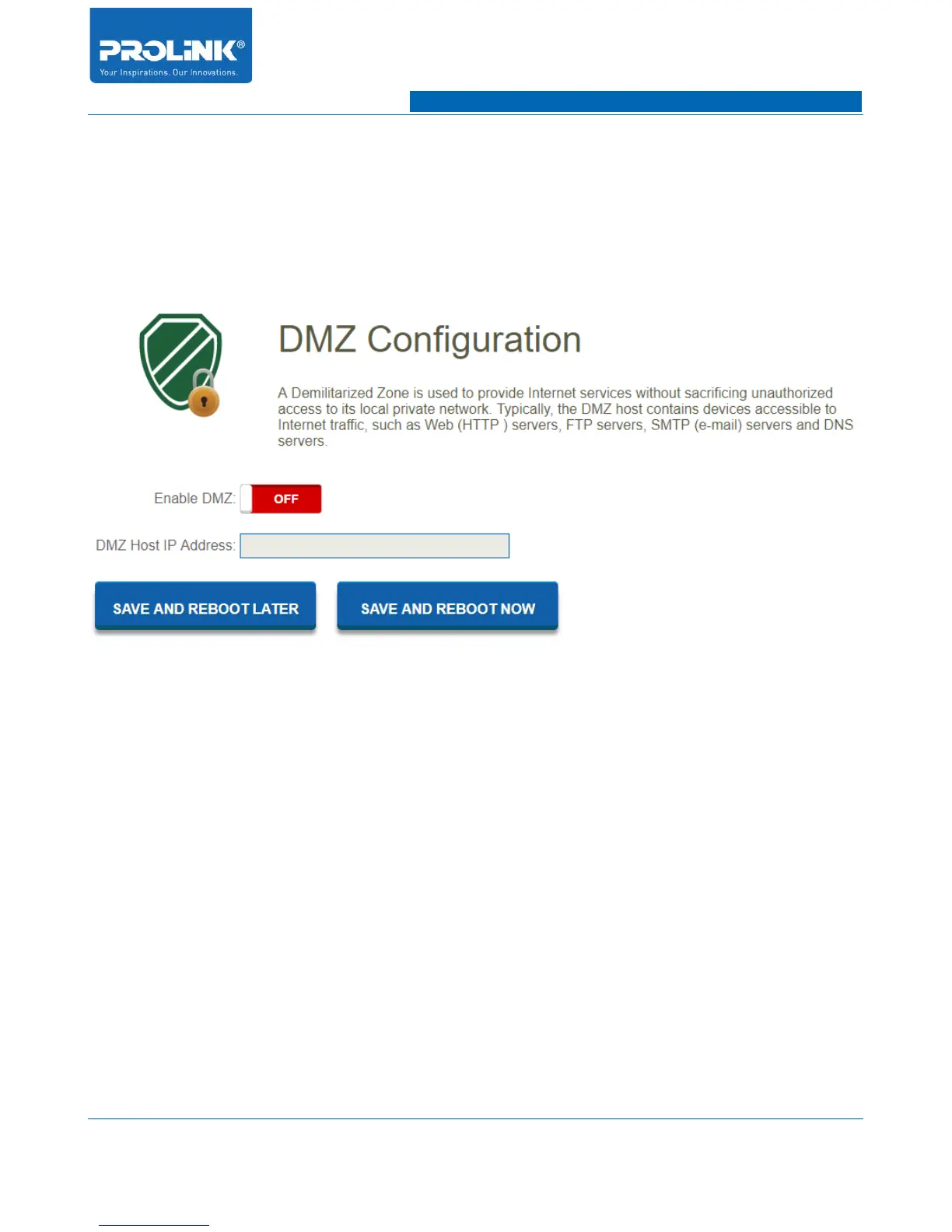
4.18 Demilitarized Zone (DMZ) Configuration
Go to Firewall → DMZ to enter configuration page. PC that being set to DMZ to host on the local
network, it is totally exposed to the internet, which can realize the unlimited bidirectional
communication between internal hosts and external host. The DMZ host becomes a virtual server with
all ports opened for the hosted PC.
• Enable DMZ: Enable and disable DMZ function.
• DMZ Host IP Address: Enter IP Address of client to be expose in the network.
59



 To Next Page