PROLiNK® PRC3801 Wireless AC1200 MU-MIMO Dual-Band Gigabit Router
4.15 MAC Filtering
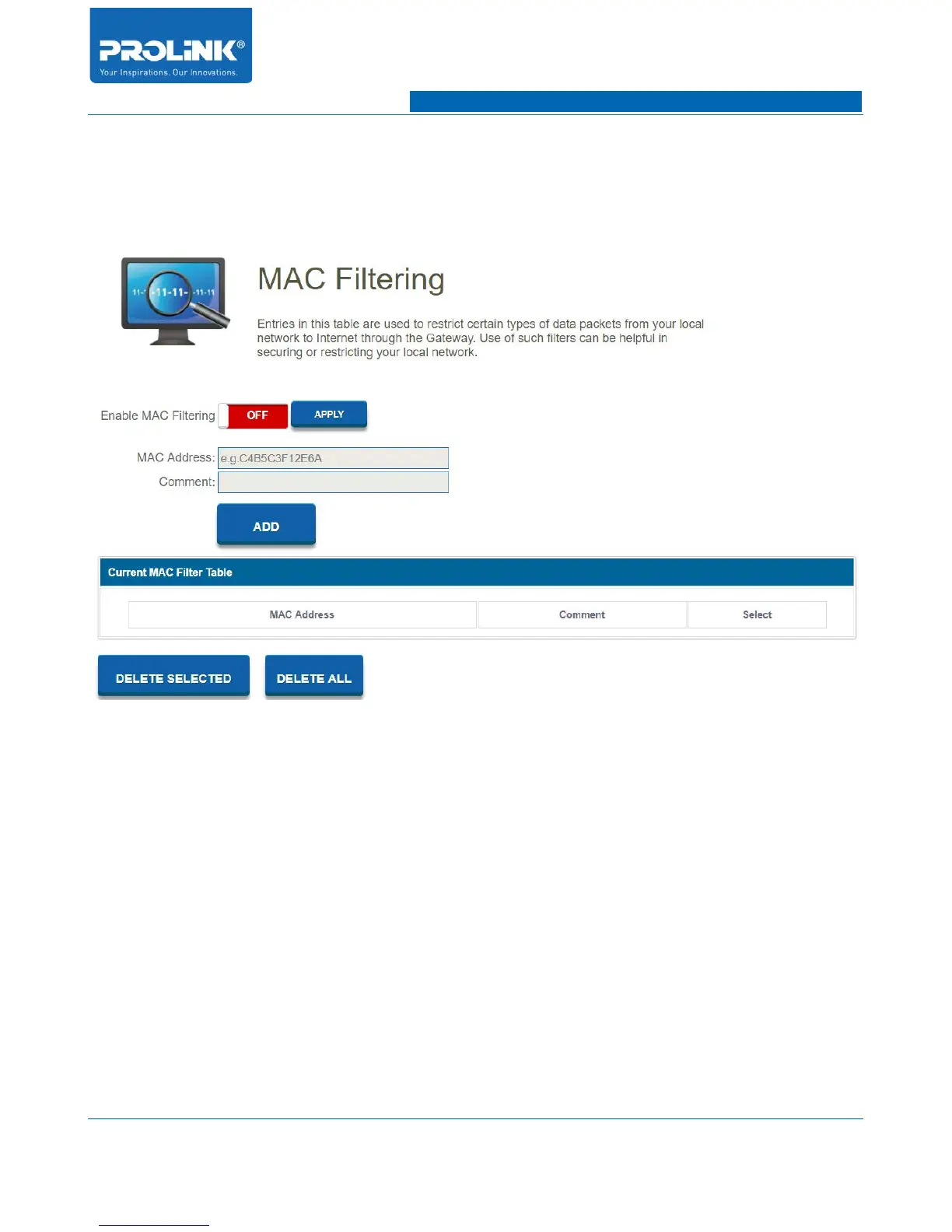
Go to Firewall → MAC Filtering to enter configuration page. MAC Filtering will deny or allow
specific client devices to access your network by their MAC addresses.
• Enable MAC Filtering: Enable and disable MAC Filtering function.
• MAC Address: Enter MAC Address of client device to be filtered.
• Comment: Add a reference for MAC filtering.
56



 To Next Page