PROLiNK® PRC3801 Wireless AC1200 MU-MIMO Dual-Band Gigabit Router
4.28 Static Route
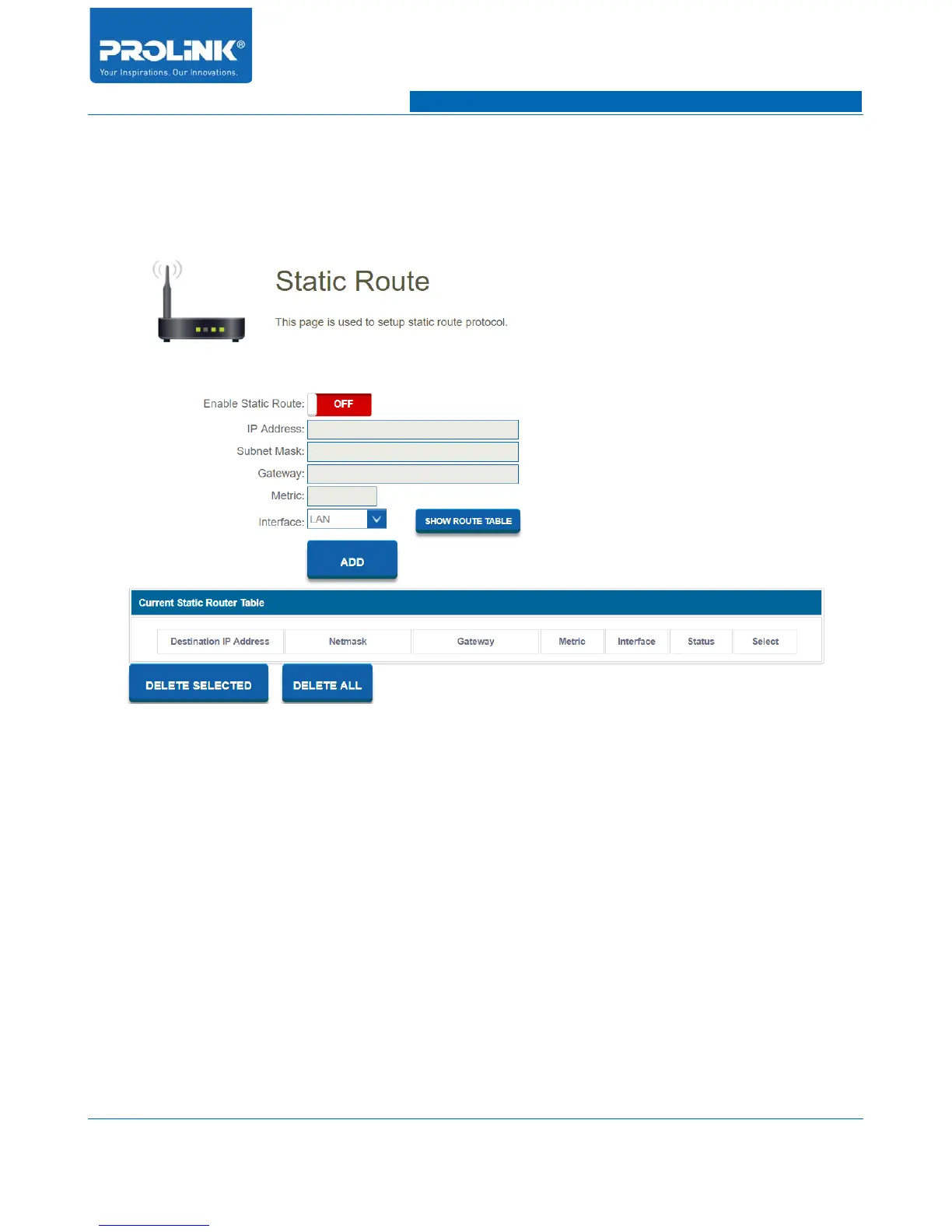
Go to Management → Static Route to enter the configuration page. Static Route page allow you to
define custom routes allowing to be directed to a specific client or location.
• Enable Static Route: Enable or disable Static Route function.
• IP Address: Enter IP address of packet that will take route.
• Subnet Mask: Enter the netmask of the route.
• Gateway: Enter hop gateway to be taken if this route is used.
• Metric: The route metric is a value from 1 to 16 that indicates the cost of using this route.
• Interface: Select the interface that the IP packet must use to transmit out of the router when this
route is used.
• Show Route Table: Table of network route on the network.
72



 To Next Page