PROLiNK® PRC3801 Wireless AC1200 MU-MIMO Dual-Band Gigabit Router
4 Configuring Router
4.1 Setup Wizard / Home Page
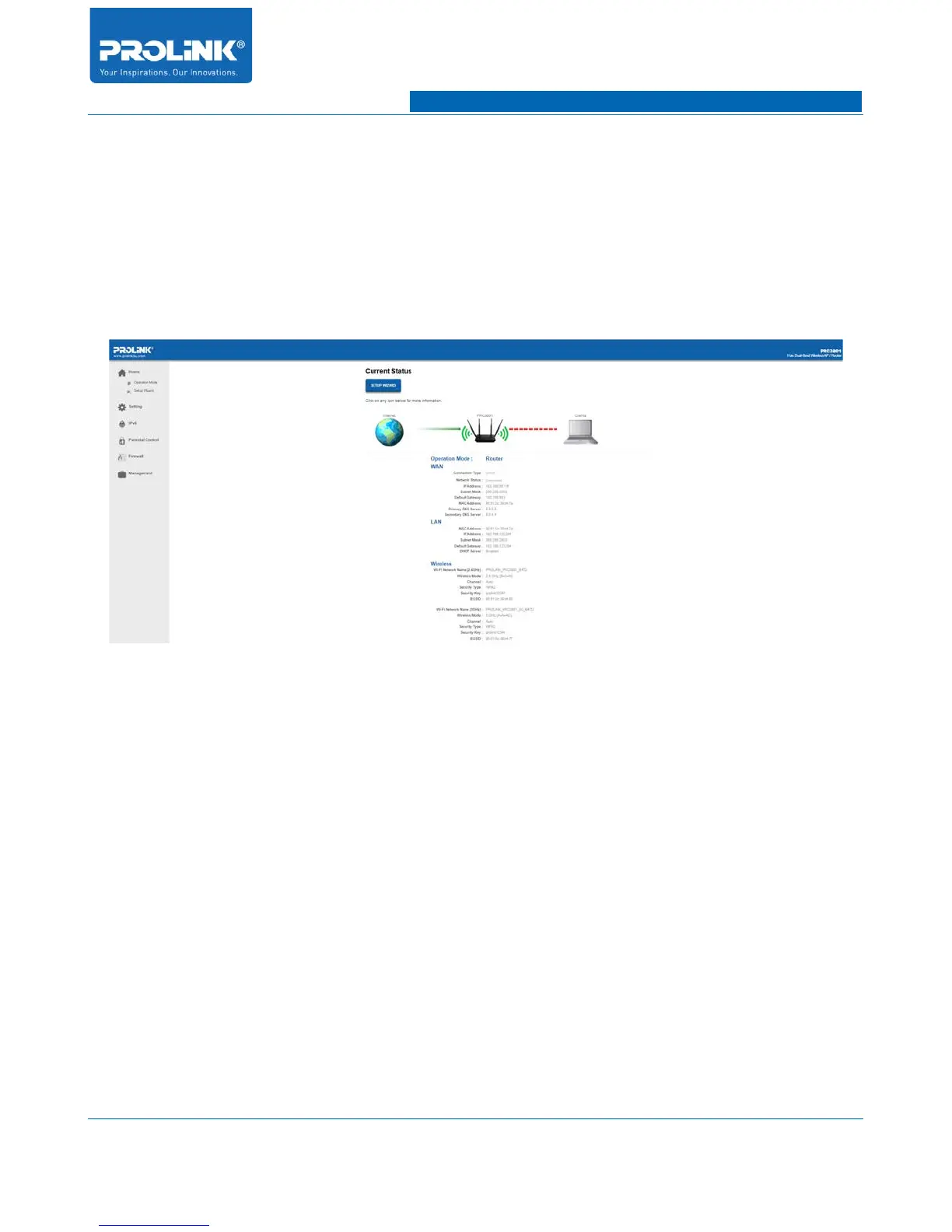
The current status of Router will be updated on the Home Page. In this page user able acquire
information of WAN, LAN and Wireless status. Internet connection status is visually display on the
page to indicate the connectivity status.
4.2 Operation Mode
PROLiNK® PRC3801 is capable to change it operating mode from Router, Access Point and Repeater.
In this page you will able to change the operation mode setting. By default PRC3801 is in Router
mode. To setup operating mode:
1. From Home Page go to Home → Operation Mode.
2. Select any of the following mode:
(a) Router: In wireless router mode, the wireless router connects to the Internet and provides
Internet access to available devices on its own local network.
(b) Access Point (AP): In this mode, the router creates a new wireless network on an exising
network via Ethernet cable.
(c) Repeater: In this mode, the router will function as wireless extender for existing router. You
can choose the backhaul WiFi as 2.4GHz or 5GHz.
12



 To Next Page