PROLiNK® PRC3801 Wireless AC1200 MU-MIMO Dual-Band Gigabit Router
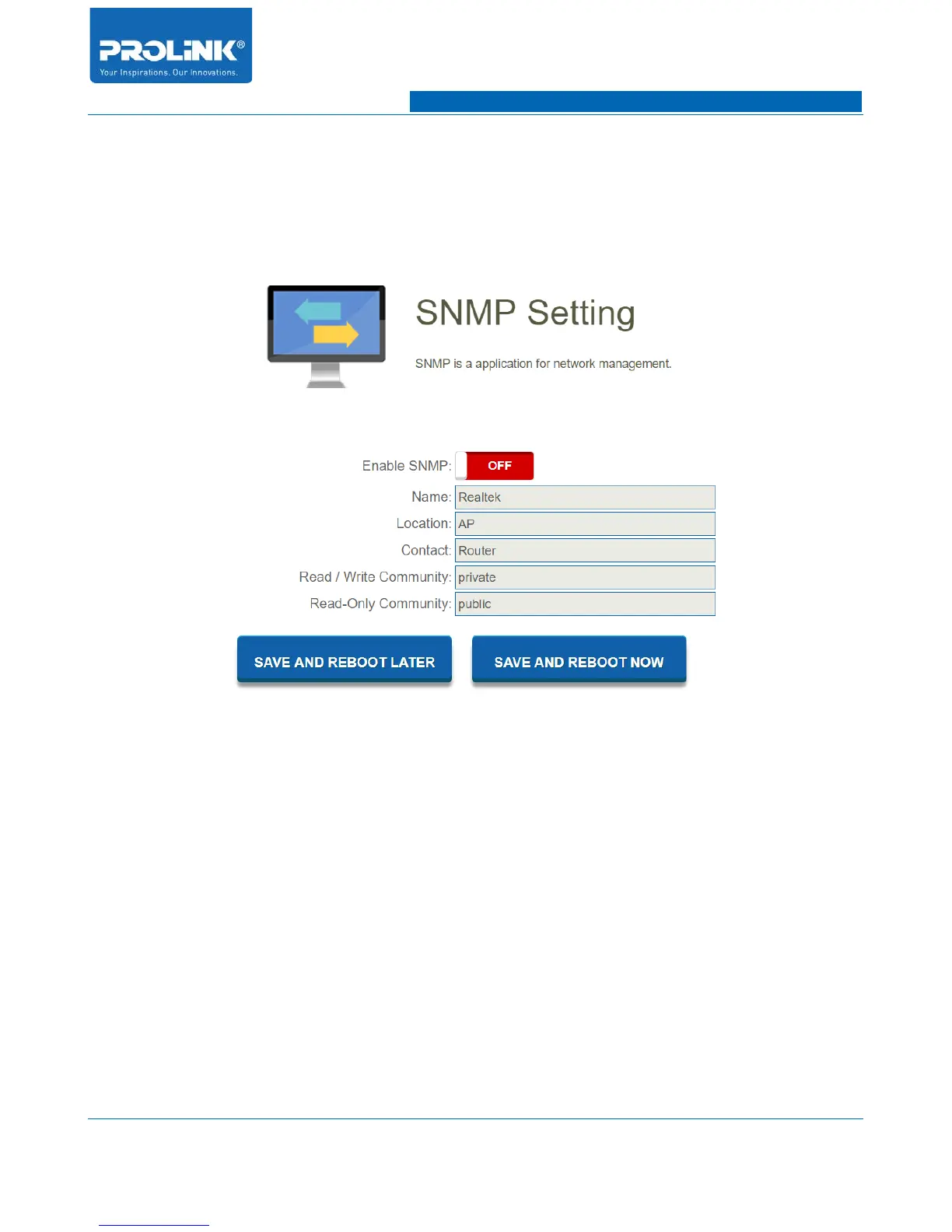
4.27 SNMP
SNMP known as Simple Network Management Protocol is an Internet Standard protocol for collecting
and organizing information about managed device on IP networks and for modifying that information
to change device behavior. To enter SNMP configuration page go to Management → SNMP.
• Enable SNMP: Enable or disable SNMP function.
• Name: Enter SNMP device detail name.
• Location: Enter SNMP device detail location.
• Contact: Enter SNMP device contact detail.
• Read / Write Community: Enter a read-write community name. Community name is similar to
to setting a password. Request from machine that identify themselves with the enter community
name will be accepted.
• Read-Only Community: Enter a read-only community name. Community name act as a simple
authentication mechanism to restrict the mechines on the network that can request data to the
SNMP agent.
71



 To Next Page