PROLiNK® PRC3801 Wireless AC1200 MU-MIMO Dual-Band Gigabit Router
4.25 System Log
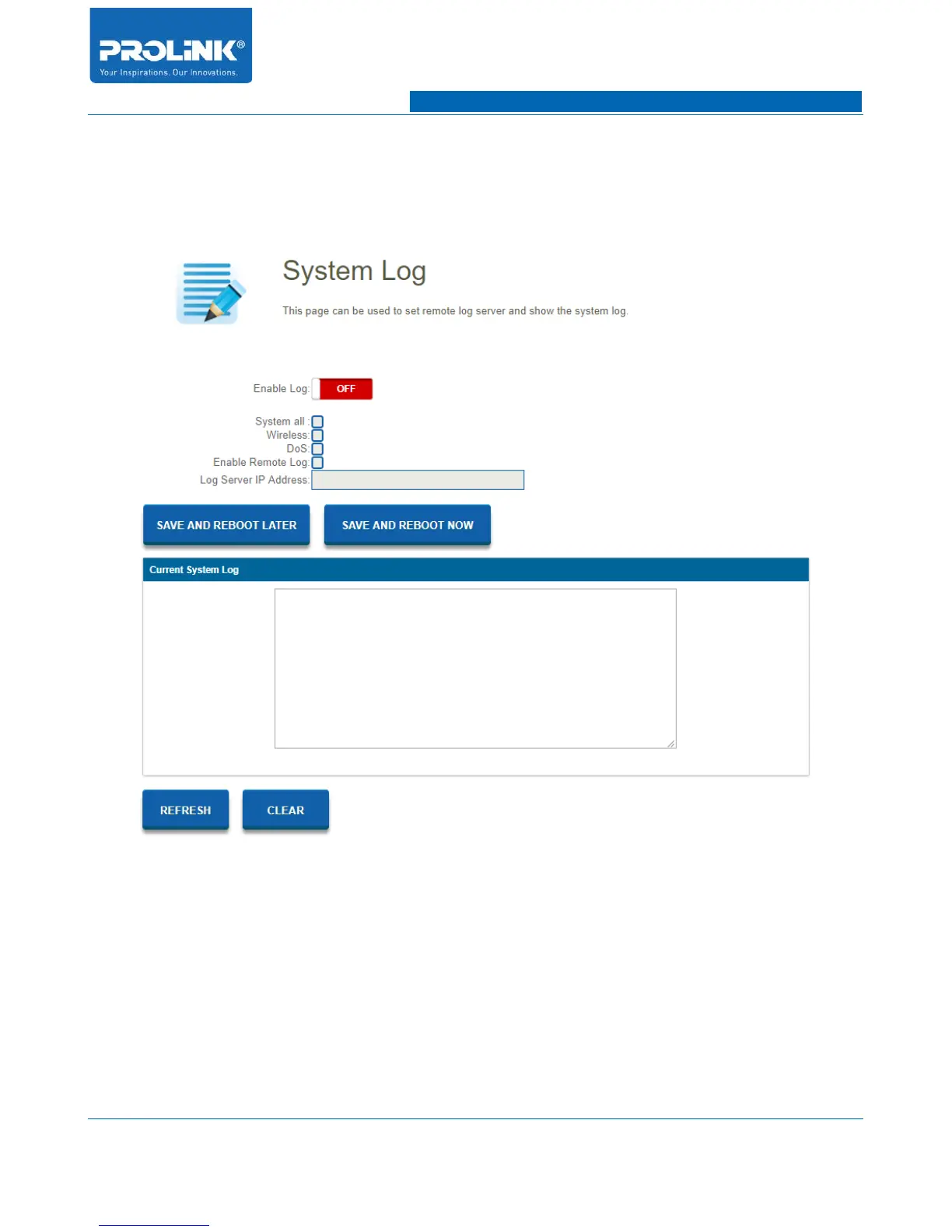
System log contains your recorded network activities. PRC3801 will keeps a running log events. Go to
Management → System Log to enter the configuration page.
• Enable Log: Enable and disable System Log function.
• System all: Enable will allow PRC3801 to show all system log on router.
• Wireless: Enable to allow PRC3801 to log Wireless activity.
• DoS: Enable will allow DoS attack log in the system.
• Enable Remote Log: Enable and disable remote log functionality.
• Log Server IP Address: Enter Log Server IP Address for remote log.
68



 To Next Page