PROLiNK® PRC3801 Wireless AC1200 MU-MIMO Dual-Band Gigabit Router
4.21 Time and Date
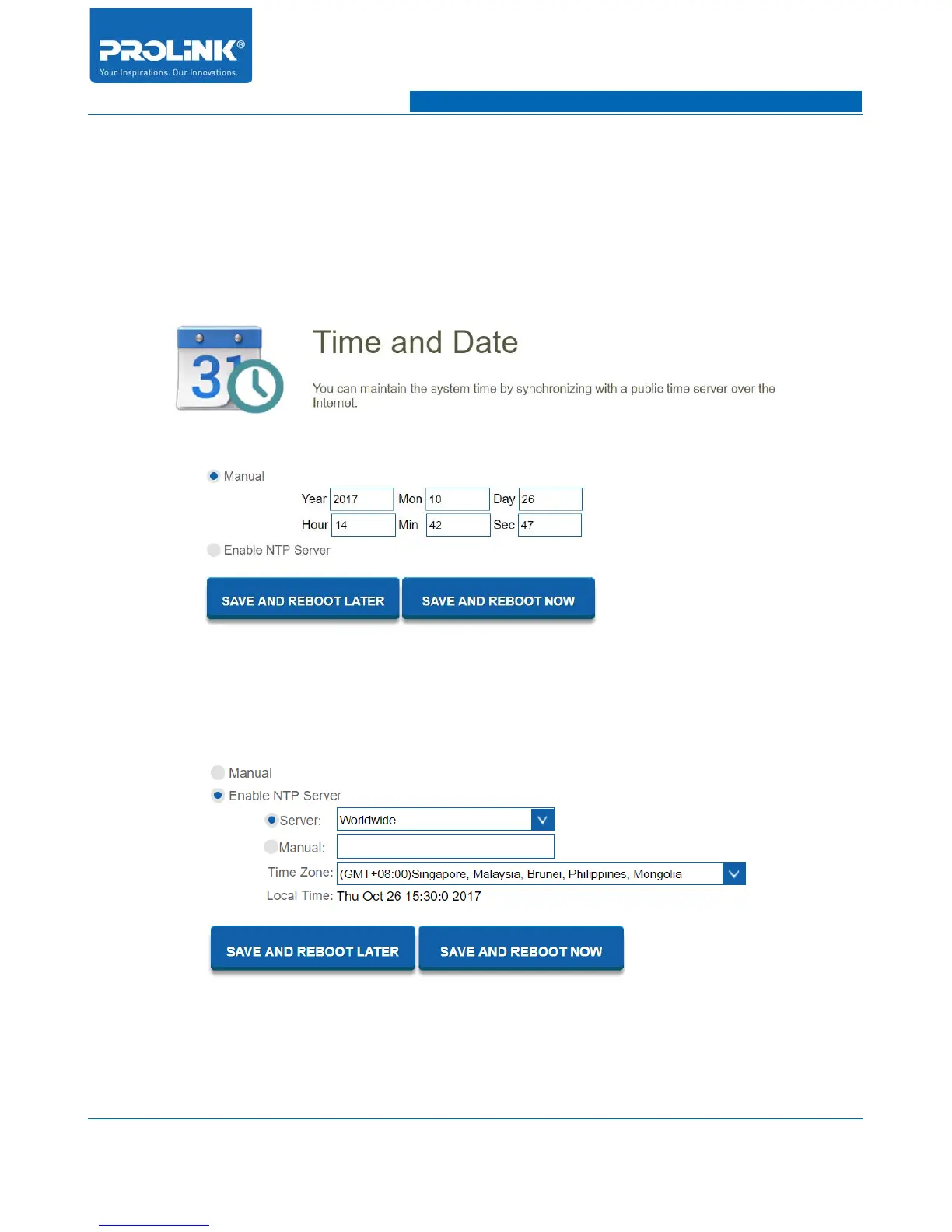
Go to Management → Time and Date to enter the configuration page. Time and Date page allow you
to change PRC3801 time and date. You could manually insert the time and date or automatically sync
with server.
• Manual: You could manually enter time and date of PRC3801 to use for whole system.
• Enable NTP Server: Enable to allow an NTP (Networkk Time Protcol) server on the Internet to
synchronize the time and date with your PRC3801. If enable this, you could select NTP server
from the drop-down menu or you could manually enter the NTP Server.
64



 To Next Page