PROLiNK® PRC3801 Wireless AC1200 MU-MIMO Dual-Band Gigabit Router
4.22 System
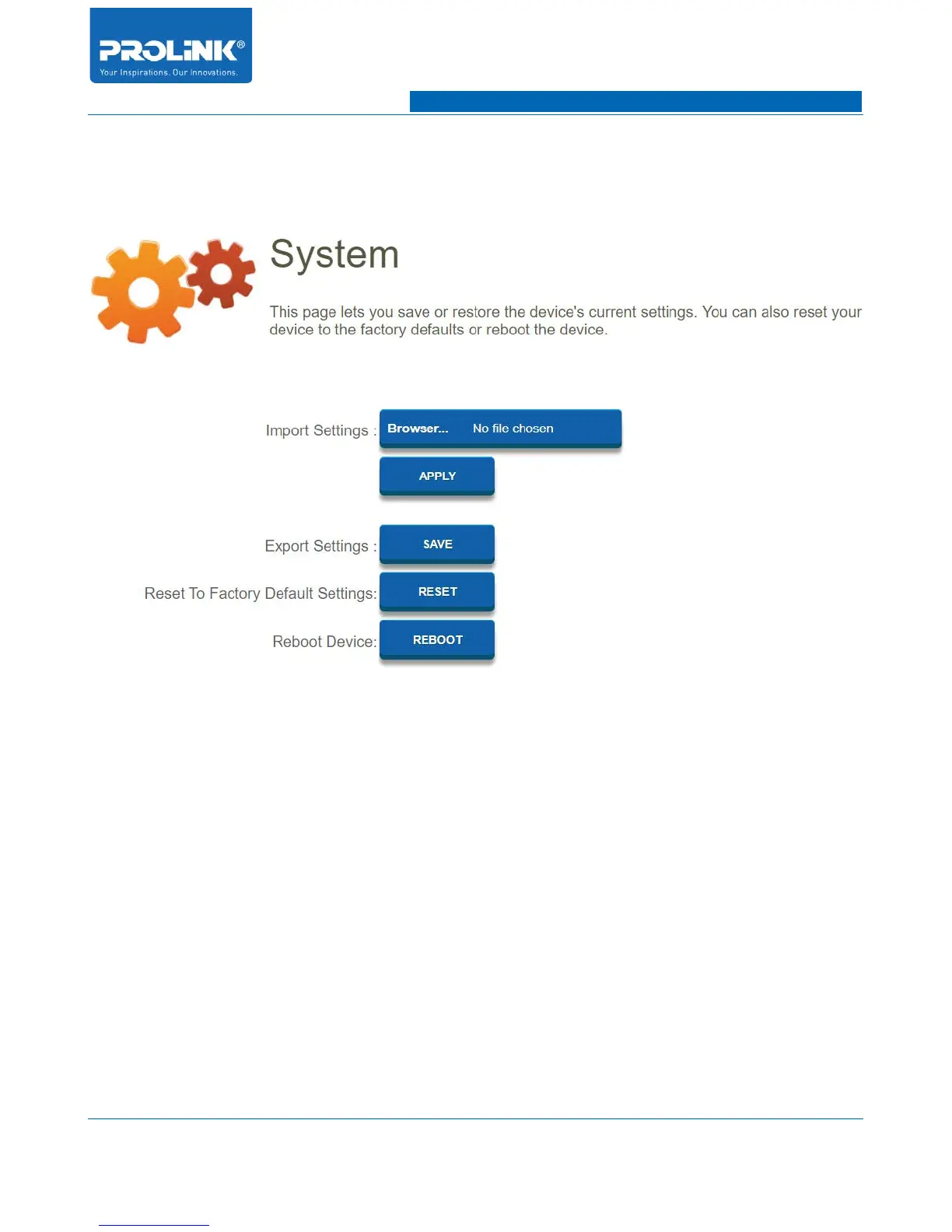
Go to Management → System to enter the System configuration page. In this page you could Import
and export PRC3801 router setting. You also could reset to factory setting and reboot PRC3801 router.
• Import Settings: Click Browser to select PRC3801 configuration save file. This will restore
PRC3801 whole setting according to the configuration save file. Click apply to start restoring
the configuration file.
• Export Settings: To export PRC3801 configuration file for backup purpose. Click save and
select save file directory destination.
• Reset To Factory Default Settings: Restore all PRC3801 setting to Factory Default setting. All
previous save file setting will disappear.
• Reboot Device: Click REBOOT to restart PRC3801.
65



 To Next Page