PROLiNK® PRC3801 Wireless AC1200 MU-MIMO Dual-Band Gigabit Router
4.12 Quality of Service (QoS)
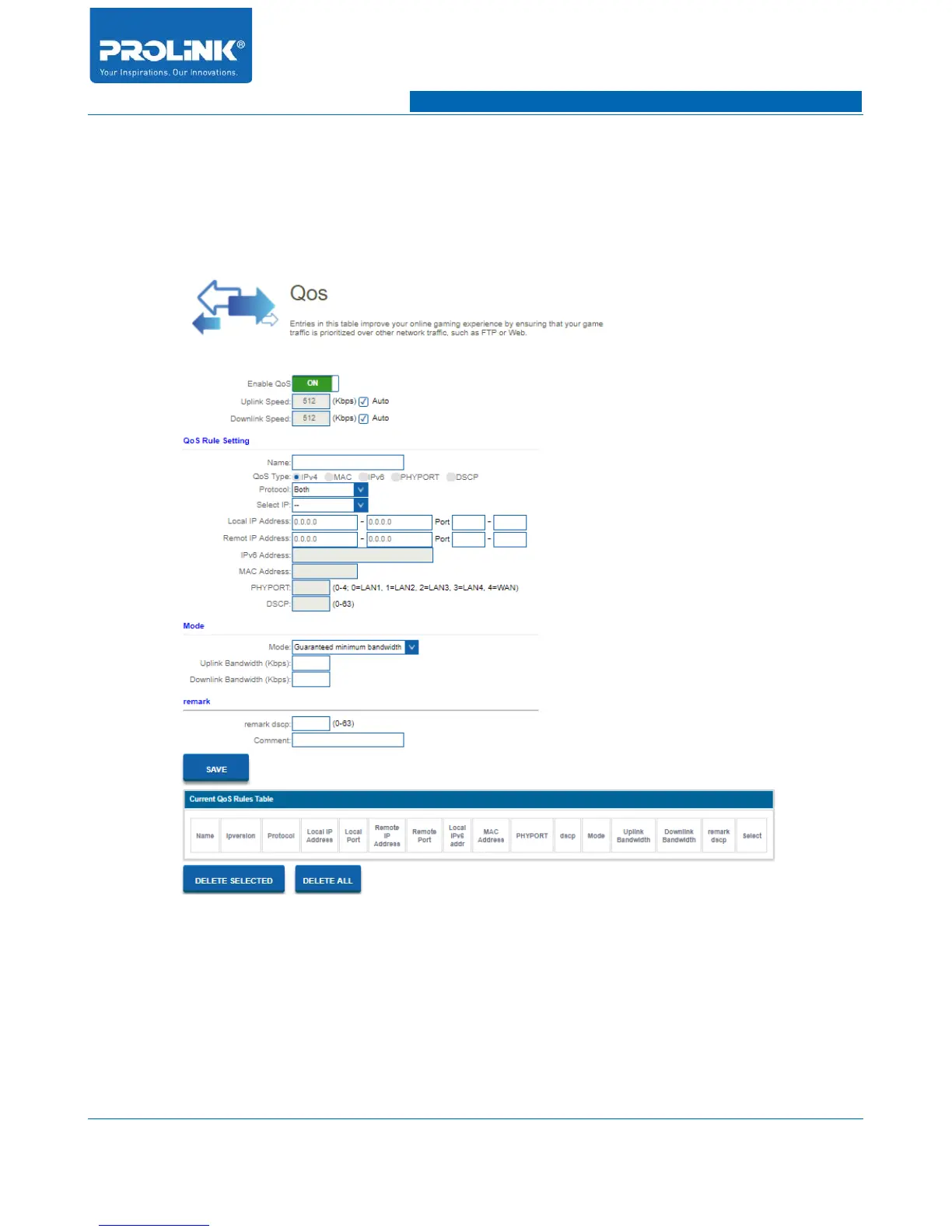
Go to Firewall → QoS to enter the QoS setting. In this page you could enable and configure QoS base
your need for each of client. QoS ensure bandwidth for prioritized tasks and application for connected
client.
• Enable QoS: Enable and disable QoS function.
• Uplink Speed: Enter maximum upload bandwidth provided by your Internet Service Provider.
• Downlink Speed: Enter maximum download bandwidth provided by your Internet Service
Provider.
52



 To Next Page