PROLiNK® PRC3801 Wireless AC1200 MU-MIMO Dual-Band Gigabit Router
4.20 Admin Page
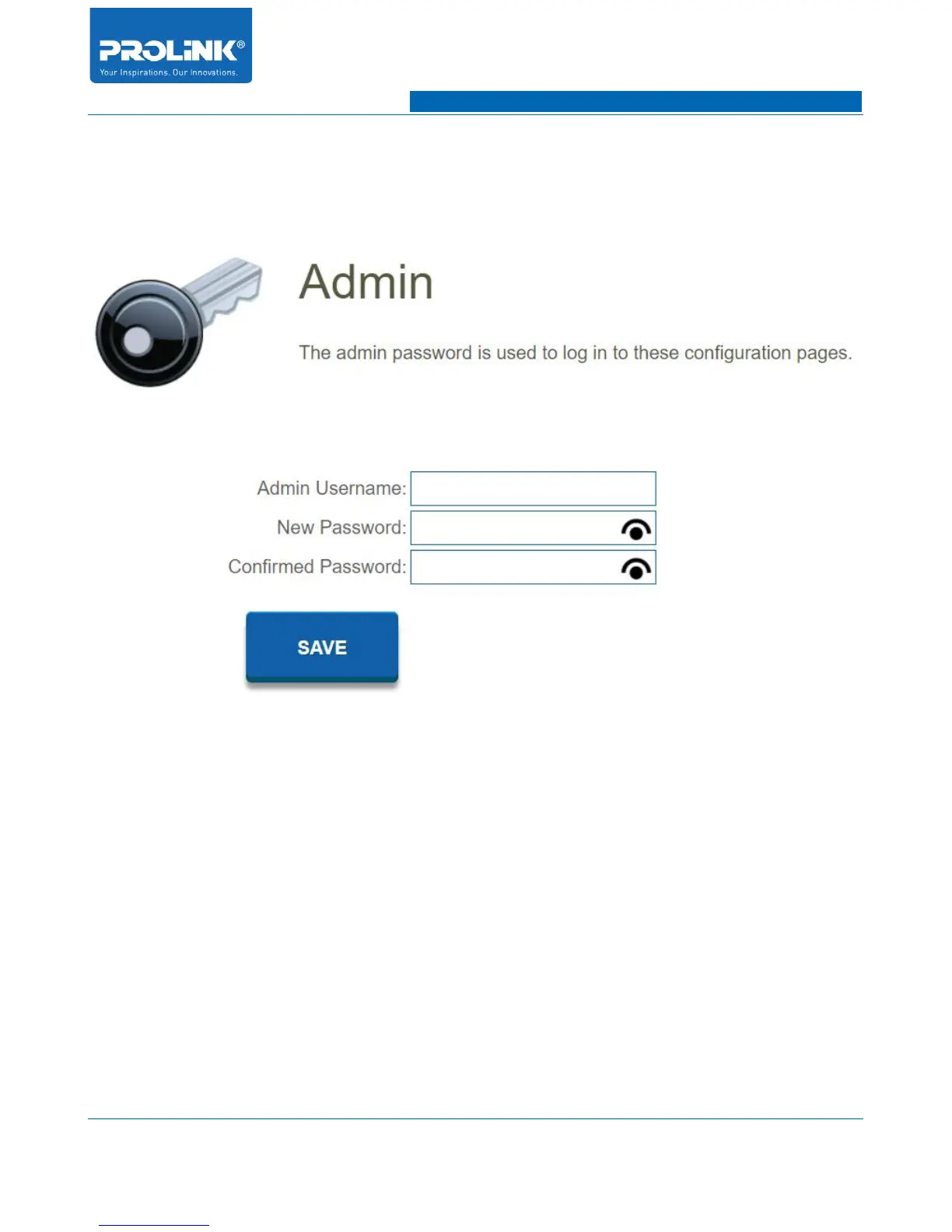
Go to Management → Admin to enter admin configuration page. In this page you could change your
login user name and password.
• Admin Username: Enter a new username for the administrator account. By default the
username is admin.
• New Password: Enter a new password for the administrator account. This new password will
use on web page login of PRC3801. By default the password is password.
• Confirmed Password: Re-type again the new password to avoid mismatch and re-confirm
password entered on new password field.
63



 To Next Page