PROLiNK® PRC3801 Wireless AC1200 MU-MIMO Dual-Band Gigabit Router
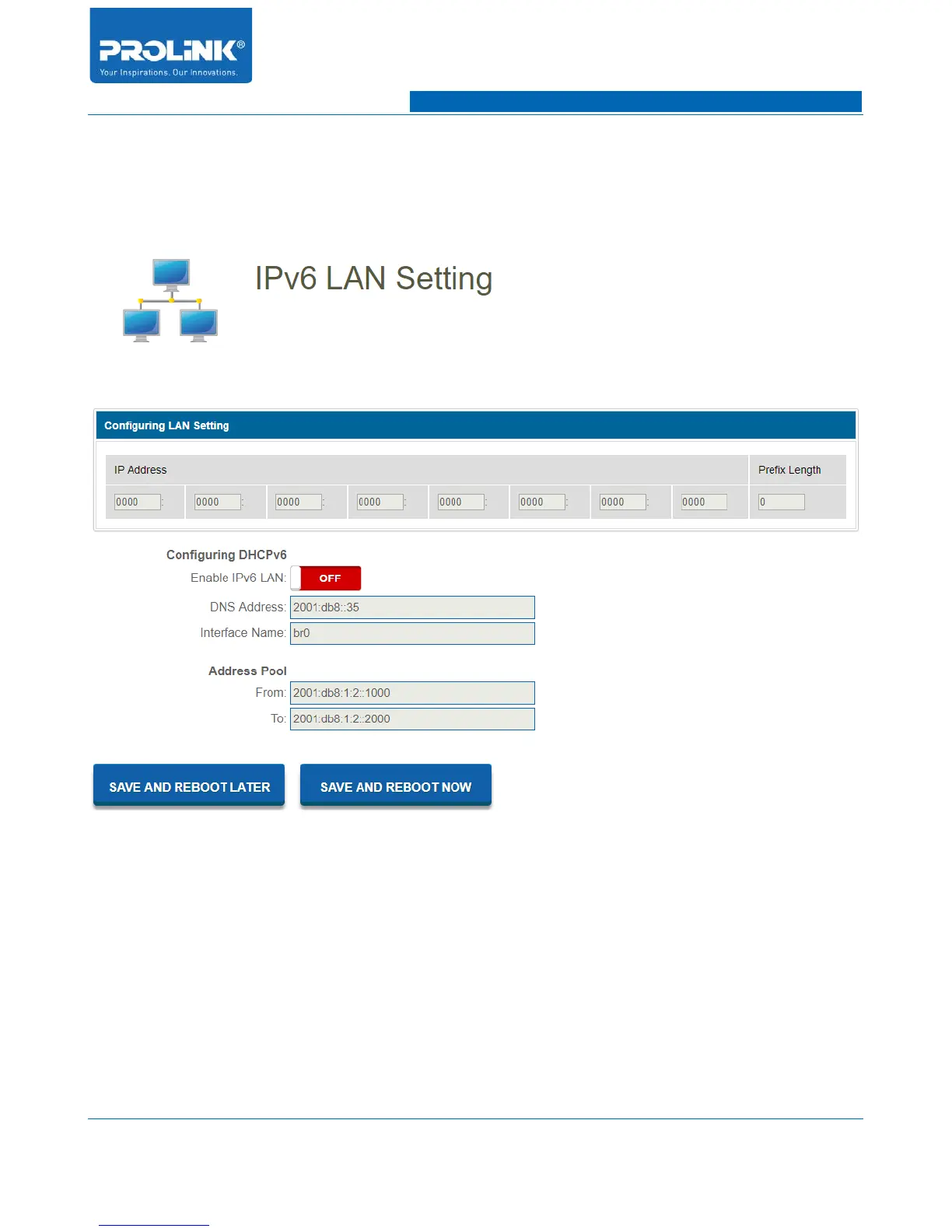
4.8 IPv6 LAN Setting
Go to IPv6 → IPv6 LAN Setting to enter configuration page. IPv6 LAN Setting only available if you
enable IPv6 WAN. Make sure IPv6 WAN is enable before you could configure the IPv6 LAN.
Configuring DHCPv6
• Enable IPv6 LAN: Enable or disable IPv6 LAN configuration.
• DNS Address: Enter IPv6 DNS Address assigned by your ISP.
• Interface Name: Enter assigned Interface name of the IPv6 LAN port.
Address Pool
• From: Enter assigned starting Address pool.
• To: Enter assigned ending Address pool.
46



 To Next Page