PROLiNK® PRC3801 Wireless AC1200 MU-MIMO Dual-Band Gigabit Router
(5) If client device is supporting dual band, during WPS Push Button enable which band will
the client connected?
1. WPS is operating by making a connection with frequency band that have higher RSSI value.
Therefore WPS will be connecting with band that have higher RSSI value. 2.4GHz usually
will have RSSi value compare to 5GHz band. This is why most of time WPS will connect
with 2.4GHz band compare to 5GHz. However in situation or condition where 5GHz have
higher RSSI value, this will cause WPS to connect with 5GHz band.
(6) My ISP is providing me with one unit of DSL modem, how should I connect PRC3801? Is
it possible for me to configure the PRC3801 as PPPoE?
1. PRC3801 does have DSL port to connect with the ISP because PRC3801 is Wireless Router.
Therefore PRC3801 could not be configure as PPPoE. In order to connect PRC3801 with
your current network setup you need to connect LAN port of your DSL modem to WAN
port of PRC3801 (refer to Router Connection).
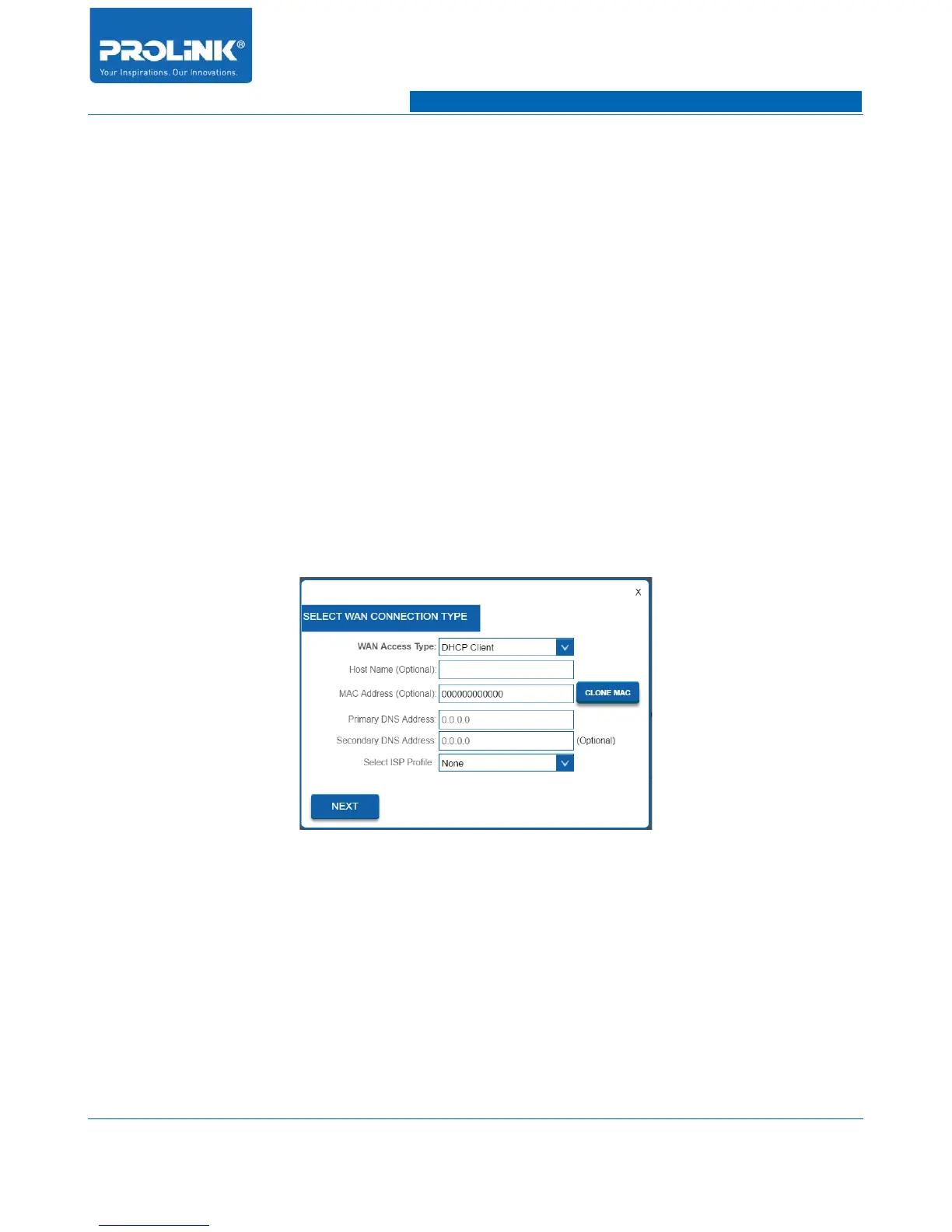
2. Login to PRC3801 Main Page go to Setup Wizard. Select DHCP Client or by default
PRC3801 is already in DHCP Client setting. Click Next to proceed for next setting.
3. Setup Wireless Setting for PRC3801. Click Apply and Reboot to finish up the configuration
process.
85



 To Next Page