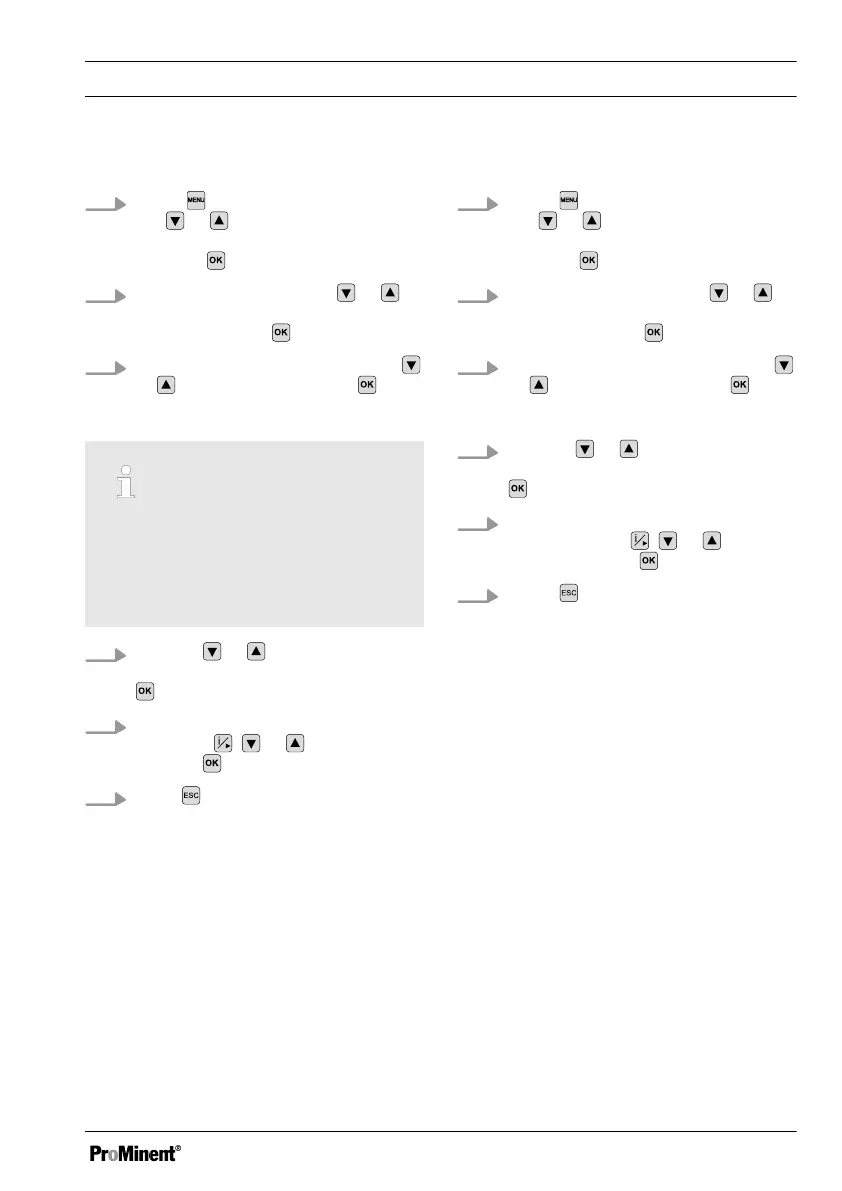
Use of fixed-cable ProMinent sensors
1.
Press and move the cursor with
the or keys at the
[INPUT]
menu item and confirm the selec‐
tion with .
2.
Move the cursor with the
or
keys at the
[SENSOR]
menu item
and confirm with
.
3.
Select the sensor used using the
or keys and confirm with .
Enter the cable length used:
Adjusting the fixed cable length
If you are using a conductivity sensor
with a fixed cable and have to shorten
the length of the cable, adjust the
actual cable length in the menu under
[LEN].
4.
Use the or keys to select the
menu item
[LEN]
and confirm with
.
5. Adjust the entry for the cable length
using the
, or keys and con‐
firm with .
6.
Press
twice to return to the con‐
tinuous display.
Using ProMinent sensors with 4-pin plug
1.
Press and move the cursor with
the or keys at the
[INPUT]
menu item and confirm the selec‐
tion with .
2.
Move the cursor with the
or
keys at the
[SENSOR]
menu item
and confirm with
.
3.
Select the sensor used using the
or keys and confirm with .
Enter the cable length used:
4.
Use the or keys to select the
menu item
[LEN]
and confirm with
.
5. Adjust the entry for the cable length
used using the , or keys
and confirm with
.
6.
Press twice to return to the con‐
tinuous display.
Commissioning
45















 To Next Page